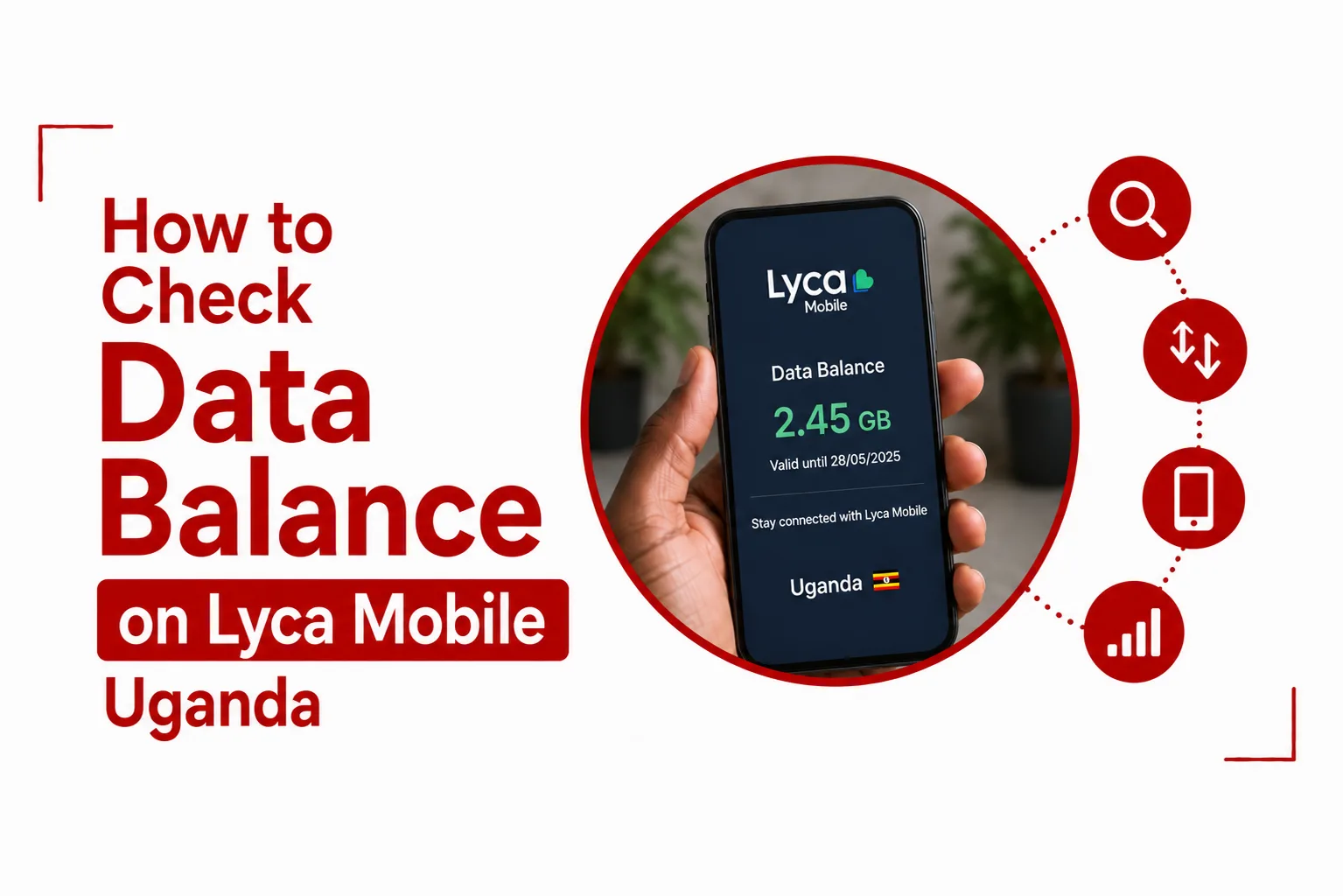

Your remaining mobile data can run out sooner than expected when you use your phone for streaming, social media, video calls, browsing and other online activities. Check data balance on Lyca Mobile Uganda using a USSD code, the My Lyca Mobile Uganda app or the self care web portal. Each option lets you view your remaining data and, depending on the method, your bundle validity and subscription details.
A USSD check is the quickest option because it works directly from your Lyca Mobile Uganda line without requiring an internet connection or a smartphone app. The My Lyca Mobile app provides a broader view of your account, while the online self care portal lets you access your account information through a web browser.
Knowing your remaining data can also help you keep track of active bundles and their expiry dates. Here is how to check your Lyca Mobile Uganda data balance using each available method.
Quick Navigation
How to Check Lyca Mobile Uganda Data Balance Using USSD
The quickest way to check your Lyca Mobile Uganda data balance is through the *131# USSD code.
Follow these steps:
- Open the phone dialler on your Lyca Mobile device.
- Dial *131#.
- Press the call button.
- Wait for the balance information to appear on your screen.
- Check your remaining MBs or GBs and the validity period of your active data bundle.
The response should provide information about your active data allocation and how long the bundle remains valid. This method does not need mobile data, making it useful when you have little or no internet access remaining. You only need an active Lyca Mobile Uganda SIM and network connection to send the USSD request.
Check Data Balance Through the Lyca Mobile Main Menu
You can also access your data balance through the main Lyca Mobile USSD menu by dialing *100#.
Follow these steps:
- Dial *100# from your Lyca Mobile Uganda number.
- Select the option for Account Balance.
- Select Data Balance.
- View the remaining data and validity information displayed on your screen.
The *131# code is more direct when you only want to check your balance, while *100# gives you access to the wider account menu.
Related Article: How to Buy Lyca Data using Airtel Money
How to Check Lyca Mobile Uganda Data Balance on the My Lyca Mobile App
The My Lyca Mobile Uganda app gives you another way to view your remaining data. It is useful when you want to see your balance alongside other account information.
You can check your balance through the app by following these steps:
- Download and install the My Lyca Mobile Uganda app from the Google Play Store or Apple App Store.
- Open the app after installation.
- Sign in using your registered Lyca Mobile Uganda phone number.
- Enter the one time verification password sent to your number by SMS.
- Open the home dashboard.
- Check your remaining data balance, active subscription and expiry information.
The dashboard brings your current account information together, so you can see your active data package without going through the USSD menu. An app based balance check can also be more convenient when you regularly monitor your data consumption or manage several aspects of your Lyca Mobile account.
Related Article: How to Buy Lyca Data Using MTN Mobile Money
How to Check Lyca Mobile Uganda Data Balance Online
The Lyca Mobile Uganda self care portal provides another option for checking your account through a web browser.
Follow these steps:
- Open a browser on your phone, tablet or computer.
- Go to lycamobile.ug
- Select My Lyca Mobile.
- Enter your Lyca Mobile phone number and account credentials.
- Open Account Summary or Usage Details.
- Review your active data packages and remaining MBs.
The online portal is useful when you prefer managing your account from a browser. You can also use it when you are already signed in and want to review your account information without using the USSD menu.
Related Article: Manda Mobile Uganda: Data Packages, Customer Care, and USSD Codes
What Information Can You See When Checking Your Lyca Mobile Data Balance?
A balance check can show the amount of data remaining on your active bundle and the period for which the bundle remains valid. The information available through the app and online account can also include your active subscription and expiry details.
Your exact balance depends on the bundles currently active on your line and the amount of data you have already consumed. Checking the balance before starting a data intensive activity can help you avoid unexpectedly exhausting your bundle.
Lyca Mobile Uganda Quick Codes
The following USSD codes are useful for managing basic information on your Lyca Mobile Uganda line:
| Service | USSD Code |
|---|---|
| Check airtime and data balance | *131# |
| Open the Lyca Mobile main menu | *100# |
| Check your phone number | *192# |
The *131# code is the most direct option for checking your airtime and data balance. The *100# code opens the main Lyca Mobile menu, where you can access the account balance section.
Related Article: Lyca Mobile MiFi Uganda: Price, Data Packages, and Setup Guide
Which Is the Best Way to Check Your Lyca Mobile Uganda Data Balance?
The USSD option is the fastest choice when you only need to know how much data remains. Dial *131# and the balance information will appear on your phone.
The My Lyca Mobile Uganda app is better suited to you when you want a wider view of your account, including active subscriptions and expiry dates. The self care portal provides a similar browser based option without needing to use the mobile app.
For a quick balance check, *131# is the simplest method. For broader account information, use the My Lyca Mobile Uganda app or the self care portal.