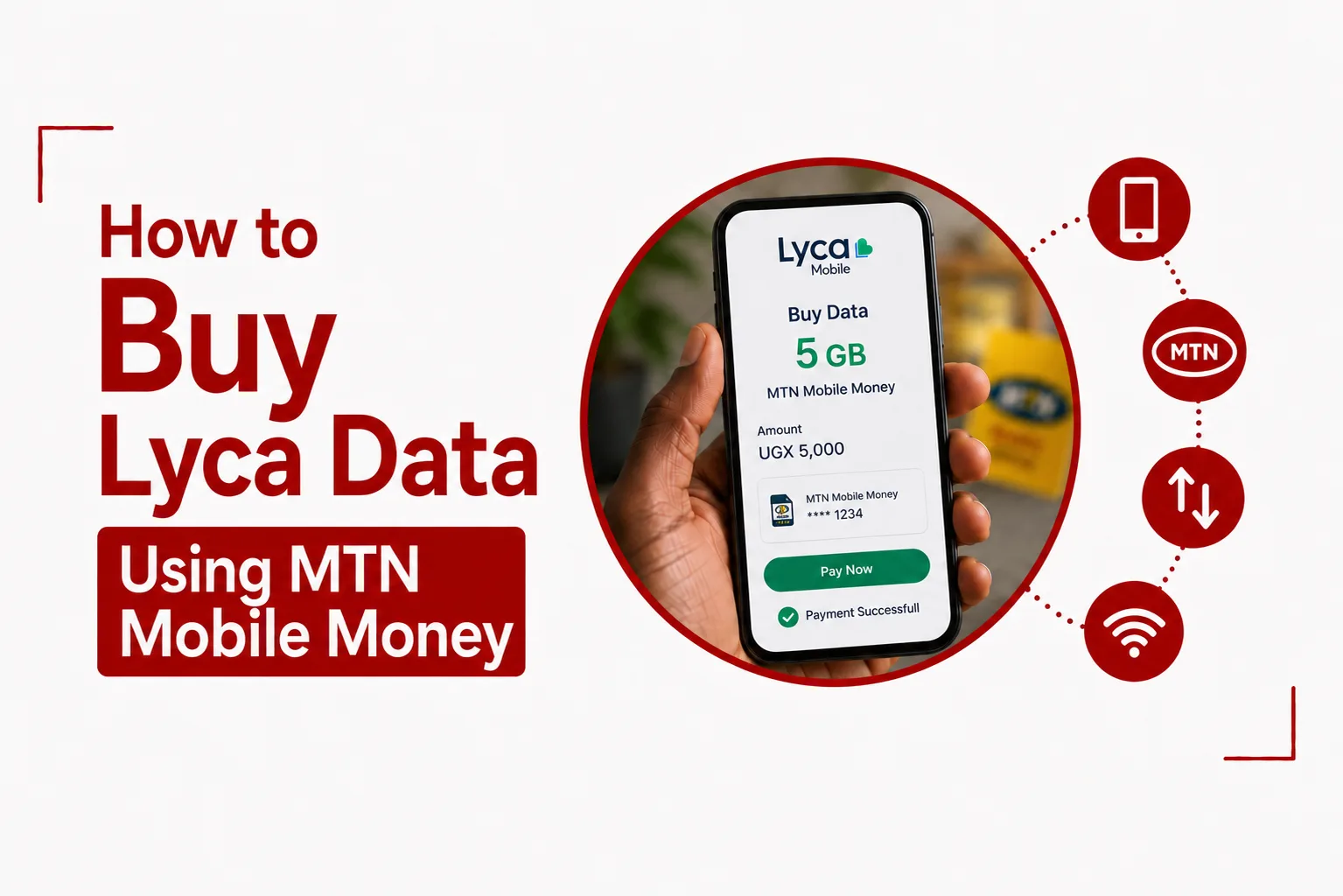

Mobile data purchases do not have to come from the same network as your phone’s SIM. In Uganda, you can use your MTN Mobile Money wallet to purchase a Lyca Mobile data bundle, making it possible to top up a Lyca number even when you are using an MTN line for your mobile money account. You can buy Lyca data using MTN Mobile Money through a dedicated USSD shortcut, the MTN multi network menu or PayWay.
The process is straightforward once you have the Lyca Mobile number you want to recharge and enough funds in your MTN Mobile Money wallet. You can also purchase data for another person, provided you enter the correct Lyca Mobile number before approving the transaction.
Here are the available methods, the steps to follow and the checks you should make before completing your purchase.
Quick Navigation
How to Buy Lyca Data Using MTN Mobile Money
You have three options for purchasing Lyca Mobile data with MTN Mobile Money in Uganda. The direct USSD shortcut is the fastest option, while the MTN multi network menu and PayWay provide alternative ways to complete the purchase.
Method 1: Use the Direct MTN USSD Shortcut
The direct shortcut provides the quickest route to a Lyca Mobile data purchase from your MTN line.
Follow these steps:
- Dial *217*402# from your MTN line.
- Enter the Lyca Mobile phone number that should receive the data.
- Select the bundle validity period you want: Daily, Weekly or Monthly.
- Select the specific data package.
- Review the transaction details displayed on the confirmation screen.
- Select Continue.
- Enter your MTN Mobile Money PIN when prompted.
- Wait for the transaction confirmation.
Check the Lyca Mobile number carefully before entering your PIN. This is especially important when you are buying data for someone else.
Related Article: Lyca Mobile MiFi Uganda: Price, Data Packages, and Setup Guide
Method 2: Use the MTN Multi Network Menu
You can also purchase Lyca Mobile data through the MTN multi network aggregator menu.
- Dial *252# from your MTN line.
- Select the Option ‘Airtime and Bundles’.
- Select ‘Internet Bundles’.
- Select ‘Lyca Mobile’.
- Enter the recipient’s Lyca Mobile phone number.
- Select your preferred data bundle.
- Review the purchase details.
- Enter your MTN Mobile Money PIN to authorise the payment.
The menu provides access to Lyca Mobile bundles alongside other available services, so make sure you select Lyca Mobile before entering the recipient’s number.
Method 3: Buy Lyca Data Through PayWay
PayWay provides another route for purchasing Lyca Mobile data with MTN Mobile Money.
You can use the PayWay app or access the service by dialing *165*4#. PayWay agents can also assist with the transaction.
Follow these steps:
- Open the PayWay app or dial *165*4#.
- Select Internet & Data Bundles.
- Select Lyca Mobile.
- Enter the Lyca Mobile phone number.
- Select the data bundle you want to purchase.
- Select MTN Mobile Money as your payment method.
- Approve the payment prompt using your MTN Mobile Money PIN.
- Wait for confirmation that the purchase has been completed.
Related Article: How to Check Data Balance on Lyca Mobile Uganda
What You Need Before Buying Lyca Data With MTN Mobile Money
You need an active MTN Mobile Money wallet and enough funds to cover the selected Lyca Mobile data bundle.Your available balance should also cover any applicable mobile money transaction fees. Make sure the MTN line you are using has access to the Mobile Money service before starting the purchase.
You also need the correct Lyca Mobile phone number. Take a moment to verify the number before confirming the transaction, particularly when purchasing data for another person.
Can You Buy Lyca Data for Someone Else Using MTN Mobile Money?
Yes. You can purchase a Lyca Mobile data bundle for another Lyca number using your MTN Mobile Money wallet. The direct USSD method and the multi network menu both ask you to enter the Lyca Mobile number that should receive the bundle. Enter the recipient’s number carefully and check it on the confirmation screen before authorising payment.
Once you approve the Mobile Money transaction, the data purchase is processed for the Lyca Mobile number entered during the transaction.
Which Method Should You Use?
The direct USSD shortcut, *217*402#, is the simplest option when you want to purchase Lyca data quickly from your MTN line. The *252# menu is useful when you prefer to access Lyca Mobile through MTN’s broader multi network service. PayWay gives you another option through its app, USSD service or agent network.
Related Article: How to Buy Lyca Data using Airtel Money
What to Check Before Confirming the Purchase
Before approving the payment, check these details:
- The Lyca Mobile number is correct.
- The selected data bundle is the one you want.
- The validity period is correct.
- Your MTN Mobile Money wallet has enough funds.
- Any applicable transaction charges are covered.
After entering your PIN, wait for the transaction confirmation before attempting another purchase. This can help prevent duplicate payments if the first transaction is still being processed.