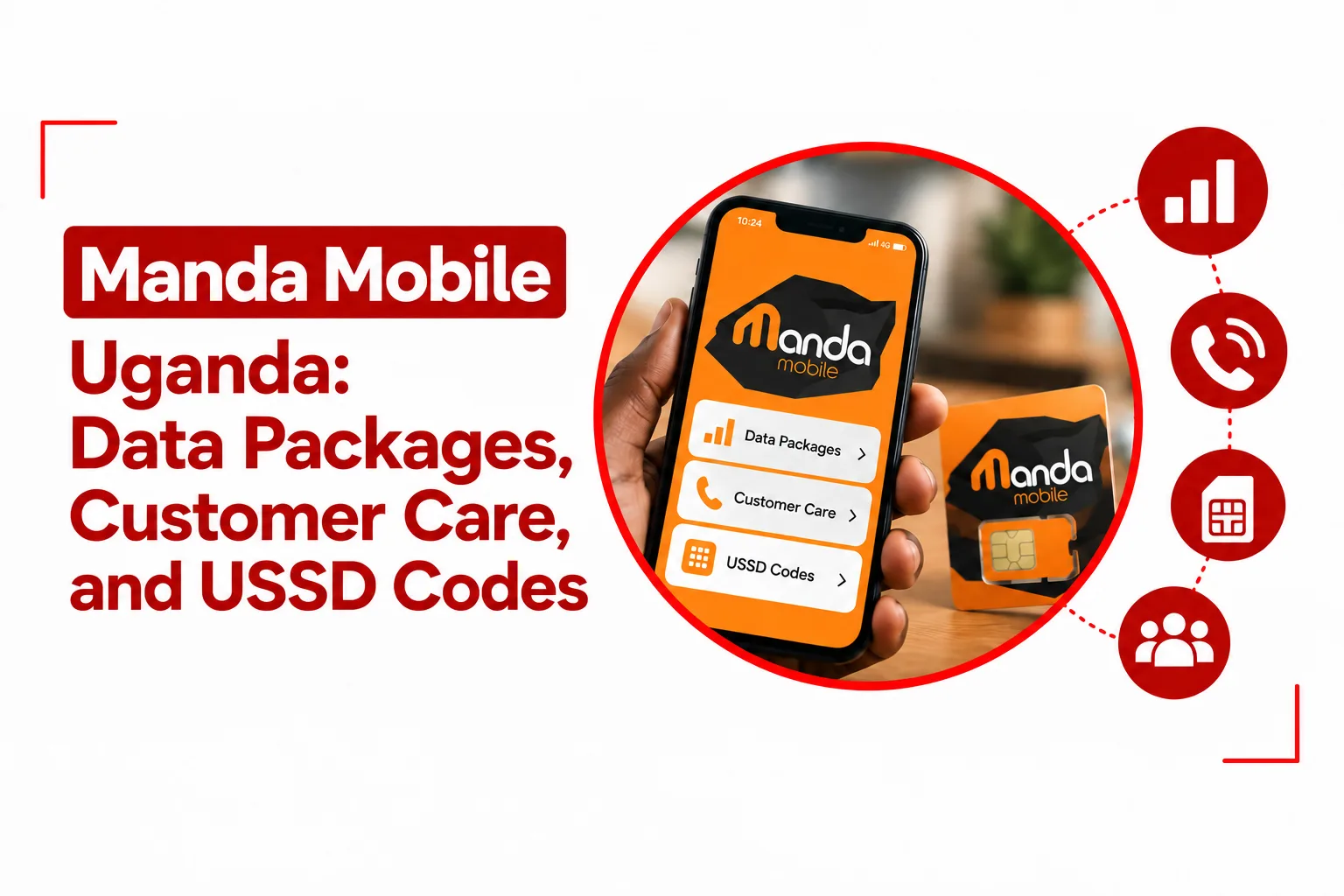

Getting a new mobile line is usually the easy part. The confusion often starts afterwards, when you need to know which data bundle matches your usage, which code actually opens the right service menu, or where to turn when a top up fails and you cannot get online. For Manda Mobile customers in Uganda, those details are especially useful to have in one place because the service combines Manda Mobile packages with access to the MTN Uganda network.
Manda Mobile Uganda operates as a Mobile Virtual Network Operator, using MTN Uganda’s network infrastructure to provide mobile connectivity. That means your experience with the service involves both Manda Mobile’s own packages and the wider network infrastructure supporting the line. Once your SIM is registered, using the service comes down to knowing the available data and voice options, the USSD codes for everyday transactions, the correct APN settings when mobile data does not connect automatically, and the right customer care channel when something goes wrong.
This guide covers those details without making you piece information together from different places. You will find the current SIM registration requirements, Manda Mobile data packages and tariffs, useful USSD codes, mobile app information, APN settings, and customer care contacts.
Manda Mobile Uganda Network
Manda Mobile operates as a Mobile Virtual Network Operator, or MVNO, using MTN Uganda’s network infrastructure. This gives Manda Mobile customers access to MTN network coverage across Uganda while using Manda Mobile services and packages.
Manda Mobile SIM Cost and Prefixes
A Manda Mobile SIM card costs UGX 5,000.
Manda Mobile uses standard MTN Uganda number prefixes, including:
- 077
- 078
- 031
- 039
Your exact prefix will depend on the number assigned to your SIM.
Manda Mobile SIM Registration
You must complete biometric SIM registration before using your Manda Mobile line. For Ugandan citizens, registration requires an original National Identification Card. Foreign residents need to present a valid Passport. The registration process is tied to Uganda’s SIM registration requirements, so make sure your identification document is valid and available when registering your line.
Manda Mobile Data Packages and Tariff Rates
Manda Mobile has six main bundle options covering daily, three day, weekly, monthly, overnight, and cross network voice and SMS use. Prices start at UGX 500, while the larger packages offer more data and longer validity.
Manda Mobile Daily Bundle
The daily bundle costs UGX 500 and includes 100 MB of data, valid for 24 hours.
Manda Mobile 3 Day Bundle
For UGX 1,000, the three day bundle gives you 300 MB of data, valid for three days, together with free calls to other Manda Mobile numbers.
Manda Mobile Weekly Bundle
The weekly package costs UGX 5,000 and comes with 2 GB of data for seven days. Its longer validity makes it an option for users who need mobile data across the week without renewing every day.
Manda Mobile Monthly Bundle
The monthly package is priced at UGX 20,000 and includes 10 GB of data valid for 30 days. The larger allowance and full month validity put it at the higher end of the standard Manda Mobile data packages.
Manda Mobile Night Unlimited Bundle
For overnight internet use, Manda Mobile offers unlimited data for UGX 2,000. The bundle is available from midnight to 6 AM, giving you access to unlimited data within those hours.
Manda Mobile Voice and SMS Add On
The UGX 1,000 voice and SMS add on includes 10 minutes of calls and 10 SMS messages across local networks. This is separate from the data bundles and adds voice and messaging allowance when you need to communicate with numbers on other networks.
Manda Mobile USSD Codes and App Setup
USSD codes provide a quick way to access services directly from your phone without opening an app.
Manda Mobile Top Up Code
Dial *146# to buy airtime or data for a Manda Mobile line through the available prompts. Use the menu to follow the relevant options for the service you want to purchase.
MTN Mobile Money Code
Dial *165# to access the MTN Mobile Money menu. You can use this menu for wallet to wallet transactions and for approving payments where applicable.
Manda Mobile App
The official Manda Mobile app is available for both iOS and Android devices.
The app gives you a convenient way to:
- Check your airtime and data balances
- Monitor data usage
- Purchase available plans
- Submit support requests
- Manage account related services
If you use Manda Mobile regularly, keeping the app installed can make balance checks and bundle purchases easier.
Manda Mobile APN Settings
Your phone may configure mobile internet settings automatically after you insert and activate the SIM. If mobile data does not work, you may need to enter the APN details manually.
The available APN options are:
APN: internet
or
APN: web.ug.mtn.com
Save the setting and select it as the active mobile data APN. You may also need to restart your phone or switch mobile data off and on after changing the APN.
Related Article: How to Check Data Balance on Lyca Mobile Uganda
Manda Mobile Customer Care and Support
Getting help is easier when you use the support channel that matches your problem. Account issues and top up problems can be handled through the Manda Mobile app, while network related problems can be escalated through the underlying MTN network support channels.
Manda Mobile App Support
The Manda Mobile app includes a ticketing option where you can submit a support request. Use the in app support feature for issues involving your account, top ups, or other Manda Mobile services.
MTN Network Customer Care
For network outage issues and related network support, you can contact the underlying network support team.
From an MTN line: Dial 100 toll free.
From another network: Dial 0771 001 000.
Manda Mobile Customer Service Email
You can also contact customer support by email: [email protected]
Include enough information about your issue in your message, such as your Manda Mobile number, the service affected, the transaction involved if applicable, and the date the problem occurred. Avoid sharing your PIN, password, or other confidential security details.
| Service | Details |
|---|---|
| SIM price | UGX 5,000 |
| Network | MTN Uganda infrastructure |
| Top up and data | *146# |
| MTN Mobile Money | *165# |
| MTN customer care | 100 |
| Other networks | 0771 001 000 |
| Support email | [email protected] |
| APN option 1 | internet |
| APN option 2 | web.ug.mtn.com |
| App | Manda Mobile app for iOS and Android |
If you are using Manda Mobile in Uganda, the information worth keeping close is simple: know the bundle that fits your usage, keep the relevant USSD codes handy, and check your APN settings if mobile data does not connect after activating the SIM. When a transaction fails or you encounter a network problem, the Manda Mobile app and customer care contacts give you a direct route to assistance.
Since Manda Mobile operates through MTN Uganda’s network, some service problems may extend beyond the SIM or handset itself. Knowing which support channel to use can save you from spending time repeating failed transactions or changing settings unnecessarily. With everything covered in this guide, you can set up and use your Manda Mobile line with a clear idea of what to do when you need data, airtime, Mobile Money, or assistance.