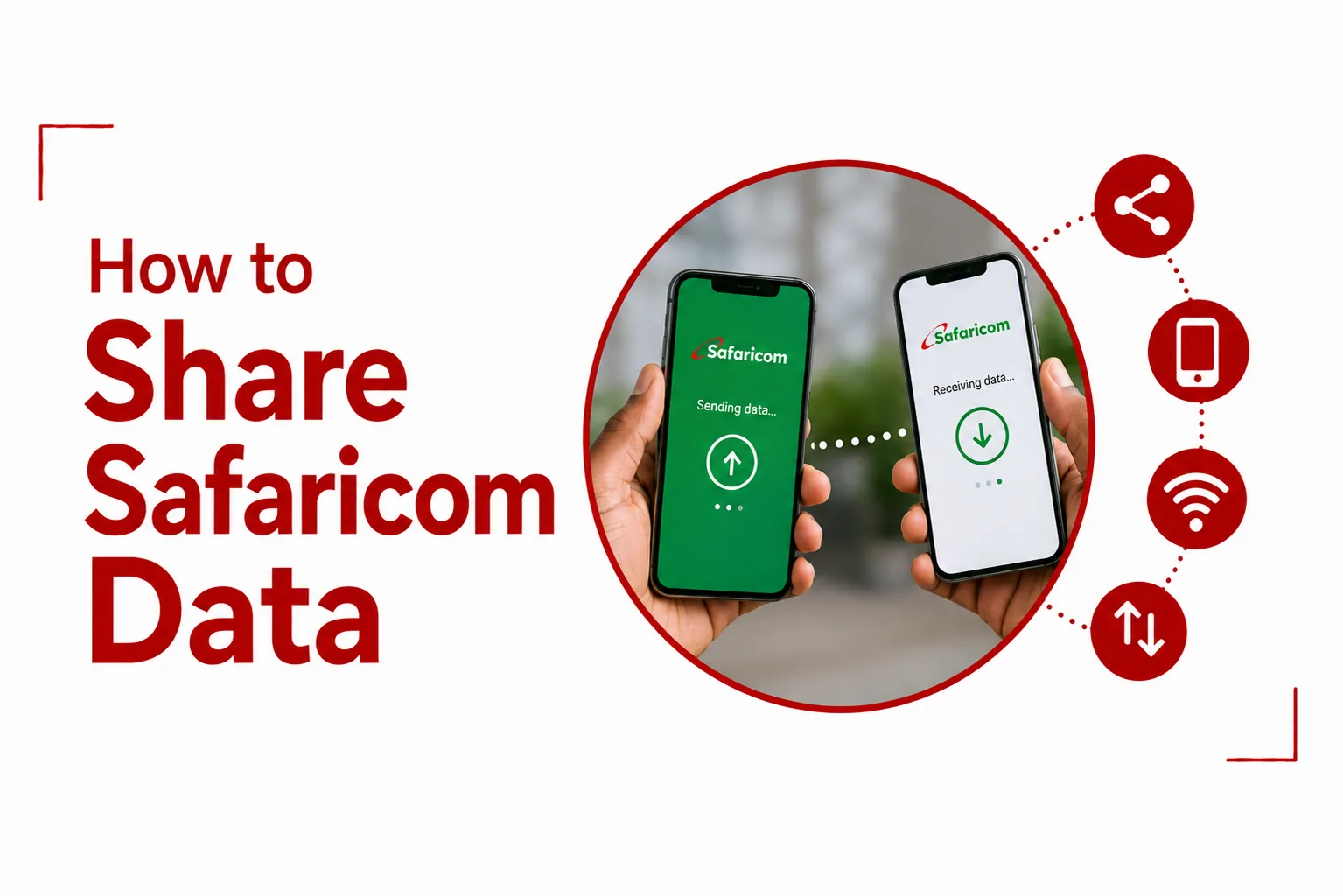

Safaricom offers two different ways to give another person access to your internet: Internet Sambaza and Data Sharing. They work differently and have different limits.
Internet Sambaza is designed for sending a small amount of data directly to another Safaricom number. Data Sharing works differently. It lets you add other Safaricom numbers to your data sharing group so they can use data from your shared pool within the limit you set for them.
Knowing which option you need can save you from trying to send a large bundle through Internet Sambaza and hitting its much smaller transfer limit. This guide explains how to share Safaricom data using the available Safaricom options, along with the transfer limits you need to know before sending your data.
What is Internet Sambaza?
Internet Sambaza lets you transfer a portion of your eligible data balance to another Safaricom number. You can access the service through the Safaricom USSD menu using *544#. It is intended for smaller transfers, so the amount you can send is limited.
The minimum transfer is 5 MB, while the maximum is 10 MB in one session. You can transfer up to 20 MB within 24 hours.
How to share Safaricom data using Internet Sambaza
You can use the Data Sambaza option on your Safaricom line to transfer eligible data to another Safaricom number.
To share your data:
- Dial *544# from your Safaricom line.
- Select Data Sambaza.
- Enter the amount of data you want to transfer.
- Enter the recipient’s Safaricom number.
- Confirm the transfer.
Make sure the recipient’s number is correct before confirming. A completed Data Sambaza transfer cannot be reversed.
How to share Safaricom data by SMS
You can also use SMS to transfer eligible Safaricom data.
Use this format: Amount in MB*Recipient’s Safaricom number
For example: 10*0720000000
Send the SMS to 450.
The amount you enter must fall within the Data Sambaza limits. You can send a minimum of 5 MB and a maximum of 10 MB in one session.
How much Safaricom data can you send with Internet Sambaza?
Safaricom Data Sambaza has set transfer limits:
- The minimum transfer is 5 MB.
- The maximum transfer in one session is 10 MB.
- The maximum total transfer within 24 hours is 20 MB.
- You can make a maximum of two Sambaza requests within 24 hours.
- You can make a maximum of 20 transfers in one month.
- You need at least 5 MB on your line to use Data Sambaza.
The 20 MB daily limit does not mean you can send 20 MB in one transaction. A single transfer cannot exceed 10 MB.
Can you share 5 MB of Safaricom data?
Yes. 5 MB is the minimum amount you can transfer in one Data Sambaza session. You also need at least 5 MB on your line to use the service.
Can you share 10 MB of Safaricom data?
Yes. 10 MB is the maximum amount you can transfer in one Data Sambaza session. If you want to send 10 MB by SMS, use the format:
10*Recipient’s Safaricom number
Send the message to 450.
Can you share 20 MB at once?
No. You cannot transfer 20 MB in a single session. The maximum for one session is 10 MB. You can transfer up to 20 MB in total within 24 hours, subject to the limit of two requests during that period.
Which Safaricom Bundles can you Share with Internet Sambaza?
Data Sambaza applies to eligible Volume Data Bundles. Daily Data Bundles cannot be transferred through Data Sambaza. Bonus or free data and promotional data also cannot be transferred. This means you cannot assume that every data balance on your Safaricom line can be shared.
Can you share Safaricom data with another Safaricom number?
Yes. Data Sambaza lets you transfer eligible data to another Safaricom number. Enter the recipient’s Safaricom number carefully before confirming the transfer.
Can you share Safaricom data with Airtel or another network?
No. Data Sambaza is for transferring eligible data to a Safaricom number. You cannot use the service to transfer your Safaricom data bundle to an Airtel, Telkom or other network number.
Can you reverse a Safaricom data transfer?
No. A completed Data Sambaza transfer cannot be reversed. Check the recipient’s number carefully before you confirm the transfer.
What happens to the data validity after sharing?
The transferred data carries the donor’s validity. If the recipient already has a data bundle with a longer validity period, that longer validity remains. If the recipient has no running data bundle or has one with a shorter validity period, the donor’s validity applies to the transferred data.
Why is Safaricom Data Sambaza not working?
First, check the amount of data you are trying to transfer. You cannot send less than 5 MB or more than 10 MB in one session. You also cannot exceed 20 MB within 24 hours or make more than two requests during that period. The monthly limit is 20 transfers.
Your data also needs to qualify for Data Sambaza. Bonus or free data, promotional data and Daily Data Bundles cannot be transferred. You also need at least 5 MB on your line to use the service.
What is Safaricom Data Sharing?
Data Sharing is a separate way to give other Safaricom numbers access to your data. Instead of sending a small amount of data directly to another person’s balance, you can add beneficiary numbers to your data sharing group. The beneficiaries can then use data from your shared pool within the limits you assign.
Data Sharing is available through the mySafaricom App and Safaricom’s Data Sharing portal.
How many people can you add to Safaricom Data Sharing?
You can add up to six beneficiary numbers to your Data Sharing group. Each beneficiary can be assigned a data allowance within the available sharing limits.
How much data can you share through Data Sharing?
Data Sharing allows you to set an allowance of between 10 MB and 1 GB for each beneficiary. The maximum allowance for one beneficiary is 1 GB, which is 1,024 MB. This is different from Internet Sambaza, where the maximum transfer in one session is only 10 MB.
How does Safaricom Data Sharing work?
Data Sharing does not work like a normal Sambaza transfer. You add the Safaricom numbers you want to share your data with as beneficiaries. Once they are part of your sharing group, they can use data from your shared pool within the allowance you have assigned to them.
This can be more suitable when you want to give someone ongoing access to part of a larger data bundle instead of sending a small one time transfer.
Related Article: Why Is My Safaricom Internet So Slow?
How to use Safaricom Data Sharing
You can manage Data Sharing through the mySafaricom App or the Safaricom Data Sharing portal.
Open the Data Sharing section and add the Safaricom numbers you want to include as beneficiaries. You can then set the data allowance for each beneficiary within the available limits. You can add up to six beneficiaries, with an allowance of between 10 MB and 1 GB for each one.
Can you share daily, bonus or promotional data through Data Sharing?
No. Daily, bonus and promotional bundles cannot be shared through Data Sharing. The data sharing feature applies to eligible data within the applicable Safaricom sharing rules.
| Feature | Internet Sambaza | Data Sharing |
|---|---|---|
| Access | *544# and SMS | mySafaricom App and Data Sharing portal |
| Minimum amount | 5 MB | 10 MB per beneficiary |
| Maximum per transfer or allowance | 10 MB per session | 1 GB per beneficiary |
| Daily limit | 20 MB | Based on the assigned sharing allowance |
| Beneficiaries | Direct transfer to another Safaricom number | Up to 6 numbers |
| Bonus data | Not transferable | Not shareable |
| Promotional data | Not transferable | Not shareable |
| Daily bundles | Not transferable | Not shareable |
What is the easiest way to share Safaricom data?
For a quick transfer, dial *544# and select Data Sambaza. Enter the amount of data you want to send, provide the recipient’s Safaricom number and confirm the transfer.
You can also send an SMS using the format:
Amount in MB*Recipient’s Safaricom number
Send it to 450.
Keep the transfer limits in mind. You can send between 5 MB and 10 MB per session, up to 20 MB within 24 hours, with a maximum of two requests in that period. You can make up to 20 transfers in one month. A completed transfer cannot be reversed.
Related Article: How to Buy Safaricom Data Bundles
Which Safaricom data sharing option should you use?
Internet Sambaza makes sense when you want to send a small amount of eligible data to another Safaricom number. Its 10 MB per session limit makes it unsuitable for sharing a large amount of data at once. Data Sharing is the better option when you want to give several people access to your data pool. You can add up to six beneficiaries and assign each person an allowance of between 10 MB and 1 GB.
The two services should not be confused. Internet Sambaza and Data Sharing have different processes, limits and ways of giving another person access to your data.