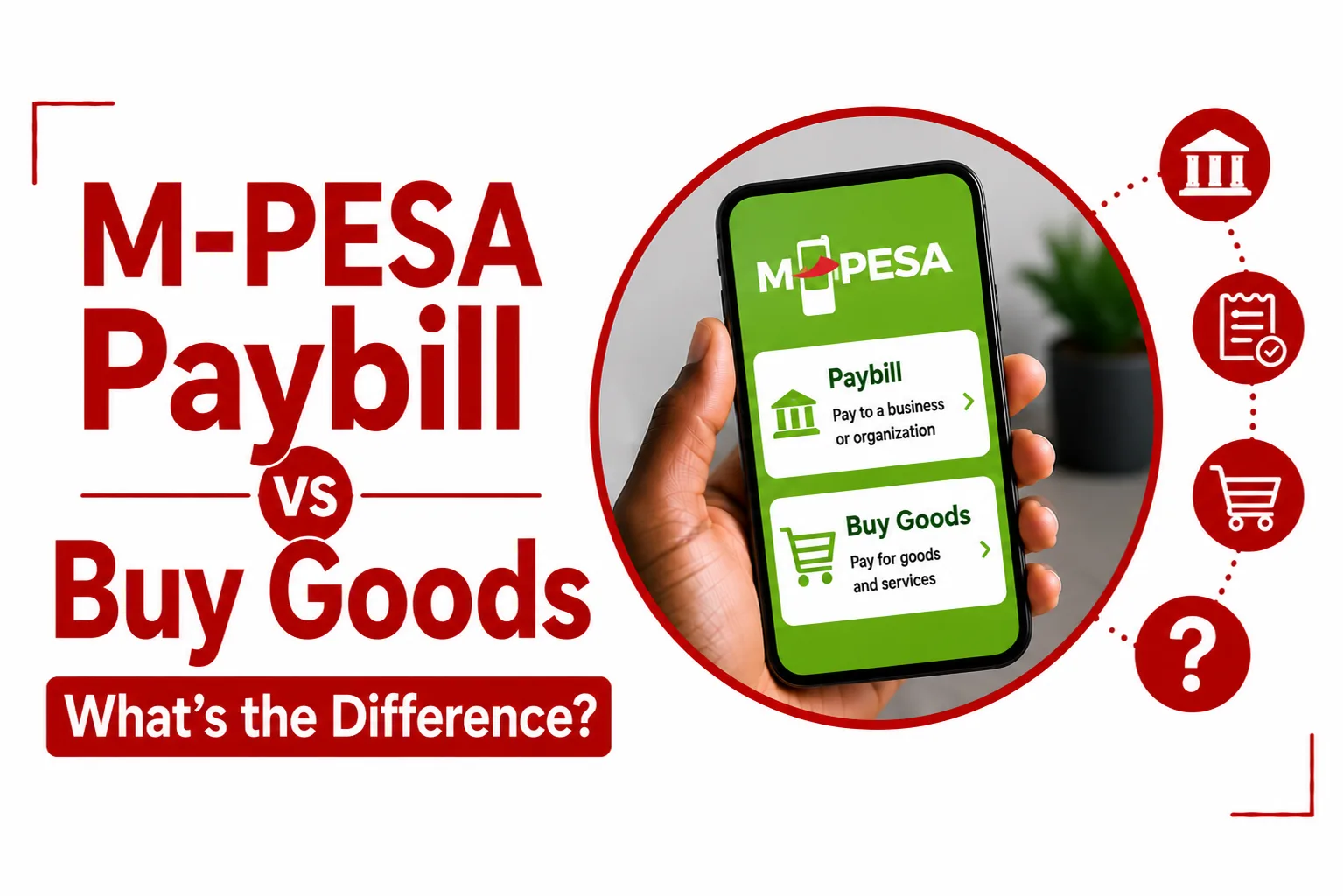

M-PESA Paybill and Buy Goods are two ways to pay businesses and organisations through M-PESA. Both let you pay from your phone, but they use different payment details and are designed for different payment needs. Paybill uses a Business Number and Account Number, while Buy Goods uses a Till Number. Once you know which number you have been given, choosing the right payment option is simple.
What is M-PESA Paybill?
M-PESA Paybill is a cash collection service that allows an organisation to collect payments from customers through M-PESA. A Paybill payment uses the organisation’s Business Number, also known as its Paybill number, and an Account Number. The account number helps the organisation identify the customer or payment.
Safaricom describes Paybill as a service used by businesses, institutions and government entities. It can also be used to pay for services and utilities.
What is M-PESA Buy Goods?
M-PESA Buy Goods lets customers pay merchants for goods and services. A Buy Goods payment uses the merchant’s Till Number. Safaricom lists businesses such as supermarkets, restaurants, hardware stores, pharmacies, boutiques and salons among the businesses that can use a Business Till to collect customer payments.
A customer does not enter a separate Account Number when paying a Buy Goods Till. The Till Number identifies the merchant receiving the payment.
What is the difference between Paybill and Buy Goods?
The simplest difference is the number you use to make the payment.
| Paybill | Buy Goods |
|---|---|
| Uses a Business Number | Uses a Till Number |
| Uses an Account Number | Does not use a separate Account Number for the customer payment |
| Used by organisations to collect customer payments | Used by merchants to collect payments for goods and services |
| The Account Number helps identify the customer or payment | The Till Number identifies the merchant |
Paybill uses a Business Number and Account Number, while Buy Goods uses a Till Number. The Business Number identifies the Paybill, while the Till Number identifies the merchant.
When should you use M-PESA Paybill?
Use Paybill when a business or organisation gives you a Business Number and Account Number. This setup is useful for payments that need to be linked to a particular customer account or payment reference.
When should you use Buy Goods?
Use Buy Goods when a merchant gives you a Till Number. Buy Goods is designed for merchant payments. Safaricom specifically lists retail businesses such as supermarkets, restaurants, pharmacies, boutiques and salons as examples of businesses that use Business Till.
For a customer payment, you enter the Till Number and amount, then check the merchant details before completing the transaction.
Does Paybill need an Account Number?
Yes. A Paybill payment uses the Business Number and Account Number provided by the organisation. The Account Number helps identify the customer or payment associated with the transaction.
Does Buy Goods need an Account Number?
No. A customer paying a Buy Goods merchant uses the Till Number and payment amount. The M-PESA App lets you review the merchant details, amount and fee before completing a Buy Goods payment.
Can you pay a bill using Buy Goods?
Use the payment option provided by the organisation. A biller that gives you a Paybill Business Number and Account Number expects you to use Paybill. Buy Goods uses a Till Number for payments to merchants. Check the payment details before entering your M-PESA PIN.
Can you buy goods using Paybill?
Use the payment details provided by the merchant. A merchant can give customers a Till Number for Buy Goods payments. An organisation can also provide a Paybill Business Number and Account Number for its payments. The correct option is the one specified by the business for that payment.
Related Article: How to Report M-PESA Fraud
How do you pay a Paybill?
Safaricom provides Paybill payments through the M-PESA App, USSD and the M-PESA SIM Toolkit.
Using the M-PESA App
- Open the M-PESA App.
- Select Pay.
- Select Paybill.
- Enter the Business Number.
- Enter the Account Number.
- Enter the amount.
- Complete the transaction with your M-PESA PIN.
Using USSD
- Dial *334# from your Safaricom M-PESA registered line.
- Select Lipa na M PESA.
- Select Pay Bill.
- Enter the Business Number.
- Enter the Account Number.
- Enter the amount.
- Complete the transaction with your M-PESA PIN.
Using the M-PESA SIM Toolkit
- Open the M-PESA menu.
- Select Lipa na M PESA.
- Select Paybill.
- Enter the Business Number.
- Enter the Account Number.
- Enter the amount.
- Complete the transaction with your M-PESA PIN.
How do you pay a Buy Goods Till?
Safaricom provides Buy Goods payments through the M-PESA App, USSD and the M-PESA SIM Toolkit.
Using the M-PESA App
- Open the M PESA App.
- Select Transact from the bottom navigation menu or Quick Actions.
- Select Buy Goods.
- Enter the merchant’s Till Number.
- Enter the amount.
- Review the merchant details, amount and fee.
- Select Make Payment.
- Enter your M-PESA PIN.
The app shows a success screen with a Transaction ID after a completed Buy Goods payment.
Using USSD
- Dial *334# from your Safaricom M-PESA registered line.
- Select Lipa na M PESA.
- Select Buy Goods.
- Enter the Till Number.
- Enter the amount.
- Complete the transaction with your M-PESA PIN.
Using the M-PESA SIM Toolkit
- Open the M-PESA menu.
- Select Lipa na M PESA.
- Select Buy Goods.
- Enter the Till Number.
- Enter the amount.
- Complete the transaction with your M-PESA PIN.
How do you know which one to use?
Look at the payment details provided by the business. A Business Number and Account Number means you should use Paybill. A Till Number means you should use Buy Goods. Do not guess the payment details. Use the number provided by the business and check the recipient information before confirming the payment.
What should you check before paying?
Check the details carefully before entering your M PESA PIN.
For Paybill, check:
- Business Number
- Account Number
- Amount
- Recipient details
For Buy Goods, check:
- Till Number
- Merchant details
- Amount
- Fee shown before payment
The M-PESA App lets you review the merchant details, amount and fee before completing a Buy Goods payment.
M-PESA Paybill vs Buy Goods: Which should you use?
Use Paybill when the business or organisation gives you a Business Number and Account Number. Use Buy Goods when the merchant gives you a Till Number.
That is the simplest way to remember the difference: Paybill uses a Business Number and Account Number. Buy Goods uses a Till Number.