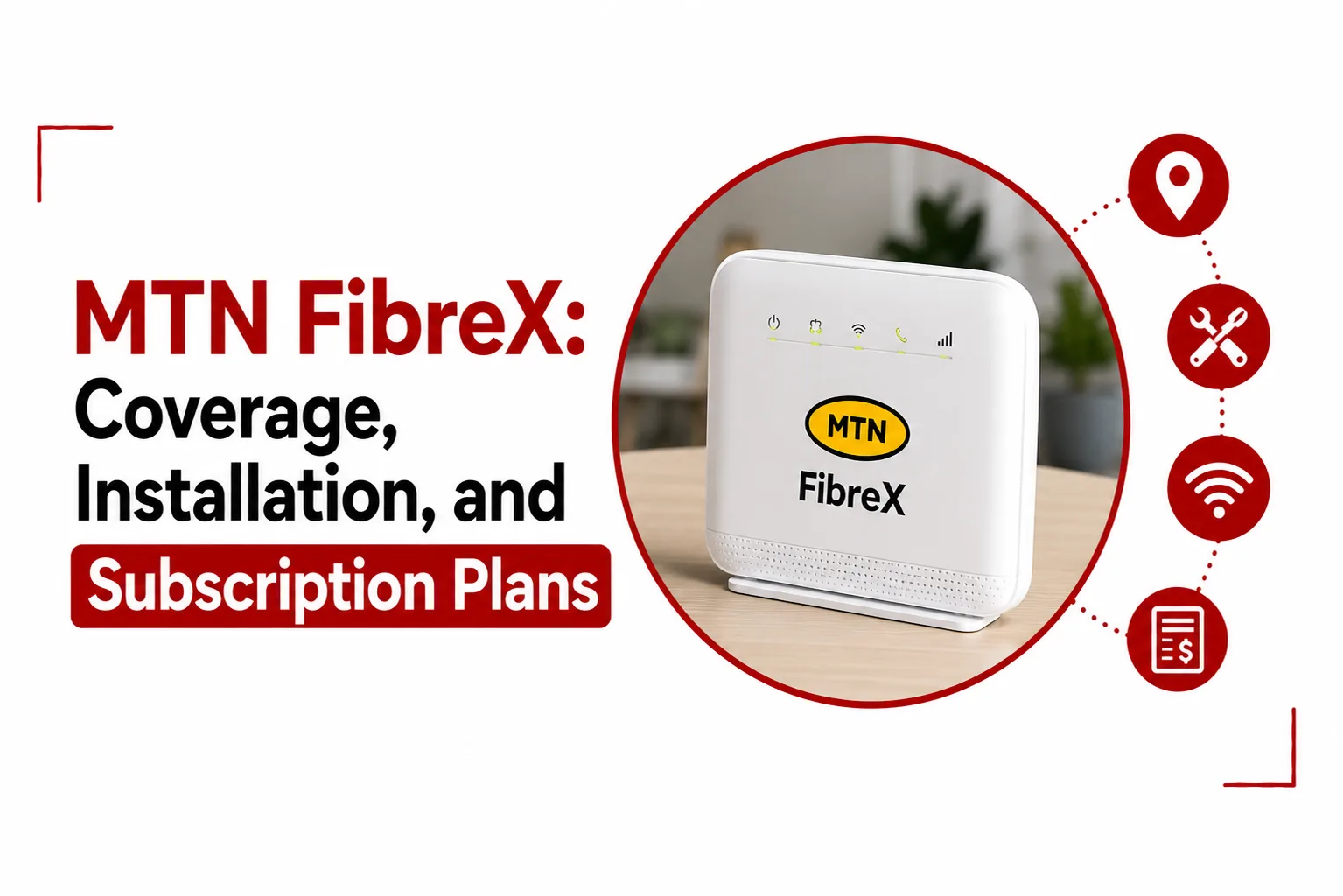

Reliable home internet becomes much more important when several people are working, streaming, gaming, attending video calls, or using cloud services at the same time. MTN FibreX is built around a physical fibre connection delivered directly to a property, giving subscribers a wired broadband connection without relying on a nearby mobile tower.
The service is available in selected locations, so coverage is one of the first things to confirm before signing up. Price is another consideration, with MTN FibreX offering several speed tiers for homes, offices, and heavier internet users.
This guide explains MTN FibreX pricing, coverage checks, installation, device capacity, power requirements, and the main differences between fibre and 5G broadband.
How Much Does MTN Fiber Cost?
MTN FibreX has five subscription tiers, with each plan running for 30 days.
| Plan | Speed | Monthly price |
|---|---|---|
| Basic | 50 Mbps | ₦30,000 |
| Standard | 100 Mbps | ₦45,000 |
| Advanced | 200 Mbps | ₦70,000 |
| Premium | 300 Mbps | ₦100,000 |
| Prestige | 1 Gbps | ₦200,000 |
The 50 Mbps and 100 Mbps plans are suitable for ordinary home internet use, including browsing, streaming, social media, and video calls. Larger households and offices with heavier simultaneous usage can look at the 200 Mbps and 300 Mbps plans. The 1 Gbps Prestige plan sits at the top of the range and is intended for environments where numerous users and bandwidth intensive activities are running at the same time.
Related Article: MTN Nigeria Unlimited Data: Availability, Cost, and How to Subscribe
Is MTN FibreX Really Unlimited?
MTN FibreX is an uncapped fibre broadband service, so subscribers are not given a fixed monthly data allowance in the same way as a standard mobile data bundle. Your subscription is based on the speed tier you select, with the service continuing throughout the 30 day validity period. The amount of data consumed does not reduce the available speed by itself.
This makes FibreX different from mobile broadband products that can stop working after a specific data allowance has been exhausted or reduce speeds after a Fair Usage Policy threshold.
Related Article: MTN MiFi Data Plans: Prices, Activation Codes, and Validity
How Do I Check If MTN FibreX Is In My Area?
FibreX availability depends on the fibre infrastructure serving a particular location. Coverage can therefore differ between neighbourhoods, estates, streets, and even individual properties.
The MTN coverage checker is the easiest place to start. Visit coverage.mtn.ng and check the FibreX coverage layer for your location. You can also dial *461*6# on an MTN line and provide the requested location details.
An MTN Service Centre can also assist with checking availability at a specific property. A location that appears close to existing fibre coverage may still need an address level feasibility assessment before installation can be approved.
How to Apply for MTN FibreX?
An MTN FibreX application begins with a coverage check. Once the address is confirmed as serviceable, the application can proceed through an MTN sales channel.
The usual process involves:
- Confirming FibreX availability for your address through the coverage checker or MTN’s customer channels.
- Selecting a FibreX subscription plan and submitting an application through an available MTN channel.
- Having the address assessed by MTN’s technical team where a site inspection is necessary.
- Receiving an installation appointment after the location has been approved.
- Having the fibre connection and required equipment installed at the property.
- Activating the selected subscription once the installation is complete.
Installation timing can depend on the property, existing fibre infrastructure, and the technical work required at the location.
Related Article: MTN FibreX vs MTN ODU: Speeds, Pricing, and Coverage Comparison
Is MTN Fiber Installation Free?
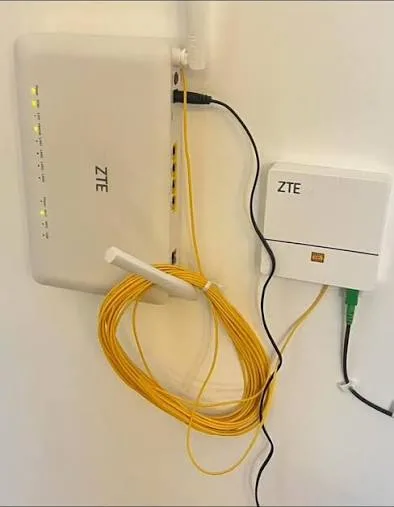
MTN FibreX installation is offered at no installation charge for eligible locations under the applicable offer. The installation covers the connection into the property and the setup of the equipment supplied with the service. MTN also provides the required fibre termination equipment and Wi Fi router as part of the service arrangement.
The equipment supplied by MTN remains subject to the company’s service terms. Customers should therefore check the current terms before cancelling or transferring the service, particularly regarding equipment ownership and return requirements.
Is MTN FibreX Better Than 5G?
Fibre and 5G serve different purposes, so the better option depends largely on how and where the connection will be used. Fibre has a major advantage in consistency because the connection reaches the property through a physical cable. Its performance is less dependent on distance from a mobile tower or the number of people using a wireless cell.
Latency can also be more predictable on a fibre connection, which is useful for video conferencing, online gaming, cloud applications, and other activities where connection stability matters. 5G has the advantage of mobility. A 5G router can be used in different locations within network coverage, while FibreX is installed at a specific address.
Data usage is another difference. FibreX is uncapped, while 5G broadband plans can have specific data allowances or Fair Usage Policy conditions. For a permanent home or office connection, FibreX offers a more consistent wired broadband experience. A 5G router makes more sense for users who value portability or live in an area where fibre is not available.
Related Article: Is Starlink Better Than MTN 5G in Nigeria?
Does MTN FibreX Work Without Electricity?
The fibre cable itself does not need household electricity to carry the optical signal. The equipment inside the property does need power, however.
The Optical Network Terminal and Wi Fi router need electricity to convert the fibre signal into an internet connection that your phones, computers, televisions, and other devices can use. A power outage will therefore interrupt your FibreX connection unless the network equipment is connected to a backup power source. A UPS, inverter, or suitable DC backup power unit can keep the equipment running during an outage.
The backup system needs to provide the correct voltage and enough capacity for the equipment connected to it.
How Many Devices Can Connect to MTN FibreX?
The number of devices that can connect depends on the router supplied with the service, the type of connection being used, and how much bandwidth those devices consume.
The standard router can support multiple Wi Fi connections at the same time, while wired devices can connect through its Ethernet ports. The limit for a household is usually determined by internet activity, not simply the number of devices connected.
A 50 Mbps connection can support several users browsing, streaming, making video calls, and using social media at the same time. A 100 Mbps plan gives a larger household more room for simultaneous activity.
The 200 Mbps and 300 Mbps plans are better suited to homes or small offices where numerous users may be streaming, downloading files, attending video meetings, or using cloud services at the same time.
The 1 Gbps plan provides considerably more bandwidth for high demand environments with many active users and devices.
MTN FibreX is a fixed broadband service built around speed and consistent access, with no fixed monthly data allowance. The 50 Mbps and 100 Mbps plans can cover ordinary household activity, while the higher tiers provide additional bandwidth for busy homes and offices. Coverage remains the first consideration, followed by the speed required at the property and the cost of the monthly subscription.