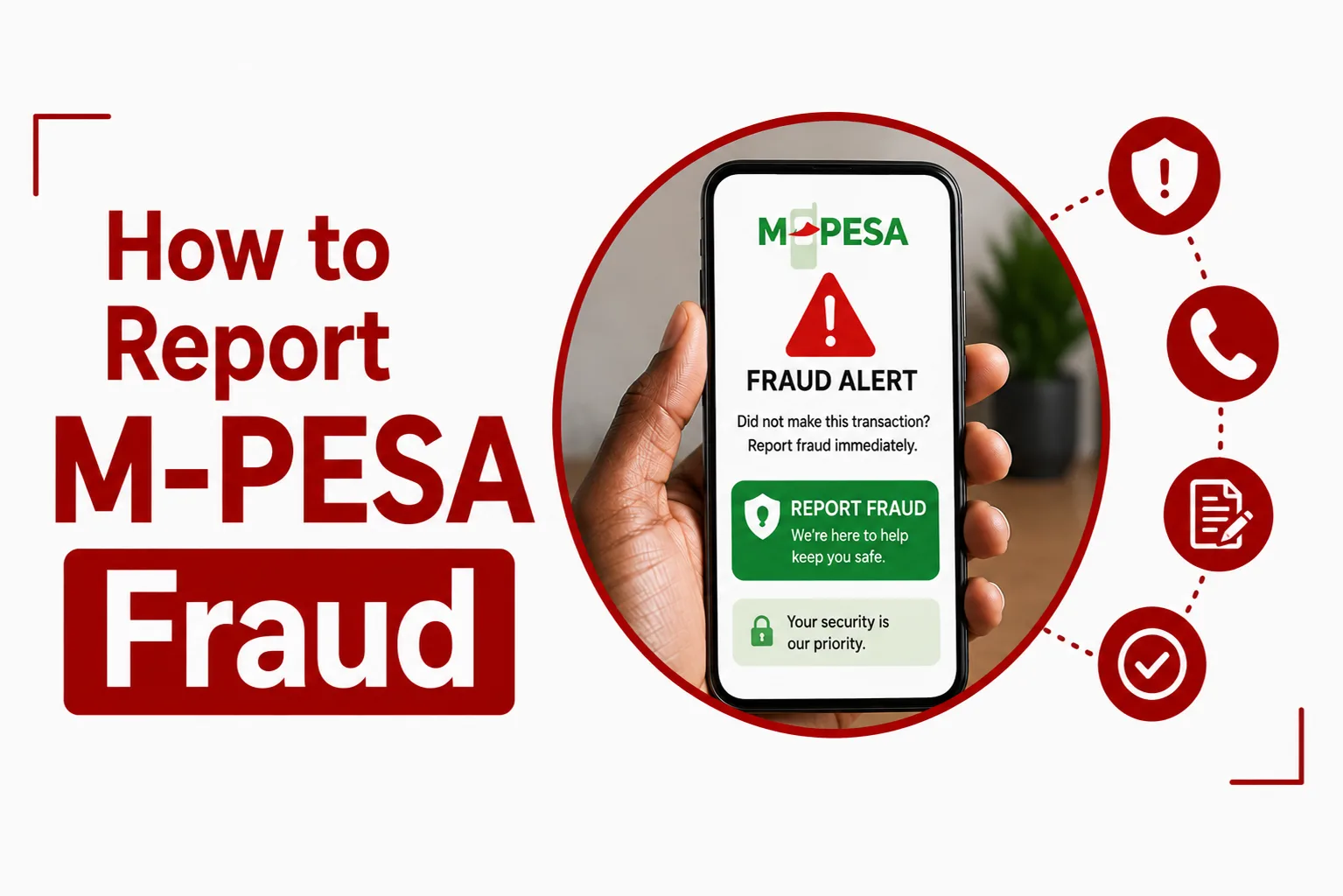

Report M-PESA Fraud as soon as you notice suspicious activity, receive a fraudulent message or discover that money has been taken from your account without your permission. Knowing what to do immediately can help protect your account and give you a clear record of what happened.
M-PESA fraud can take several forms, including fake customer care calls, fraudulent payment claims, SIM swap scams, requests for your PIN and attempts to trick you into sending money. The right response depends on what happened, but you should act quickly once you realise something is wrong.
Quick Navigation
How do I report M-PESA fraud?
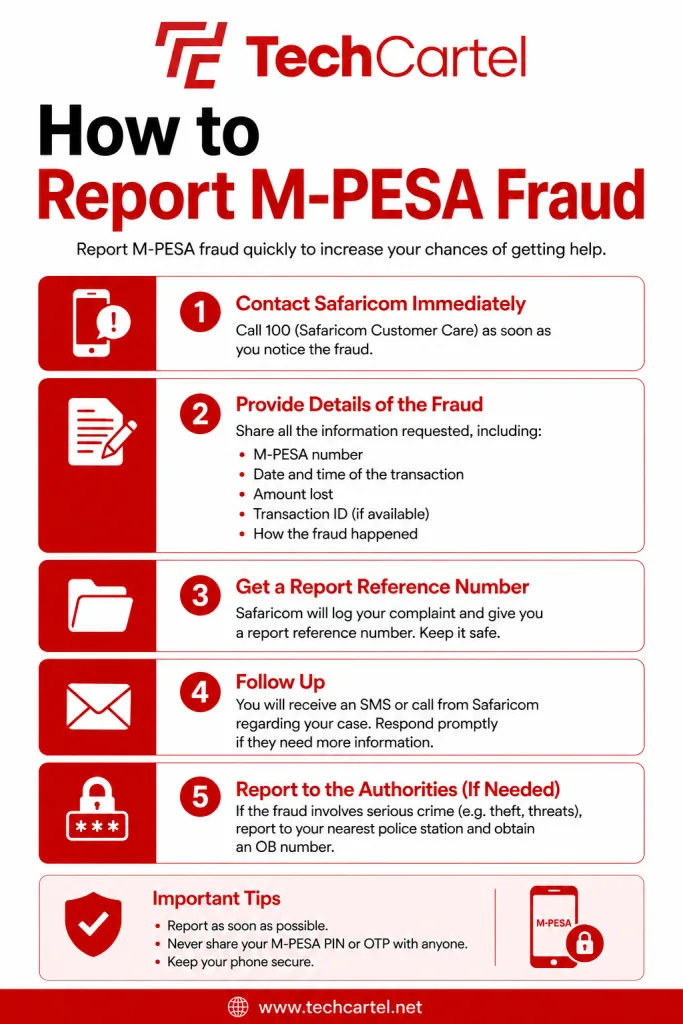
You can report suspected M-PESA fraud by sending an SMS to 333. Include the phone number involved and a short description of what happened. You can report a suspicious number even when you have not lost money. For example, your message can state that a person called from a particular number claiming to be customer care and asked for your M-PESA PIN. You should also keep the original SMS, screenshots, transaction messages and phone number involved.
What number do I use to report M PESA fraud?
The M-PESA fraud reporting number is 333. Use it to report suspicious numbers, scam attempts and other suspected M-PESA fraud. For M-PESA account disputes, claims and account discrepancies, 234 is the M-PESA customer care line. These are different channels, so use 333 when reporting suspected fraud and 234 when you need customer support for an M-PESA account issue.
What information should I include in a fraud report?
Give enough information for the incident to be understood clearly.
Include:
- The phone number used by the suspected fraudster.
- Your Safaricom number.
- The date and time of the incident.
- The amount involved, if you lost money.
- The M-PESA transaction code, if there was a transaction.
- What the person said or asked you to do.
- Any other details that can help explain what happened,
Do not include your M-PESA PIN in the report.
What should I do if I have already lost money?
Act immediately. First, report the fraudulent transaction and request help with a reversal. Then secure your M-PESA account if your PIN or other security information may have been exposed. Keep the original transaction message and note the transaction code.
Do not assume that reporting the fraud guarantees that the money will be recovered. Recovery can depend on the circumstances of the transaction and what happened to the money after it was sent.
How do I reverse money sent to a fraudster?
Request a reversal as soon as you realise the transaction was fraudulent. For an eligible M-PESA transaction, you can initiate a reversal using the available M-PESA reversal options. The original transaction confirmation contains the transaction details needed for the request.
You can also contact 234 for M-PESA support and explain that the transaction was fraudulent. A reversal is not guaranteed. M-PESA’s terms state that once money has been paid, it may not be possible to refund it, including in some fraud cases, except in limited circumstances. The sooner you report the transaction, the better.
What if a fraudster says they sent me money by mistake?
Do not send the money back simply because someone calls or messages you claiming to have made a mistake. Check your actual M-PESA balance and transaction history first. A person can send a fake payment message and then pressure you to return money that never reached your account. Only deal with a transaction that you can confirm in your own M-PESA account.
What if I receive a fake M-PESA message?
Do not act on the message until you have confirmed that the transaction actually happened. Check your M-PESA balance or transaction history. Do not click links in suspicious messages, call numbers provided in them or share your PIN. Keep the message as evidence and report any suspicious number to 333.
What if someone asks for my M-PESA PIN?
Do not give your M-PESA PIN to anyone. A person claiming to be from customer care, a bank, an M-PESA agent or another organisation does not need you to tell them your PIN. If you have already shared your PIN, change it immediately. You should also report the incident, particularly if the person was attempting to access your account or obtain money from you.
What if someone claims to be Safaricom customer care?
Do not assume that a caller is legitimate because they know your name, phone number or some details about your account. A genuine customer care interaction should not require you to disclose your M-PESA PIN to the caller. End an unexpected call and contact customer care yourself when you need assistance. For M-PESA support, use 234.
What if my SIM was swapped without my permission?
A SIM swap can give another person access to services connected to your mobile number. Contact Safaricom immediately when you suspect that your SIM has been replaced without your permission. Tell customer care that you suspect an unauthorised SIM replacement and ask for assistance securing your line and M-PESA account. You should also report the incident to the police when money has been stolen or another crime has occurred.
Can I report M PESA fraud to the police?
Yes. Make a police report when you have lost money through fraud, your SIM was taken over, your identity was misused or you have been the victim of another criminal offence.
Take your evidence with you, including:
- M-PESA transaction messages
- Transaction codes
- Phone numbers
- Screenshots
- Call logs
- Suspicious SMS messages
- Payment records
What should I do if my phone is stolen?
Act quickly because your phone may provide access to M-PESA and other accounts. Contact Safaricom to secure your line and M-PESA account. Report the theft to the police. You should also change passwords for important accounts that were accessible from the phone, especially email, banking and other financial services.
Can someone access M PESA with my stolen phone?
A stolen phone can create a security risk when it is unlocked or when someone has access to information stored on it. Contact Safaricom immediately if your phone containing your M-PESA line has been stolen. Secure your line and change your M-PESA PIN if there is any chance that another person knows it. Also review your recent transactions for anything you do not recognise.
Related Article: How to Replace a Lost Safaricom SIM Card
Can I get my money back after M-PESA fraud?
You may be able to recover the money, but a refund is not guaranteed. Report the transaction as soon as possible and request a reversal or assistance through M-PESA customer care. The outcome can depend on the type of transaction and what happened to the funds after they were sent.
M-PESA’s terms state that Safaricom may not be able to refund money after it has been paid, including when the customer is a victim of fraud, except in limited circumstances. Do not pay anyone who promises to recover your money for a fee. That can lead to another scam.
How long does an M-PESA fraud report take?
There is no single timeframe that applies to every fraud report. A report involving a suspicious phone number can be handled differently from a case involving an unauthorised transaction, SIM swap or stolen phone. Report the incident as soon as possible and keep your transaction details and complaint information for follow up.
What should I do after reporting M-PESA fraud?
Keep checking your M-PESA account and phone line for unusual activity. Change your M PESA PIN when there is any chance that it has been exposed. Keep the evidence connected to the incident. Do not continue communicating with the person who attempted the scam, even if they claim they can return your money. If you receive another suspicious message or call connected to the same incident, keep a record of it.
How can I avoid M-PESA fraud?
A few simple habits can reduce your risk:
- Never share your M-PESA PIN.
- Never share OTPs or verification codes.
- Check your actual M-PESA account before responding to a payment claim.
- Do not click suspicious links.
- Do not dial USSD codes given to you by strangers.
- Do not hand your phone to someone claiming they need to fix your M-PESA account.
- Be cautious when someone calls unexpectedly claiming to be customer care.
- Report suspicious numbers to 333.
- Check transaction details before confirming payments.
One common scam involves someone claiming to have sent money to you by mistake. Always check your own M-PESA account before sending any money back.
What should I do if a fraudster keeps calling me?
Stop engaging with the caller. Do not argue with them or give them additional information. Save the phone number and report it to 333. Block the number after making your report if you do not need further contact. If the person has already obtained money from you or is making threats, report the incident to the police.
What evidence should I keep after M-PESA fraud?
Keep anything connected to the incident.
This can include:
- M-PESA confirmation messages
- Transaction codes
- Screenshots
- Phone numbers
- Call records
- WhatsApp messages
- Emails
- Payment records
- Details of what the fraudster asked you to do
Do not delete the original messages before making your report. Never send your M-PESA PIN as evidence.
How do I contact M-PESA customer care?
For M-PESA support, dial 234 from your Safaricom line. You can use this channel for M-PESA disputes, claims and account discrepancies. For suspected fraud, you can also report the incident by SMS to 333. When contacting support, have your transaction code, amount, date and other details ready.
Never share your M-PESA PIN, OTP or other security information with someone who contacts you unexpectedly. For serious cases involving theft, SIM swap fraud or other criminal activity, make a police report.