
Replace a Lost Safaricom SIM Card without changing your existing phone number. The process involves reporting the lost SIM, verifying your identity and getting a replacement SIM through an approved Safaricom channel.
Losing a SIM card can be stressful when the number is connected to M PESA, WhatsApp, banking alerts, email accounts and other services. Acting quickly also limits the period during which someone else could potentially use the lost SIM.
Here is what you need to know before replacing it.
Quick Links
What should I do after losing my Safaricom SIM?
Report the loss as soon as possible. Kenya’s telecommunications law requires subscribers to report a lost or stolen SIM to their telecommunications operator or a police station within 48 hours. You should also contact Safaricom promptly so the lost line can be deactivated. This is especially important when the number is connected to M PESA or receives banking verification codes. Do not wait until you have time to visit a shop before reporting the loss.
Where can I replace a lost Safaricom SIM?
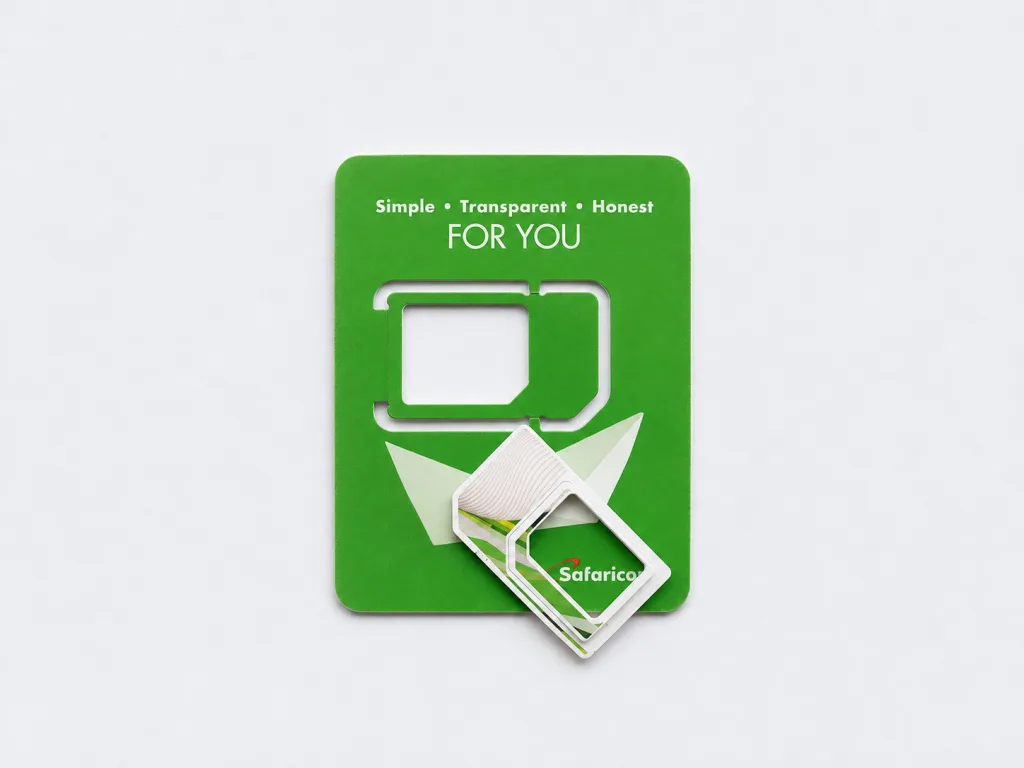
You can get a replacement at a Safaricom Shop or Safaricom Dealer Shop. The replacement gives you a new physical SIM while retaining the mobile number attached to the lost SIM. For the shop visit, take the identification document used when registering the line. You will need to complete the required identity checks before the replacement can be processed.
What do I need to replace a lost Safaricom SIM?
Take your original identification document and know the Safaricom number you want to recover. The identification document should match the details used to register the line.
You should also have any information that may help with the verification process, particularly if the line is connected to M PESA. Do not rely on knowing the phone number alone. The replacement process includes subscriber verification.
Can I replace a Safaricom SIM without the old SIM?
Yes. A SIM replacement is specifically intended for situations where the original SIM has been lost, stolen or damaged. You do not need to find the missing SIM before requesting a replacement. Once the replacement is completed, the new SIM becomes the one used for your existing number.
How do I replace a lost Safaricom SIM at a shop?
Visit a Safaricom Shop or authorised Dealer Shop and request a replacement for your lost number.
The process is straightforward:
- Tell the staff that you lost your SIM.
- Provide the Safaricom number.
- Present your identification document.
- Complete the required identity verification.
- Receive the replacement SIM.
- Follow the instructions given for activation.
The exact checks can depend on your account and the replacement route being used. Never give your M PESA PIN to another person. Enter it yourself when an official Safaricom process asks for it.
Can I replace a lost Safaricom SIM using Jitambulishe?
Yes, provided you are already registered for Jitambulishe. Jitambulishe is Safaricom’s voice authentication service. It supports services including PUK retrieval, processing SIM replacement requests and certain M PESA services. The service uses a voice passphrase that you registered earlier to verify your identity.
How do I register for Jitambulishe?
Jitambulishe registration is done through 456.
The registration process involves:
- Calling 456 or customer care lines like 100 or 200.
- Selecting English or Kiswahili.
- Choosing the voice enrolment option.
- Entering your ID number.
- Recording the required voice phrase.
- Entering your M PESA PIN to complete registration.
This registration needs to be completed before you lose access to your SIM. You cannot rely on registering a voice profile after losing the SIM as an immediate replacement solution.
How much does it cost to replace a Safaricom SIM?
Safaricom’s prepaid terms state that a replacement or repair fee may apply. Charges can also change, so check the current price when requesting the replacement.
Will I keep my Safaricom number after replacing the SIM?
Yes. The purpose of SIM replacement is to put your existing mobile number on a replacement SIM. Your number does not need to change simply because the physical SIM was lost. The original SIM is associated with your MSISDN, which is the mobile number.
What happens to the old Safaricom SIM?
Once the lost SIM has been reported, it should no longer be used. The old SIM is disabled as part of the lost SIM process, while the replacement SIM takes over the line. This is another reason to report the loss quickly.
Will I lose my M PESA account after replacing my SIM?
Replacing the physical SIM does not mean you are getting a new mobile number. The replacement is for your existing line, so your M PESA service is not being replaced with a new phone number simply because the physical SIM has changed.
However, do not assume that every replacement will have the exact same M PESA activation experience. Follow the instructions provided when your replacement is completed. Contact Safaricom support if M PESA is unavailable after the new SIM becomes active.
Can I replace a lost Safaricom SIM online?
Jitambulishe provides a self service option for registered users, while physical replacement is available through Safaricom Shops and Dealer Shops. For a lost SIM, use an official Safaricom channel and avoid third party websites offering SIM replacement services.
What if my Safaricom SIM was stolen?
Treat a stolen SIM in the same way as a lost SIM, but act immediately. Report the theft and request that the line be deactivated. Kenya’s telecommunications law gives subscribers 48 hours to report a lost or stolen SIM to their operator or a police station.
After that, arrange the replacement. You should also check M PESA, banking and other accounts linked to the number for activity you do not recognise.
Can someone use my lost Safaricom SIM?
A lost SIM can potentially be used by another person while it remains active. That is why you should report the loss quickly and have the line deactivated. Kenyan law also places responsibility on subscribers to report lost or stolen SIM cards within the prescribed period. The sooner the old SIM is disabled, the less opportunity there is for someone else to use it.
What happens to WhatsApp after a Safaricom SIM replacement?
Your WhatsApp account is linked to your phone number, not permanently to the physical SIM card. After your replacement SIM becomes active, you can continue using the same number for WhatsApp. You may need to verify the number again if WhatsApp asks for verification. Your old chats are a separate issue. Restoring them depends on the backup available on your device or cloud account.
What should I do after getting my replacement SIM?
Insert the replacement SIM and check the services connected to your number.
Check:
- Calls
- SMS
- Mobile data
- M PESA
- Banking alerts
- Verification codes
Keep the replacement SIM packaging and any documents provided during the process until you have confirmed that everything works normally.
What if my replacement SIM is not working?
First, check that the replacement process has been completed. Insert the SIM into your phone and restart the device. Check if it connects to the Safaricom network.
If it still does not work, contact Safaricom support or return to the outlet where the replacement was processed. Do not attempt another SIM replacement through an unofficial agent or website.
How long does Safaricom SIM replacement take?
Safaricom lists 6 to 72 hours as the service resolution time for SIM card services. The actual time can depend on the verification and replacement process. If your replacement has not been completed within this period, contact Safaricom customer care or return to the outlet where you requested the replacement.
How can I protect my Safaricom number from SIM swap fraud?
Keep your identification details, M PESA PIN and verification codes private. Jitambulishe can also provide an additional layer of identity verification for registered users because it uses a previously recorded voice passphrase.
Also:
- Never share your M PESA PIN.
- Never read an OTP or verification code to a stranger.
- Be cautious about unsolicited calls claiming to be customer care.
- Report a lost SIM immediately.
- Use official Safaricom outlets for SIM replacement.
- Do not hand your phone to strangers who claim they need to complete a SIM swap.
Can someone replace my Safaricom SIM without me?
SIM replacement involves subscriber verification, so another person should not be able to casually replace your line without the required checks. Kenya’s 2025 subscriber regulations set requirements for subscriber identification and prohibit proxy SIM registration, with limited provisions for children. This is why you should keep your ID information and account security details private.
How do I contact Safaricom about a lost SIM?
For a prepaid Safaricom line, the current customer care numbers are:
100 from a Safaricom line.
+254 722 002 100 from other networks or when using the chargeable customer care route.
You can also visit a Safaricom Shop or authorised Dealer Shop for assistance. When contacting support, explain that your SIM has been lost or stolen and ask for the line to be deactivated.
Can I replace a lost Safaricom SIM and keep M PESA?
Yes, the replacement is intended to retain your existing mobile number. Since your M PESA service is connected to that line, replacing the physical SIM does not mean you are requesting a new Safaricom number. After the replacement, check that M PESA is available on the new SIM. Contact Safaricom support if you cannot access it.
Related Article: M PESA Transaction Failed? Here’s What to Do
What is the difference between SIM replacement and getting a new number?
SIM replacement gives you a new physical SIM while keeping your existing number. Getting a new SIM with a new number gives you a completely different mobile line.
For a lost SIM, replacement is the option to choose when you want to keep your existing Safaricom number and the services connected to it.
How to Replace a Lost Safaricom SIM Card
To Replace a Lost Safaricom SIM Card, report the loss as soon as possible, have the old line deactivated and request a replacement through a Safaricom Shop, Dealer Shop or an available self service option such as Jitambulishe.
Take your original identification document and your Safaricom number when visiting an outlet. The most important step is to act quickly. Kenya’s telecommunications law requires lost or stolen SIM cards to be reported to the operator or a police station within 48 hours.
Once the replacement is complete, check calls, SMS, mobile data, M PESA and other services connected to your number. Keep your M PESA PIN and verification codes private throughout the process.