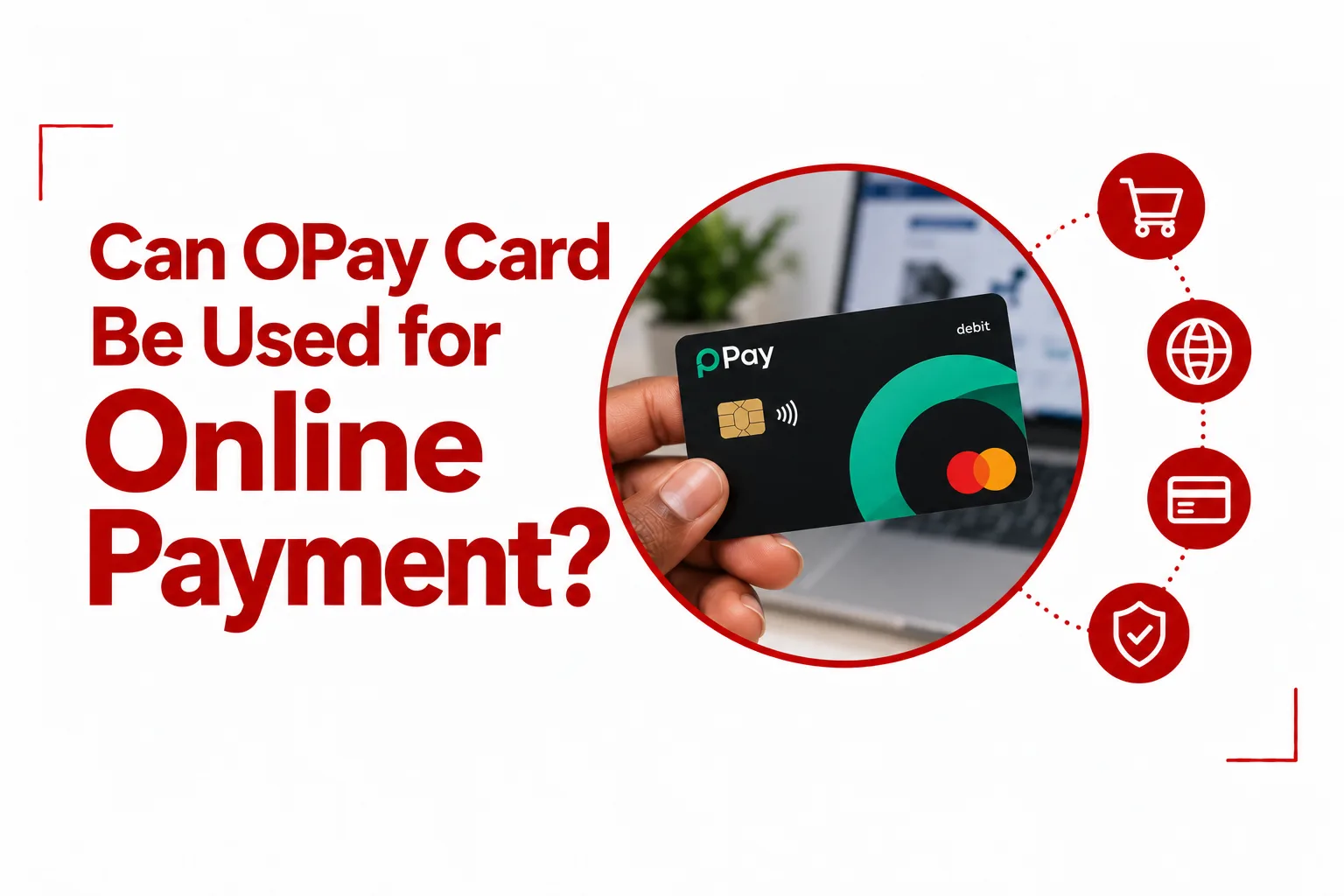

OPay has grown far past simple fast transfers in Nigeria. Millions of people count on the platform daily for airtime, utility bills, savings, and sending money. Adding an OPay Card gives you direct access to that balance, allowing you to pay at POS stands, swipe at ATMs, or complete checkouts on sites that accept cards.
Yes, you can use an OPay Card for supported online purchases, subscriptions, digital services, and other transactions that accept the card.
Can OPay Card Be Used for Online Payments?
Yes, you can use an OPay Card to make online payments. The card works beyond physical shops and POS terminals. OPay provides online card functionality, allowing you to enter your card details at supported websites and apps when making a purchase.
The process is similar to paying with other debit cards. You select the card payment option at checkout, provide the requested card details, and complete any security verification required for the transaction. Your OPay account also needs to have enough funds to cover the payment.
What Can You Buy Online With an OPay Card?
An OPay Card can be used for different types of online purchases, provided the merchant accepts the card.
You can use it for things such as:
- Online shopping
- Streaming services
- Digital subscriptions
- Software and online services
- Travel bookings
- App and website purchases
- Other online services that accept the card
The exact services available to you can depend on the merchant, the card type, and the way the merchant processes payments.
Can OPay Virtual Card Be Used for International Transactions?
Yes, an OPay virtual card can be used for supported international transactions. The virtual card is designed for online payments, so you can use its details when paying on websites and digital services that accept it. International transactions can still depend on the merchant’s payment rules, the transaction currency, and the card’s current availability for that particular payment.
OPay currently promotes its card for use with international services including Netflix, AliExpress, Uber, and Spotify. This means you can use the card for some international purchases, but you should not assume that every foreign website will accept it. A merchant can restrict payments based on its own card and regional payment policies.
How to Use Your OPay Card for Online Payment
Using your OPay Card for an online purchase follows the usual card payment process.
1. Open the website or app
Choose the product, subscription, or service you want to purchase and proceed to checkout.
2. Select card payment
Choose the option that allows you to pay with a debit or credit card.
3. Enter your OPay Card details
Provide the card number, expiry date, and CVV requested by the payment page.
4. Check the transaction
Review the merchant, amount, and other payment details before proceeding.
5. Complete verification
Follow any security prompt that appears during the transaction.
6. Wait for payment confirmation
Once the transaction is approved, the merchant should display a confirmation. You can also check your OPay transaction history to confirm the payment.
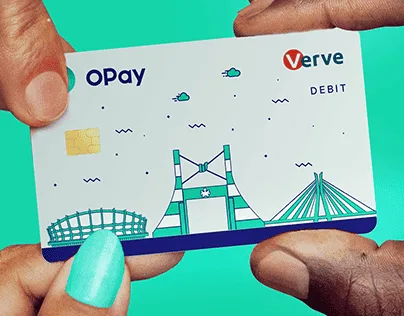
OPay Physical Card vs Virtual Card
Both OPay card options can be useful for online payments, but they serve different purposes.
| Feature | OPay Physical Card | OPay Virtual Card |
|---|---|---|
| Online payments | Yes | Yes |
| POS payments | Yes | No |
| ATM withdrawals | Yes | No |
| Physical card needed | Yes | No |
| Best suited to online payments | Yes | Yes |
The physical card gives you a broader way to spend your OPay balance, including ATM withdrawals and POS payments. The virtual card is more convenient when your payment is entirely online and you do not want to use a physical card.
Related Article: How to Quickly Block an OPay Account When a Phone is Stolen
Does OPay Card Work on International Websites?
OPay’s card can be used on supported international websites and services. The availability of international payments depends on the merchant and the type of transaction. Some international websites accept the card without any issue, while others may restrict cards issued in particular countries or require a specific card network.
If an international payment fails, check the card details first, then confirm that the merchant accepts the type of card you are using. It is also worth checking your available balance and the transaction amount before trying again.
Why Is My OPay Card Payment Declined Online?
Several things can cause an online OPay card payment to fail.
Insufficient balance
Your OPay balance may not be enough to cover the purchase.
Incorrect card details
A wrong card number, expiry date, or CVV can cause the transaction to fail.
Merchant restrictions
Some websites do not accept every card network or restrict payments based on the country where the card was issued.
Card status
A blocked, expired, or restricted card cannot be used for a successful online transaction.
Security verification
Some transactions trigger additional verification before the payment can be completed.
If everything appears correct and the payment still fails, check the transaction status in your OPay app or contact OPay customer support.
Quick Checks Before Paying Online With OPay Card
Before entering your card details on a website, make sure your OPay account has enough funds for the transaction. Check the merchant name and payment amount carefully, especially when you are buying from an unfamiliar website.
For international purchases, pay attention to the currency and the final amount shown at checkout. Exchange rates or additional charges can affect how much is deducted from your account. You should also keep your card information private. Never give your card PIN or OTP to another person, even if they claim to be helping you complete a payment.
An OPay Card works for online payments, but merchant support determines if your payment goes through. It easily covers local subscriptions, online shopping, and digital checkouts in Nigeria. Sites operating outside the country often decline local naira debit cards due to spending restrictions. Try the card directly on your target site to see if local cards work.