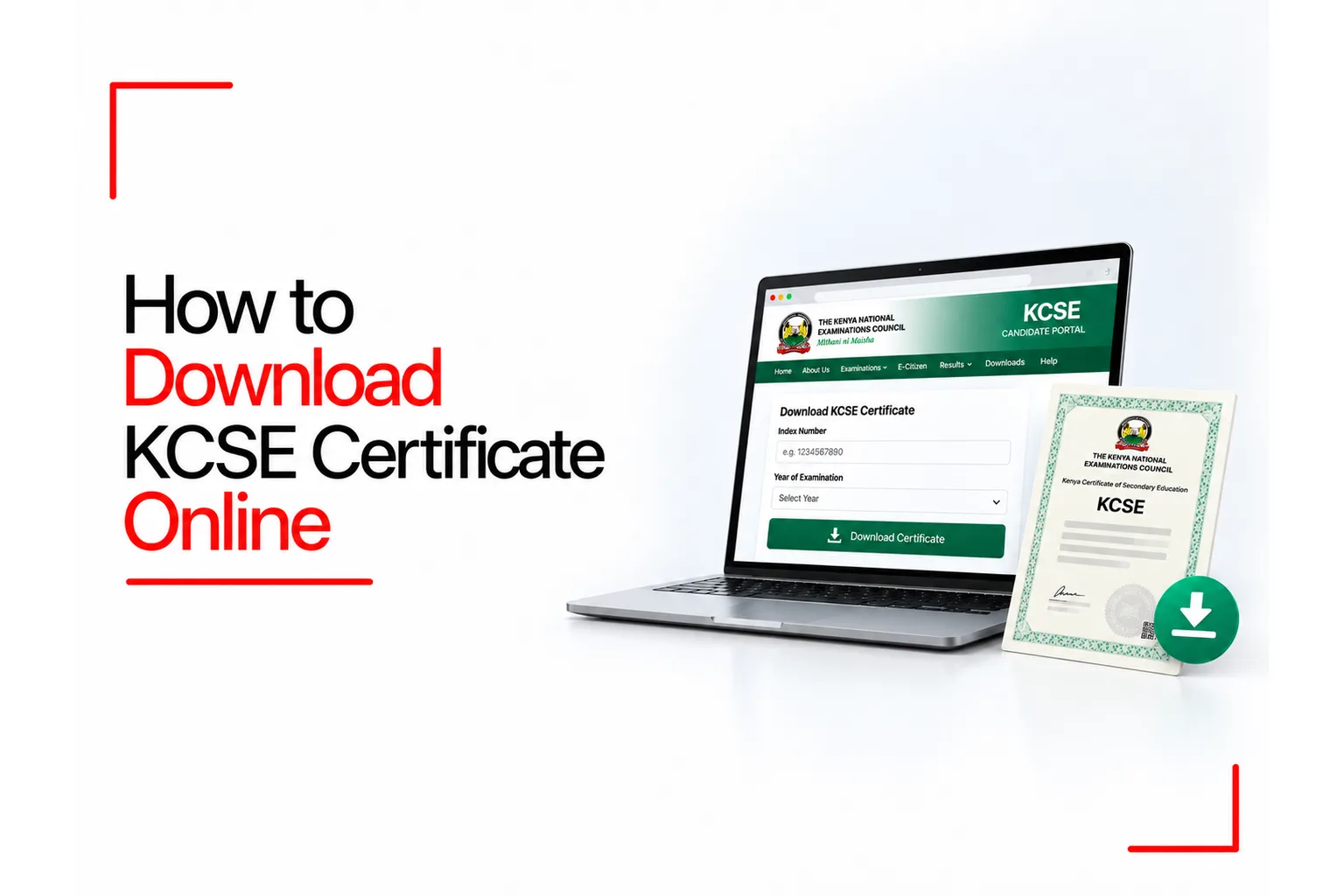

A KCSE certificate can be needed years after leaving school, especially when applying for a job, university admission, a scholarship or another opportunity that calls for proof of your education. Keeping the original document safe is important, but getting a digital copy can make it easier to submit your qualifications when needed.
The Kenya National Examinations Council (KNEC) now has an eCertificate portal where eligible candidates can access digital copies of their KCSE certificates. Eligible candidates can use the KNEC eCertificate portal to access digital copies of their KCSE certificates for examination years available in the system.
If you need to download KCSE certificate online, you can use the official KNEC eCertificate portal. The process includes registering an account, verifying your identity, finding your examination record and paying the required fee before downloading the certificate.
Table of Contents
How to Download KCSE Certificate Online Through KNEC
The official KNEC eCertificate portal is available at ecertificate.knec.ac.ke. You can access it using a phone, tablet or computer with an internet connection.
Follow these steps to download your certificate.
Step 1: Open the KNEC E-Certificate Portal
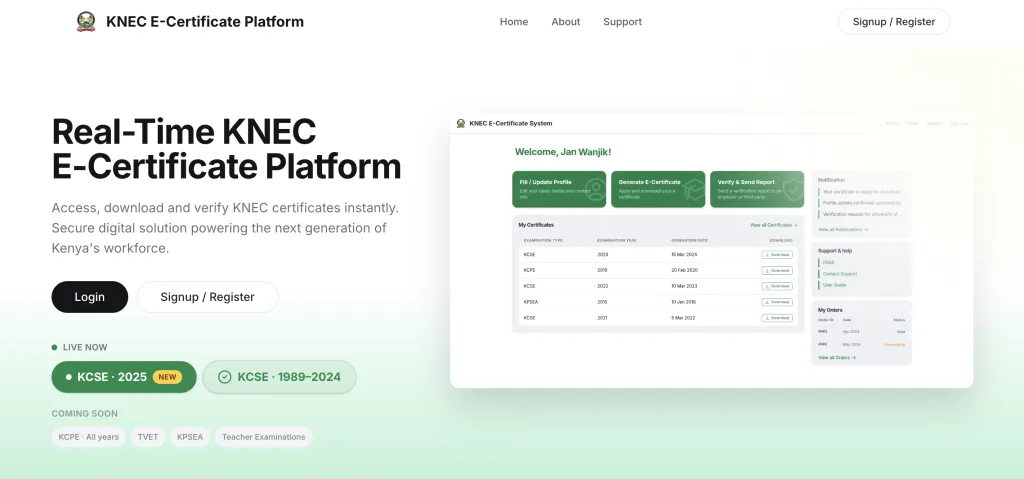
Open your browser and enter ecertificate.knec.ac.ke in the address bar. Check that you are on the official KNEC website before entering your personal information. On the homepage, look for the option to register or sign in. New users need to create an account before they can access the certificate service.
Step 2: Register as a Student or Alumni
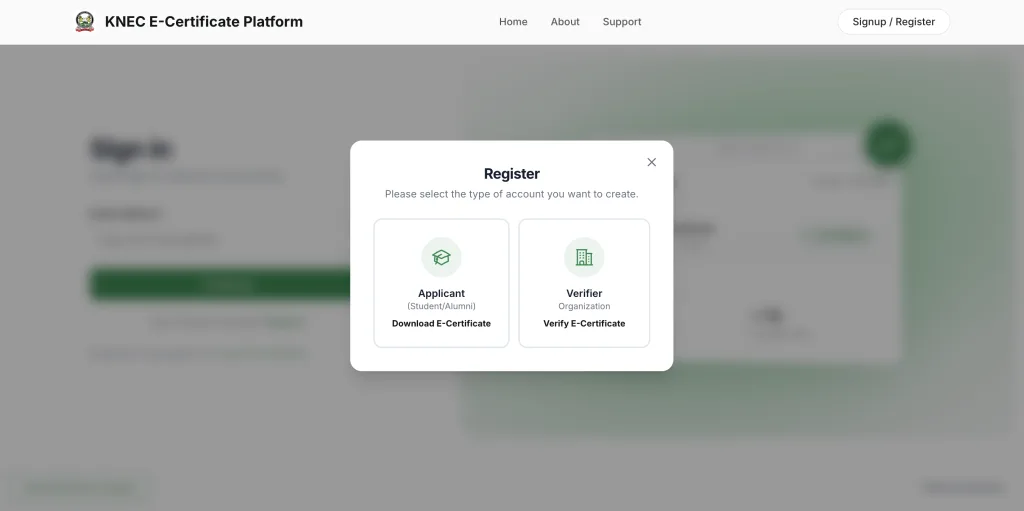
If you have not used the portal before, select Sign Up or Register and choose the Applicant (Student/Alumni) account type. The registration page asks for your full name and email address. Enter your name as it appears on your National Identity Card, and use your personal email address. KNEC advises applicants not to register with an email account belonging to another person. Read and accept the terms shown on the page, then select the option to send an OTP.
Step 3: Verify Your Email and Sign In
Check your email inbox for the one time password (OTP) sent by the portal. Enter the code as instructed to verify your email address.
Once your account is ready, sign in with your registered email address and follow the prompts. Follow the identity verification instructions shown in your profile. Enter your identification details as requested, and contact KNEC if you cannot complete verification with the documents available to you.
Step 4: Select KCSE and Enter Your Examination Details
After signing in, choose the Download E-Certificate option. Select KCSE as the examination type and choose the year you sat for the examination. Enter your KCSE index number exactly as recorded for that examination year.
Check the information displayed by the system before proceeding. The portal can show details such as your name, school and examination results for you to review. Make sure the record belongs to you. If the details do not match your examination history, check the year and index number before continuing with payment.
Step 5: Pay the E-Certificate Fee
After your examination record has been identified and verified, continue to the payment stage. The KCSE e-certificate fee is paid through eCitizen. Check the amount displayed on the official payment page before completing your payment, as the fee may change over time.
Follow the payment instructions displayed by the system. If you choose an M-Pesa payment option, use the payment prompt generated by the official service and confirm the amount and recipient before entering your PIN. Keep the payment confirmation for your records. Do not send money to a personal phone number or pay an agent who claims they can bypass the official process.
Step 6: Download and Save Your KCSE Certificate
After successful payment, return to your eCertificate dashboard and check for your certificate. The digital certificate is also sent to the email address used for the application. Download the certificate file and save a copy to your phone or computer. You can also keep a backup in a secure cloud storage account so that you can access it when applying for jobs, admission or other opportunities.
Open the downloaded file and check that your personal and examination details are correct. Keep the original file unchanged when sending it to an employer or institution that needs to verify your qualifications.
Which KCSE Examination Years Can You Download Online?
The KNEC eCertificate portal covers KCSE examination records from 1989 onwards. Check the portal to confirm that your examination year is available for download. The digital service is intended to help candidates access their certificates without relying entirely on physical copies. It can also help people who sat their examinations many years ago and need another accessible copy of their qualifications.
The portal’s available examination years can change as KNEC adds records. Check the year shown on the official website before starting your application. Do not assume that an examination year is ready for download until the portal makes it available.
How Much Does It Cost to Download a KCSE Certificate Online?
The KCSE e-certificate costs KSh 1,500, payable through eCitizen. Check the amount displayed on the official payment page before paying, as KNEC may revise its fees. Avoid unofficial websites or individuals who claim to sell certificates or guarantee access to records that cannot be found on the official portal. KNEC issues its own certificates, and an unofficial document is not a substitute for an authorised certificate.
Keep the transaction reference or payment receipt in case the portal does not update your account immediately after payment.
Is the KNEC E-Certificate Valid?
Yes. The KNEC e-certificate is an official digital certificate that you can share with employers, universities and colleges as proof of your KCSE qualification. The digital credentials use blockchain based verification to help institutions confirm their authenticity.
The KNEC e-certificate itself does not expire. However, an employer, university or other receiving organisation may have its own document submission rules, so check its instructions before sending your certificate. The portal also supports certificate verification by organisations. This gives employers and institutions a way to confirm a submitted credential instead of relying solely on a picture or printed copy.
How Long Can You Keep Your Downloaded KCSE Certificate?
The digital certificate does not expire, but the free download window on the KNEC portal lasts for six months from issuance. During that period, you can download the certificate again through your account. After six months, you can request the certificate again through the portal.
Save your file soon after downloading it. Keeping a backup in a secure location can help you avoid having to repeat the retrieval process when you need the certificate later.
What If Your KCSE Certificate Is Missing From the Portal?
A missing record does not automatically mean that your certificate is invalid. The examination year, index number or personal details may have been entered incorrectly, or the record may need attention from KNEC. Start by checking that you selected the correct examination year and entered your index number as recorded for that year. Review your identification details and correct any typing errors.
If the portal still cannot find your record, contact KNEC through its official support channels. You can contact KNEC by email at [email protected]. Explain the issue and provide the details requested by KNEC. Do not send your National Identity Card information or examination records to an unverified person claiming to be able to retrieve the certificate.
Can You Get a Replacement for a Lost KCSE Certificate?
Yes, but the steps depend on which document you need and the options available for your examination record. If your KCSE year is supported by the eCertificate portal, start there and check if your digital certificate is available for download. The digital certificate can serve as an accessible copy of your qualification.
If you cannot retrieve your record, or an organisation specifically asks for an official certification or confirmation letter, KNEC handles these applications through its Query Management Information System (QMIS). The official QMIS portal is available at qmis.knec.ac.ke.
Applicants can register, sign in, select the appropriate query and upload the documents requested by the system. Payment is made through the process shown in the portal. A certification letter is not the same document as downloading an existing e-certificate, so check which one the receiving organisation needs before applying.
Common Problems When Downloading a KCSE Certificate Online
A few issues can interrupt the process, even when you have entered most of your information correctly.
The OTP does not arrive: Check your spam or junk folder and confirm that you entered the correct email address. Give the message time to arrive before requesting another code.
Your KCSE record cannot be found: Confirm the examination year and index number. Use the details from your examination documents instead of relying on memory.
Your personal details do not match: Check your name against your National Identity Card and follow the profile verification instructions shown by KNEC. If the information in KNEC’s records is incorrect, contact the Council for guidance.
Payment succeeds but the certificate is not available: Keep your payment receipt and reference number. Sign in again and check the dashboard or your email. If the certificate is still missing, contact KNEC support with your transaction details.
The portal is slow or unavailable: Try again later using a reliable internet connection. Avoid paying a third party who claims to have a special route around a portal outage.
The KNEC eCertificate portal gives eligible candidates a way to access their KCSE certificates digitally. Registration, identity verification, examination record checks and payment are part of the process. Once the certificate is issued, download it, check the details and keep a secure backup for future applications. If your record is unavailable, KNEC support and the QMIS service are the official routes for further help.