
Keeping track of your electricity bill is one of the easiest ways to manage your household or business expenses. It helps you know how much electricity you’ve used, when your payment is due, and gives you enough time to settle your account before the deadline.
Kenya Power gives customers several convenient ways to check their bills. You can do it from your mobile phone, through the MyPower app, online, or by contacting customer support. Most methods only take a few minutes and can be completed without visiting a customer service office.
This guide explains the different ways to check your Kenya Power bill, what information you’ll need, and what to do if your bill doesn’t look right.
Quick Links
What You’ll Need
Before checking your bill, make sure you have your:
- Kenya Power account number
- Mobile phone or internet connection, depending on the method you choose
If you’re a prepaid customer, you won’t receive monthly electricity bills. This guide is mainly for postpaid customers.
Ways to Check Your Kenya Power Bill
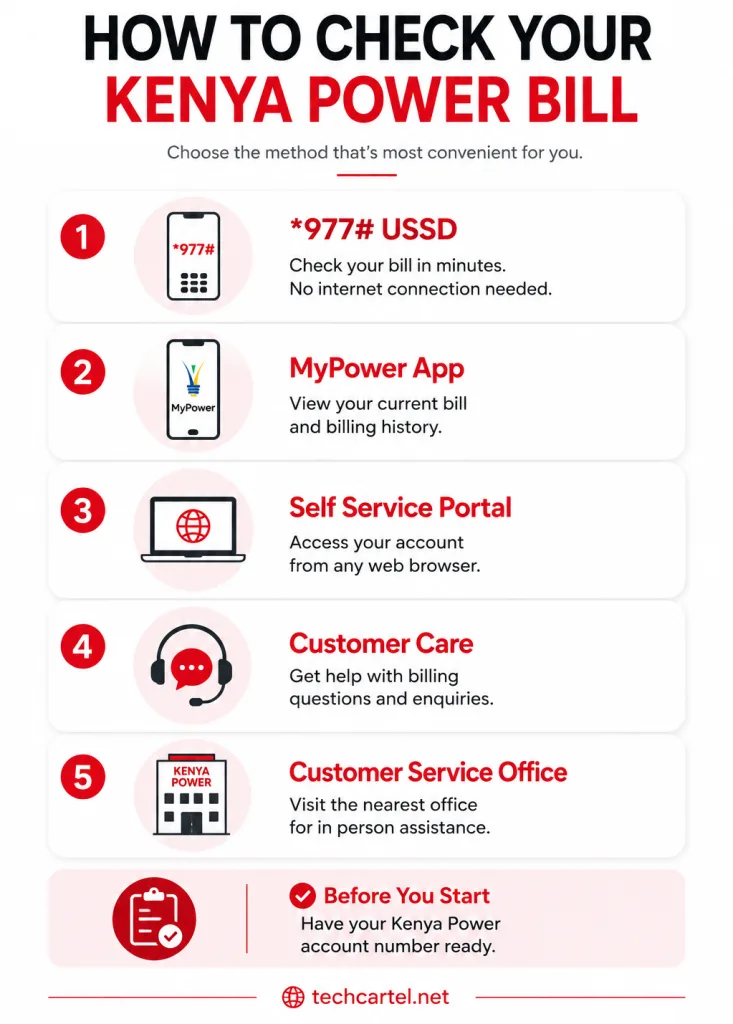
Kenya Power offers several official channels for checking postpaid bills.
These include:
- *977# USSD service
- MyPower app
- Self Service Portal
- Customer Care
- Customer service offices
Let’s look at each option.
How to Check Your Kenya Power Bill Using *977#
The *977# USSD service is one of the quickest ways to check your electricity bill. It works on many mobile phones and doesn’t need an internet connection.
Follow these steps:
- Dial *977#.
- Select Postpaid Services.
- Choose Check Bill.
- Enter your Kenya Power account number if prompted.
- Your current bill details will appear on your screen.
This option is useful if you’re away from a computer or don’t have access to mobile data.
How to Check Your Bill With the MyPower App
The MyPower app lets customers manage several Kenya Power services from one place.
After signing in:
- Open the app.
- Select your account.
- Open the Billing section.
- View your current bill and previous billing information.
If you check your bill regularly, the app is one of the most convenient options because your account details can be saved for future use.
How to Check Your Bill Through the Self Service Portal
Customers can also check their electricity bills online through Kenya Power’s Self Service Portal.
After logging into your account:
- Open the billing section.
- Select your account.
- View your latest bill.
- Check previous billing history if needed.
This option is helpful if you want to review older bills or manage more than one electricity account.
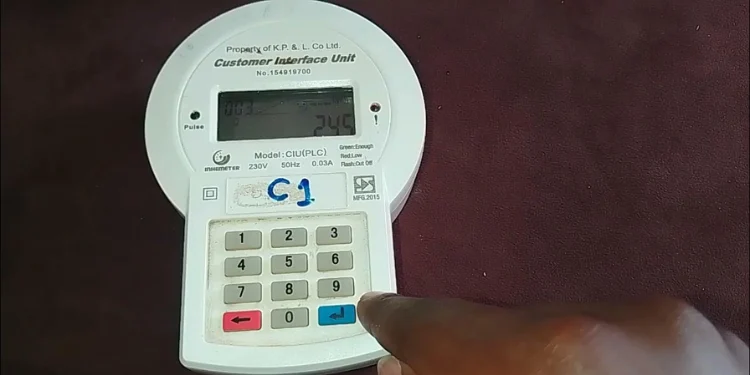
Contact Kenya Power Customer Care
If you’re unable to access your bill through digital channels, you can contact Kenya Power Customer Care.
A customer service representative can help you:
- Confirm your outstanding balance.
- Explain charges on your bill.
- Answer billing questions.
- Help if your payment hasn’t appeared on your account.
Before contacting customer support, keep your account number ready. This helps the support team locate your account more quickly.
Related Article: Kenya Power (KPLC): Complete Guide to Bills, Tokens, and Customer Services
Visit a Kenya Power Customer Service Office
Customers who prefer face to face assistance can also visit the nearest Kenya Power customer service office.
This option may be useful if:
- You have a billing dispute.
- Your account details need updating.
- Your bill appears incorrect.
- You need help accessing your account.
Carry your account number and any payment confirmations if your enquiry relates to a recent payment.
Understanding Your Kenya Power Bill
Checking your bill is only the first step. Understanding what’s on it can help you spot unusual charges and keep track of your electricity usage.
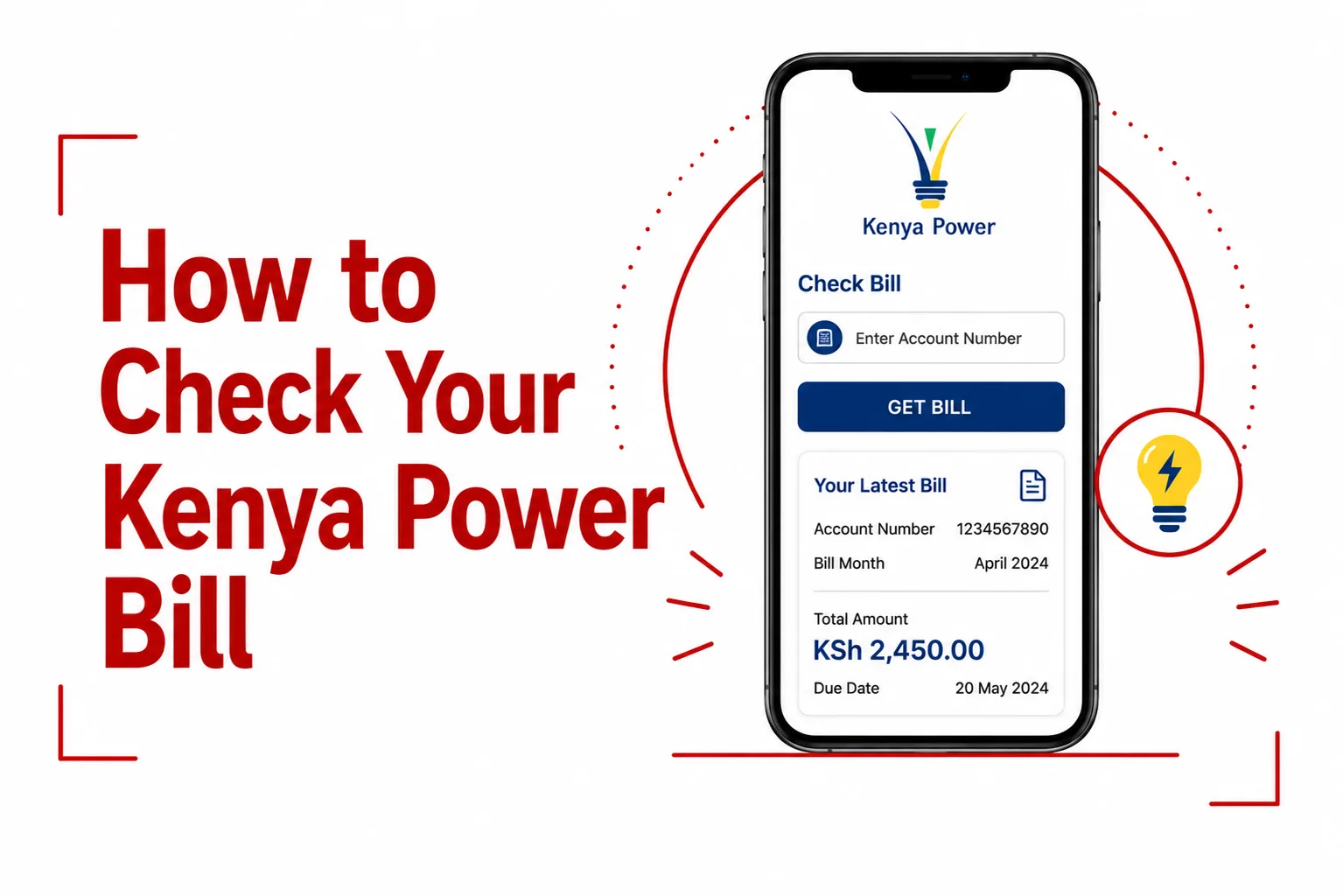
A Kenya Power bill often includes:
- Customer name
- Account number
- Billing period
- Previous meter reading
- Current meter reading
- Units consumed
- Tariff category
- Taxes and statutory charges
- Total amount payable
- Payment deadline
Taking a few minutes to review these details each month can help you identify problems early.
Why Your Kenya Power Bill May Be Higher Than Expected
Sometimes customers notice a larger bill than usual. Several factors can contribute to this, including:
- Increased electricity usage.
- More people staying in the property.
- Seasonal appliance use.
- Estimated billing.
- Tariff adjustments.
- Taxes and other approved charges.
If the increase doesn’t match your electricity usage, contact Kenya Power for clarification.
What to Do If Your Kenya Power Bill Looks Incorrect
If something doesn’t seem right, don’t ignore it.
Start by checking:
- Your billing period.
- Meter readings.
- Recent electricity usage.
- Previous bills.
If the figures still don’t make sense, contact Kenya Power Customer Care. Having your account number and previous bills available can help speed up the review process.
Tips for Managing Your Electricity Bill
A few simple habits can help you stay on top of your monthly payments.
- Check your bill every month.
- Pay before the deadline.
- Keep payment confirmations.
- Monitor your electricity usage.
- Report unusual billing changes promptly.
These small steps can help reduce billing surprises.
Frequently Asked Questions
Can I check my Kenya Power bill online?
Yes. You can check your bill through the Self Service Portal or the MyPower app.
Can I check my bill without internet?
Yes. Dial *977# to access your bill through the Kenya Power USSD service.
Do prepaid customers receive monthly bills?
No. Prepaid customers buy electricity before using it and don’t receive monthly postpaid bills.
What information do I need to check my bill?
You’ll usually need your Kenya Power account number.
Why is my electricity bill different from last month?
Changes in electricity usage, tariff adjustments, taxes, and approved charges can affect the total amount payable.
What should I do if my payment hasn’t appeared?
Keep your payment confirmation and contact Kenya Power Customer Care for assistance.
Conclusion
Checking your Kenya Power bill regularly helps you stay informed about your electricity usage and avoid last minute payment surprises. With options such as the *977# USSD service, the MyPower app, the Self Service Portal, and customer support, it’s easy to access your latest bill wherever you are.
If you notice anything unusual, compare your current bill with previous ones before contacting Kenya Power. A quick review of your account details and meter readings can often answer simple questions and make it easier to resolve billing issues if further assistance is needed.