
Paying your electricity bill is easier when you know which ECG payment option fits your meter and preferred payment method. This guide explains how to pay your ECG bill using the ECG PowerApp, USSD, Mobile Money, bank branches, ECG customer service centres and licensed vendors. You can also use different payment methods based on your meter type: postpaid account or prepaid meter.
ECG supports several digital and in person payment channels across Ghana. Prepaid customers can purchase electricity credit through digital platforms or physical payment points, while postpaid customers can settle their outstanding bills through the available payment channels. Your meter type also determines what happens after you make a payment, particularly when you use a prepaid smart meter or a traditional keypad meter.
Quick Navigation
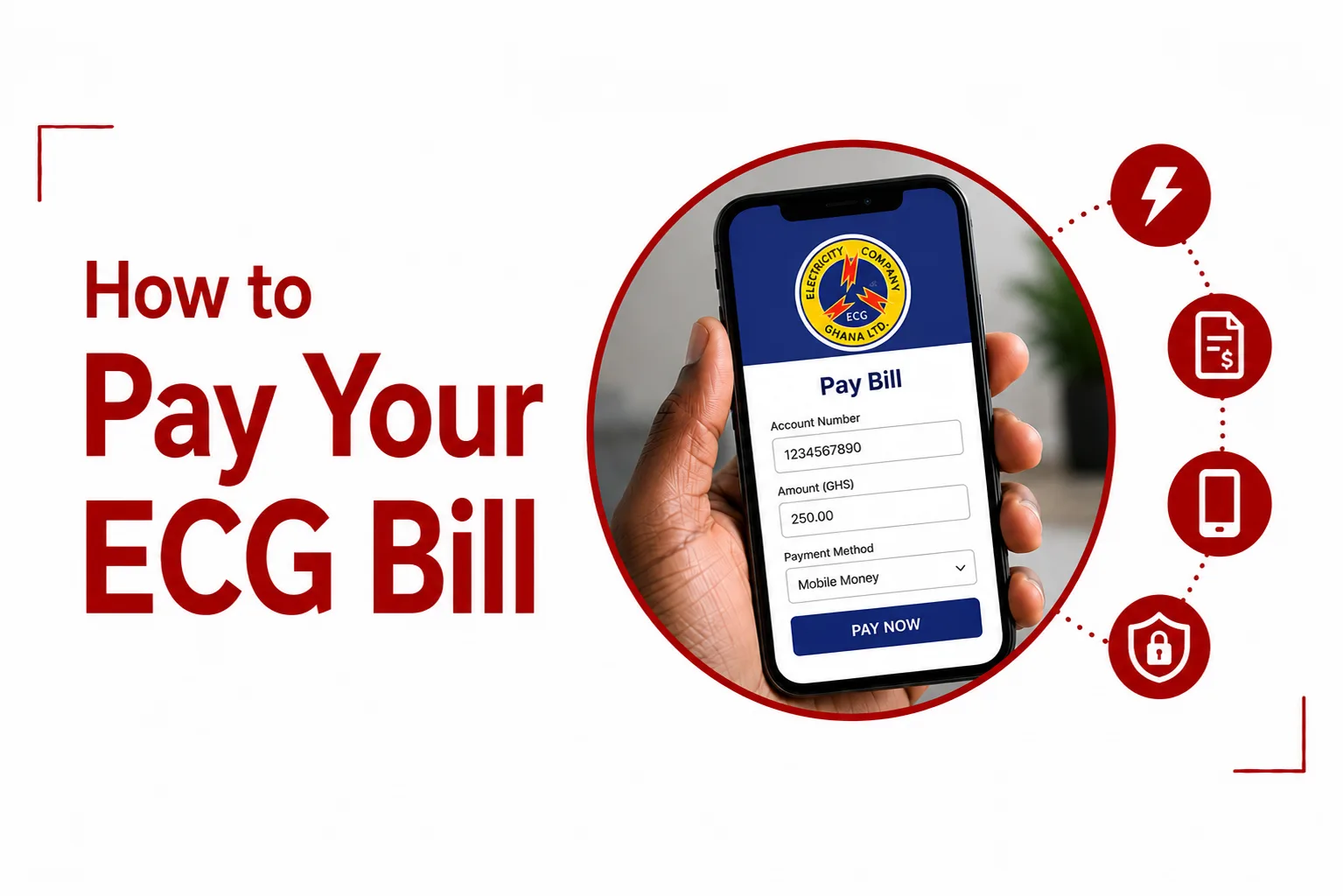
How to Pay Your ECG Bill
Pay Through the ECG PowerApp
The ECG PowerApp lets you pay your electricity bill or purchase prepaid electricity directly from your phone.
- Download the ECG PowerApp from the Google Play Store or Apple App Store.
- Register using a valid Ghanaian phone number.
- Add your ECG meter number or account number.
- Select the payment option.
- Choose Mobile Money or a Visa or Mastercard bank card.
- Enter the amount you want to pay.
- Review the payment details and confirm the transaction.
The app also lets you view your account information and payment history.
Pay ECG Through USSD
You can pay your ECG bill without an internet connection by using the ECG USSD service.
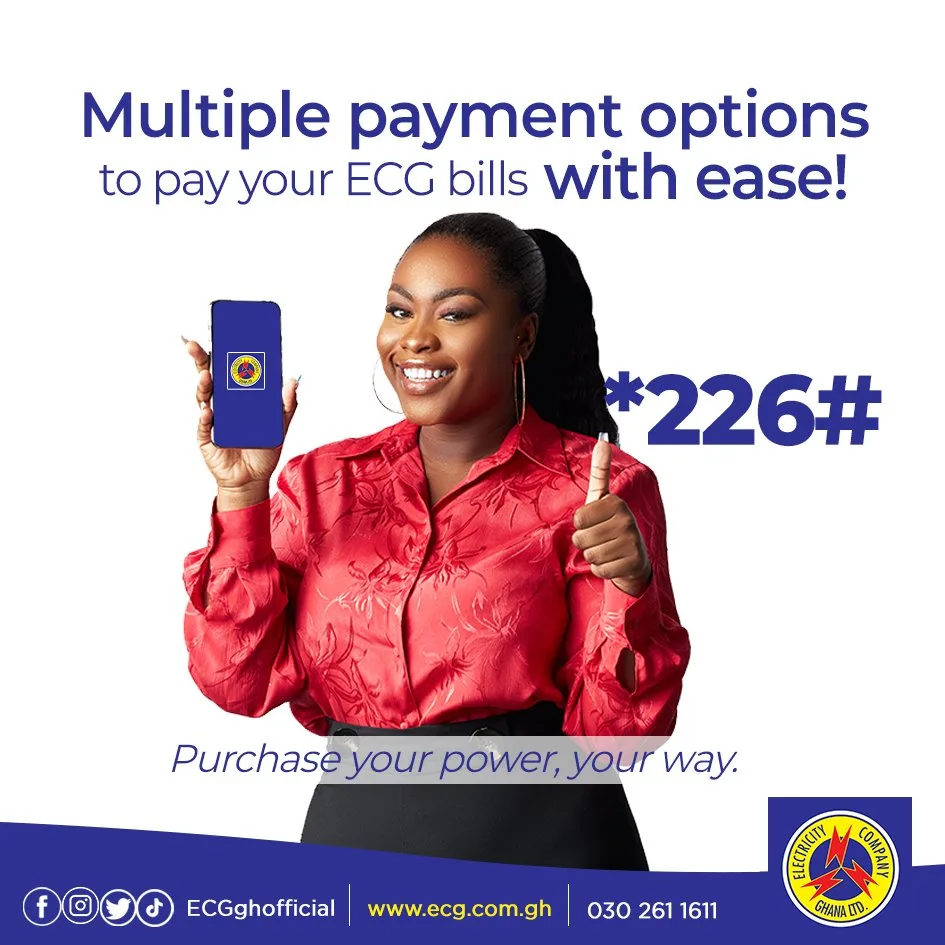
Dial: *226#
Then:
- Select 1 for ECG.
- Choose Prepaid or Postpaid.
- Enter your meter number or account number.
- Enter the amount you want to pay in Ghana cedis.
- Review the transaction details.
- Authorize the Mobile Money payment with your PIN.
The *226# service can be accessed from MTN, Telecel and AirtelTigo lines.
Pay ECG Through Mobile Money
You can also use your network’s Mobile Money menu to pay your ECG bill.
For MTN MoMo, dial: *170#
For Telecel Cash, dial: *110#
For AirtelTigo Money, dial: *110#
Open the payment section, which may appear as Pay Bill or Utilities, then:
- Select ECG.
- Enter your ECG account number or meter number.
- Enter the amount you want to pay.
- Check the payment details.
- Confirm the transaction using your Mobile Money PIN.
Keep the transaction confirmation after completing the payment.
Related Article: ECG Credit Delayed? Here’s What to Do
Pay Your ECG Bill at an ECG Office
You can visit an ECG district office or customer service centre to settle a postpaid balance or purchase prepaid electricity. Depending on the payment facilities available at the location, you can pay using cash or a POS debit card.
Take your ECG account number or meter details with you so the payment can be applied to the correct account or meter.
Buy Prepaid Electricity From a Licensed ECG Vendor
Prepaid customers can purchase electricity credit from licensed private vendors displaying official ECG vendor signage. Provide your meter details and specify the amount you want to purchase. Complete the payment and keep your receipt or transaction confirmation.
The way you receive the electricity credit depends on your meter. Smart meters can receive units remotely, while some older prepaid systems provide a token that you must enter manually.
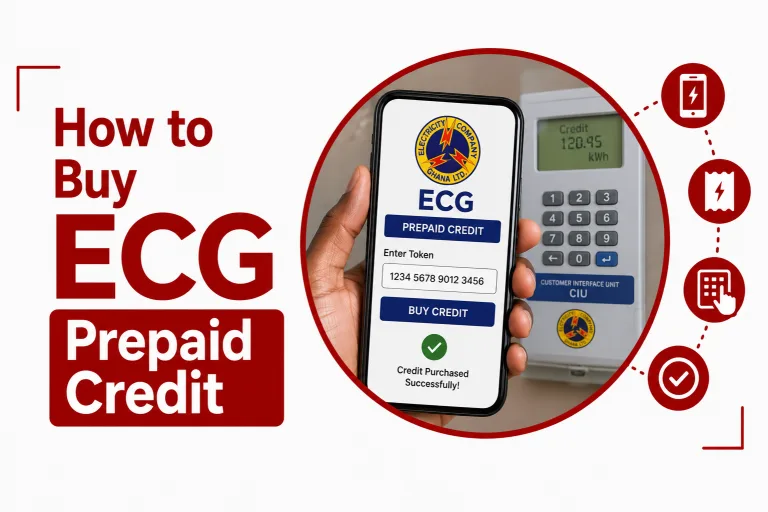
Related Article: How to Buy ECG Prepaid Credit
Pay Your ECG Bill at a Bank
Postpaid customers can pay their electricity bills at participating commercial bank branches. Banks such as GCB Bank, Ecobank, Stanbic Bank and Zenith Bank provide over the counter payment options. Take your ECG account statement or account number to the branch and provide the required details when making the payment. Keep your bank receipt after the transaction as proof of payment.
How to Pay ECG Bills With Different Meter Types
The process after payment depends on the type of ECG meter installed at your property.
Postpaid Meters
Postpaid customers receive a monthly electricity bill based on their meter readings. You can settle the outstanding amount through the ECG PowerApp, USSD, Mobile Money, participating banks or ECG offices. After making a payment through digital channels or a bank, your account balance can take between 24 and 48 hours to update. Keep your payment confirmation until the balance has been updated.
Prepaid Smart Meters
Prepaid smart meters can receive purchased electricity units remotely. When you buy electricity through the ECG PowerApp or USSD, the units can be sent directly to the meter over the cellular network. This means you may not need to enter a token manually.
Prepaid Card and Keypad Meters
Traditional prepaid meters can require you to enter the electricity token manually. After purchasing electricity online or through USSD, you receive a 20 digit token, usually by SMS. Enter the complete token into the Customer Interface Unit keypad inside your building to load the electricity units.
Physical card meters work differently. You may need to visit an ECG office or licensed vendor so the purchased credit can be written onto the meter’s chip card.
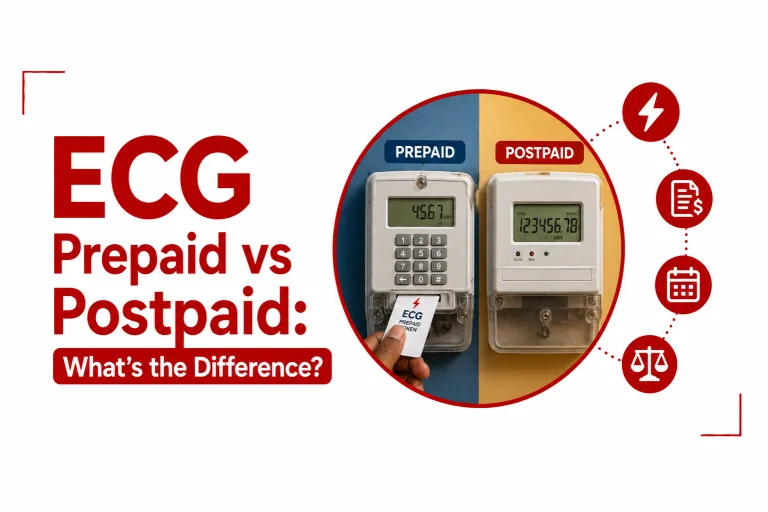
Related Article: ECG Prepaid vs Postpaid: What’s the Difference?
How to Check Your ECG Postpaid Balance
You can check your outstanding postpaid balance using USSD.
Dial: *226#
You can also log into the ECG PowerApp to view your current outstanding balance and payment history. Checking your balance after making a payment lets you confirm that the transaction has been applied to your account.
What You Need Before Paying Your ECG Bill
Have your ECG account number or meter number ready before starting a payment. If you are paying through Mobile Money or a bank card, make sure you have enough funds available to complete the transaction.
For prepaid keypad meters, keep your Customer Interface Unit accessible because you may need to enter the 20 digit token after completing the purchase. When paying at an ECG office, bank or licensed vendor, take your account or meter details with you.
ECG gives you several ways to pay for electricity, across postpaid accounts and prepaid meters. The ECG PowerApp, *226#, Mobile Money, bank branches, ECG offices and licensed vendors provide different ways to complete your payment without relying on a single channel.
Your meter type determines what happens after you pay. Postpaid customers can check their updated account balance, while prepaid customers may receive electricity units remotely or need to enter a 20 digit token manually. Keeping your payment confirmation and checking your balance after a transaction can help you confirm that your electricity payment has been processed successfully.