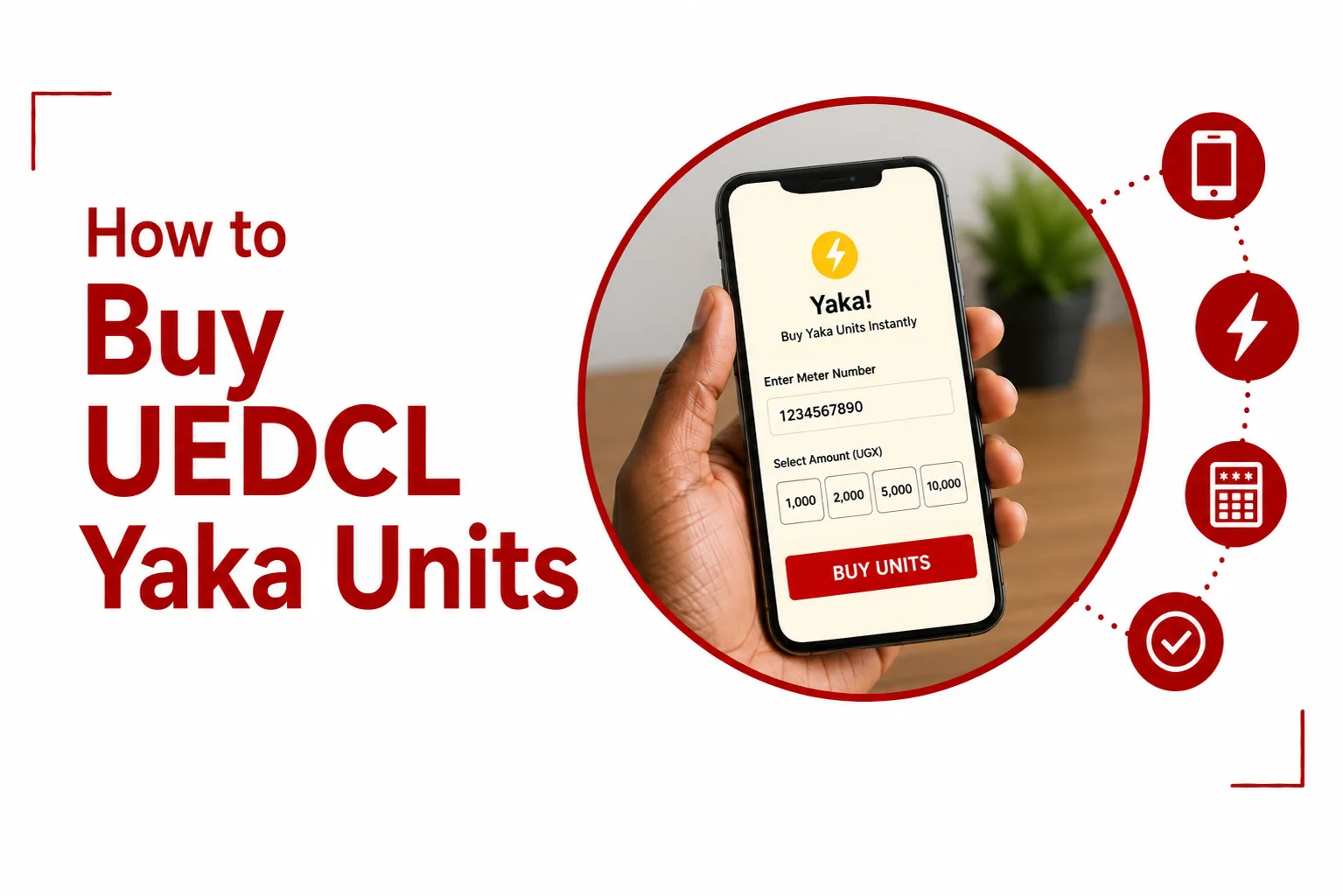

Looking to Buy UEDCL Yaka Units for your prepaid electricity meter? The process is still quick, but there is one important change to know: UEDCL now calls the prepaid service Light, although many Ugandans still call it Yaka.
UEDCL took over electricity distribution from Umeme on April 1, 2025. The existing prepaid system continued, with Yaka renamed UEDCL Light. Existing prepaid meters and meter numbers continued to work, so you do not need a new meter simply because the name changed.
You can buy Light tokens using MTN Mobile Money or Airtel Money, as well as through other UEDCL payment channels. After payment, you receive a token that you enter into your prepaid meter to add electricity units.
Quick Links
How to buy UEDCL Yaka units using Airtel Money
Airtel Money is one of the easiest ways to buy UEDCL Light units from your phone.
Before you start, have your prepaid meter number and enough money in your Airtel Money wallet.
- Dial *185# on your Airtel line.
- Select Pay Bill.
- Select UEDCL Light Pay.
- Choose the option to buy a Light token.
- Enter your Light meter number.
- Enter the amount you want to spend.
- Enter your Airtel Money PIN.
- Confirm the transaction.
A confirmation message should arrive with your electricity token and the number of units purchased. Enter the token into your prepaid meter to load the electricity.
How to buy UEDCL Yaka units using MTN MoMo
You can also purchase UEDCL Light tokens through MTN Mobile Money.
- Dial *165# on your MTN line.
- Open Payments.
- Select Utilities.
- Choose UEDCL Light.
- Select Light.
- Enter your meter number.
- Enter the amount you want to pay.
- Enter your MTN Mobile Money PIN.
- Review the details and confirm the payment.
Your token should be sent to you by SMS after the payment is completed. Enter the token into your prepaid meter to add the units.
How to buy UEDCL Light units at an agent
If you do not want to use mobile money yourself, you can visit an authorised payment agent and provide your meter number and the amount you want to pay.
You can buy UEDCL Light units using MTN Mobile Money, Airtel Money, or at a participating bank. Use an official UEDCL payment channel when buying your units. You can pay for your UEDCL Light units with Airtel Money, MTN Mobile Money, or through DFCU and Stanbic Bank.
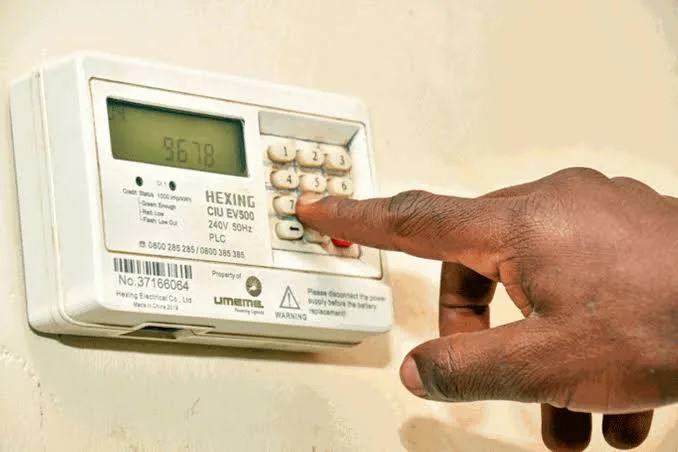
What meter number do you use to buy Yaka units?
Use the meter number linked to your UEDCL Light prepaid meter. If your meter was previously used for Umeme Yaka, the meter number did not change when UEDCL took over. The transition retained the existing prepaid system, allowing customers to continue using their meters.
Check the number carefully before you confirm a payment. A token generated for one meter is intended for that meter, so entering the wrong number can cause problems when you try to load the token.
Related Article: Why Your UEDCL Yaka Meter Is Not Accepting Tokens
How to load UEDCL Yaka units on your meter
Buying the token is only the first part. You also need to enter the token into your prepaid meter.
Once your payment goes through, you’ll receive a 20 digit token by SMS. Enter it into your meter, then check the display to make sure your new units have been added.
To load your token:
- Find the token in the SMS you received after payment.
- Enter the 20 digit token using the meter keypad.
- Press the confirmation button on the meter if prompted.
- Wait for the meter to process the token.
- Check the display to confirm that the units have been added.
Keep the payment SMS until you have successfully loaded the token.
What happens if you buy UEDCL units but do not receive the token?
First, check your mobile money balance and transaction message to confirm that the payment went through. If the money was deducted but the token has not arrived, do not immediately make another payment. Check your SMS messages again and keep the transaction details, including the amount, time and transaction reference.
You can contact UEDCL customer support for assistance. If you still haven’t received your token, call UEDCL on 0800 203 088 for help. Customer support is available Monday to Friday, from 8am to 6pm.
What if the UEDCL token does not work?
If your token is rejected by the meter, check that you entered all 20 digits correctly. Also confirm that the token was purchased for the correct meter number. Do not keep entering the same token repeatedly if the meter continues to reject it. Keep your payment confirmation because UEDCL may need the transaction details to check the problem.
How much do UEDCL Yaka units cost?
The amount of electricity you receive depends on the applicable tariff, taxes and other charges attached to the purchase.
For domestic prepaid customers, the electricity rates are:
| Monthly domestic consumption | Rate per kWh |
|---|---|
| First 15 kWh | UGX 250.0 |
| 16 to 80 kWh | UGX 779.4 |
| 81 to 150 kWh | UGX 412.0 |
| Above 150 kWh | UGX 779.4 |
Can you still buy Yaka after Umeme left Uganda?
Yes. The prepaid electricity service did not disappear when Umeme’s distribution concession ended. UEDCL took over the distribution network on April 1, 2025, and the former Yaka prepaid service was renamed UEDCL Light. Customers continued using their existing prepaid meters and could keep purchasing electricity through supported payment channels.
That means searches for “buy Yaka units”, “buy UEDCL units” and “buy UEDCL Light” are all referring to the same basic prepaid electricity service, although UEDCL Light is the current name.
Related Article: How to Pay Your UEDCL Electricity Bill
Can you buy UEDCL units for someone else?
Yes. You can make a prepaid electricity purchase for another person’s meter as long as you have the correct meter number and enter it during payment. The important detail is to confirm the meter number before approving the transaction. The token is generated for the meter number supplied during the purchase.
Do UEDCL Yaka units expire?
UEDCL’s prepaid system is designed around the electricity credit on the customer’s meter. If you still have units on the meter, they remain available for use.
Why does my meter beep when the units are low?
A low balance warning is built into the prepaid system. When your balance is running low, the meter will beep continuously and flash a red light. This tells you that it is time to purchase more units. If the warning appears, you can buy another Light token through MTN Mobile Money, Airtel Money or another approved UEDCL payment channel.
The simplest option for most customers is to use the mobile money service on their phone, select UEDCL Light, enter the correct meter number and confirm the payment. Once the token arrives, enter the 20 digit code into the meter.
The biggest mistake to avoid is paying through an unofficial person or platform. UEDCL has specifically advised customers to use its approved payment channels for electricity payments.