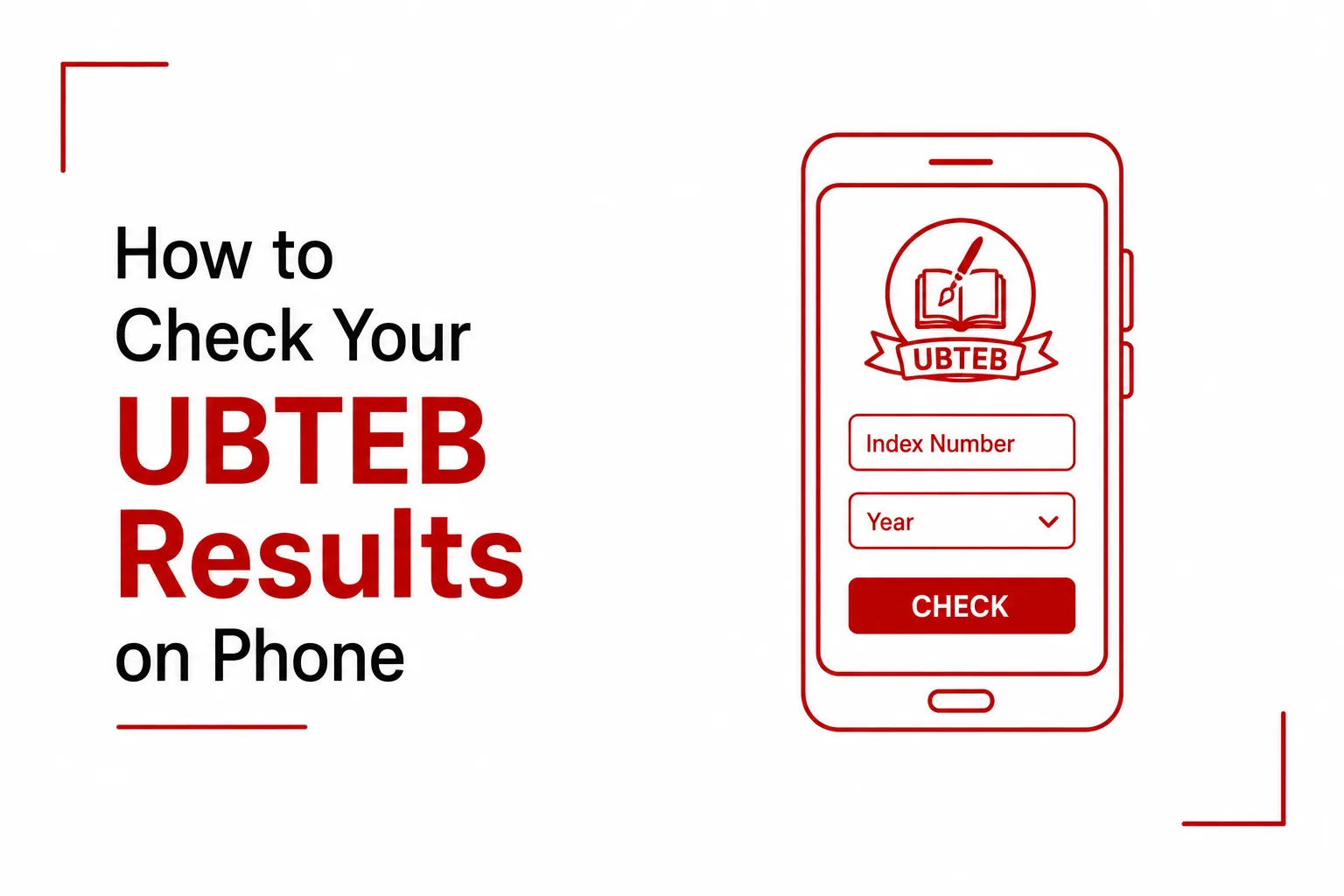

Students searching for UBTEB scores will notice something different this time around. Following the latest national educational policies, the Uganda Business and Technical Examinations Board has officially transitioned into the Uganda Vocational and Technical Assessment Board (UVTAB). The name has changed and the web portals are new, but checking your scores on a mobile device is still quick and straightforward once you know where to look.
Because of this structural shift, the old website addresses are no longer active, and the digital pathways for checking assessment scores have changed completely. This guide covers both available methods, the new online portal and the SMS shortcode, along with a few tips to keep in mind during the checking process.
Method 1: Checking Your Results Through the Online Portal
The main way for students to access their official modular scores, performance breakdowns, and registration profiles on a smartphone is through the newly deployed Education Information Management System (EIMS) platform.
Here is how to check your results online:
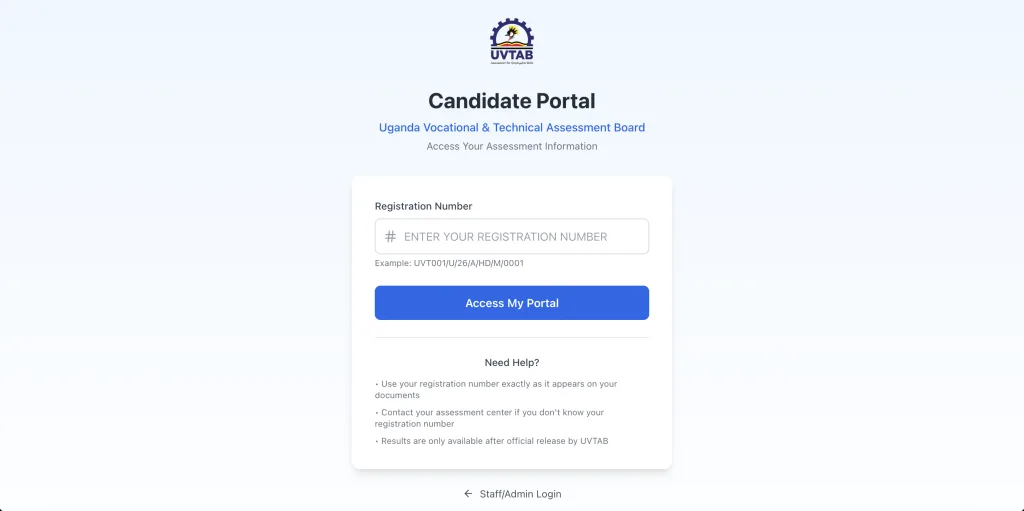
- Open the mobile web browser on your phone and go directly to the official URL: emis.uvtab.go.ug/candidate-login
- On the page, locate the ‘Registration Number’ input field.
- Enter your complete, unique identification code exactly as issued by your training center. Registration numbers under the new system follow a format such as UVT001/U/26/A/HD/M/0001.
- Tap the ‘Access My Portal’ button to retrieve your profile and view your scores.
Method 2: Checking Your Results Through SMS
For students using feature phones or without an active mobile data plan, the SMS shortcode system remains available during major release periods. This service pulls data directly from the central TVET database and sends it straight to your phone screen as a text message.
Here is how to check your results through SMS:
- Open your phone’s built-in text messaging application and start a new message.
- Type the prefix ‘UVTAB’ in all uppercase letters, followed by a single space, then type your unique Registration Number.
- Send the completed message to the national shortcode: 6600.
The full message format looks like this:
UVTAB [RegistrationNumber] sent to 6600
A Few Things to Keep in Mind
Expect some delay right after results are released. The moment results go live, thousands of students attempt to check at the same time. If the web portal loads slowly or your SMS reply takes a few minutes to arrive, wait a short while and try again instead of sending multiple repeat requests.
Make sure you have airtime loaded before texting. The 6600 SMS platform is a premium service, which means it deducts from your airtime balance. Confirm you have enough credit on your SIM card before sending the keyword, or the message will not go through.
Mobile checks are for quick reference only. Both the online portal and the SMS service are designed to give you fast access to your scores for personal awareness. For physical, stamped result slips needed for employment applications or further admission processing, you will still need to visit your training institution directly.
Enter your registration number exactly as it appears on your documents. The new UVTAB registration format is longer and more structured than the previous system, including specific slashes and letter sequences. A single missing slash or incorrect character can cause the lookup to fail. Copy the registration number directly from your official institutional admission documents instead of typing it from memory.
Some profiles may take longer to appear. Since the transition from UBTEB to UVTAB took effect, older records are still being migrated across to the new system. If your profile does not load immediately, it likely means your specific institutional record is still being synchronized into the new database. Try again after some time before assuming there is an error with your registration details.
The shift from UBTEB to UVTAB changes the names, the web addresses, and the SMS keyword, but the actual process of checking your results on a phone is still simple once you have the correct details.