
A dead prepaid meter has a way of announcing itself at the worst possible time, mid meal, mid movie, or right when you need the lights on to find something you dropped. Kenya Power customers used to deal with this by rushing to a vendor or waiting in line at a service office, but that’s no longer the only path forward. Today, you don’t need to visit a customer service office or an electricity vendor every time you need more units. You can buy Kenya Power tokens in minutes using your mobile phone, a banking app, the MyPower app, or other approved payment channels.
This guide explains every major way to buy Kenya Power tokens, what you’ll need before making payment, what to do if your token doesn’t arrive, and simple tips that can help you avoid common mistakes.
Quick Links
What Are Kenya Power Tokens?
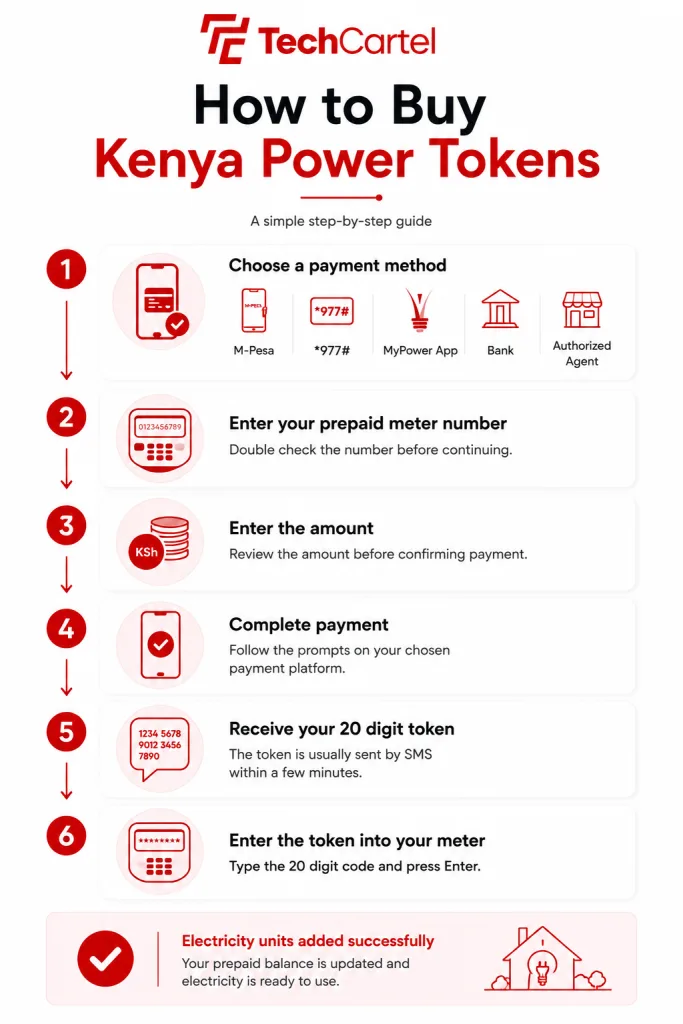
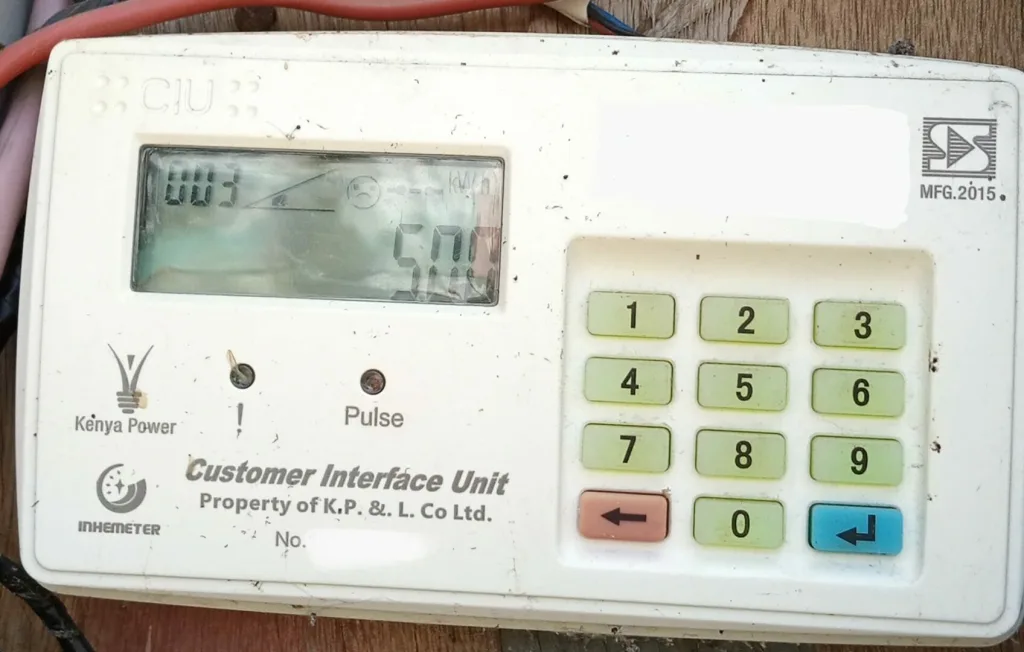
Kenya Power tokens are digital codes used to load electricity onto prepaid meters. When you make a payment, Kenya Power generates a unique 20 digit token linked to your meter number. Entering that code into your Customer Interface Unit (CIU) adds the purchased electricity units to your account.
Unlike postpaid customers, prepaid customers pay for electricity before using it. Once your available units run low, you’ll need to buy another token to continue using electricity.
What You’ll Need Before Buying a Token
Before starting your purchase, have the following ready:
- Your Kenya Power prepaid meter number
- A mobile phone or another supported payment channel
- Enough money to complete the purchase
The most important detail is your meter number. Entering the wrong meter number can cause delays and may mean the generated token cannot be used on your meter. Taking a few seconds to confirm the number before paying can save you unnecessary stress later.
Ways to Buy Kenya Power Tokens
Kenya Power supports several payment channels, giving customers the freedom to choose the one that’s most convenient.
The most common options include:
- M Pesa
- Kenya Power USSD Code (*977#)
- MyPower app
- Banking apps
- Internet banking
- Commercial banks
- Authorized payment agents
Let’s look at each method.
How to Buy Kenya Power Tokens With M Pesa
For many customers, M Pesa is the quickest and most convenient payment option.
Follow these steps:
- Open the M Pesa menu.
- Select Pay Bill.
- Enter the Kenya Power prepaid Pay Bill Number (888880).
- Enter your prepaid meter number as the account number.
- Enter the amount you want to pay.
- Confirm the details carefully.
- Complete the transaction.
Once payment is successful, Kenya Power sends your 20 digit token by SMS. Enter the token into your prepaid meter to load your electricity units.
How to Buy Kenya Power Tokens Using *977#
The Kenya Power USSD service offers another simple way to buy electricity, especially if you don’t use a smartphone.
Here’s how it works:
- Dial *977#.
- Select Prepaid Services.
- Choose Buy Token.
- Enter your prepaid meter number.
- Enter the amount.
- Complete payment using the instructions shown on your phone.
- Wait for your token to arrive by SMS.
This method is available through supported mobile networks and doesn’t need an internet connection.
Related Article: Kenya Power (KPLC): Complete Guide to Bills, Tokens, and Customer Services
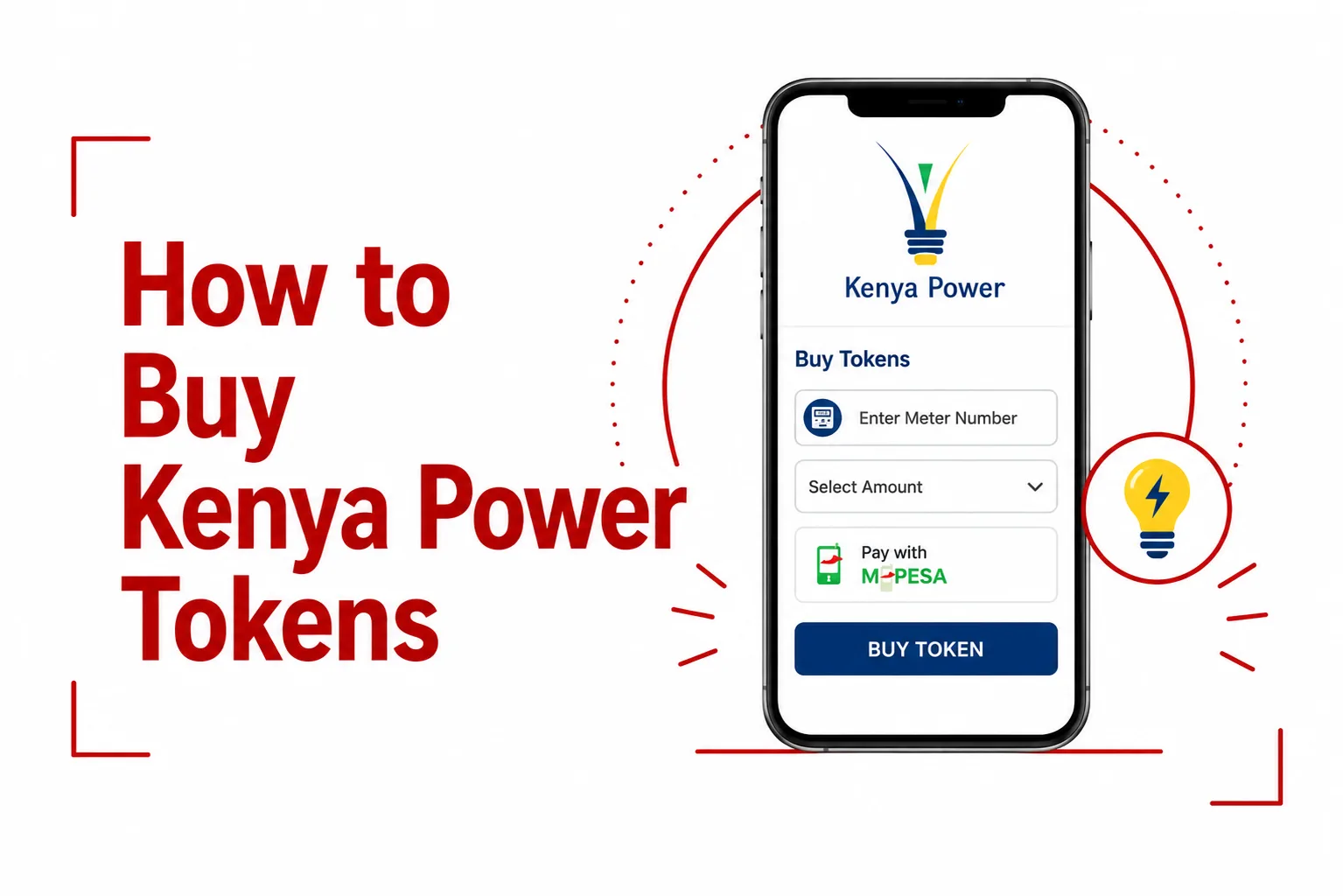
How to Buy Kenya Power Tokens Through the MyPower App
If you prefer using a smartphone, the MyPower app gives you quick access to Kenya Power services.
After signing in:
- Select the prepaid services section.
- Choose Buy Tokens.
- Enter or confirm your meter number.
- Enter the purchase amount.
- Complete payment.
- Wait for your token.
The app also makes it easier to manage your account without entering your meter number every time you buy electricity.
Buying Tokens Through Your Bank
Many Kenyan banks also support Kenya Power payments through:
- Mobile banking apps
- Internet banking
- ATM services
- Bank branches
Although the steps differ slightly from one bank to another, you’ll normally be asked for:
- Your meter number
- The amount
- Payment confirmation
After payment, your token is sent by SMS.
Buying Tokens From Authorized Agents
Customers who prefer cash payments can still buy Kenya Power tokens through approved payment agents.
These agents will ask for:
- Your meter number
- The amount you’d like to purchase
After payment, you’ll receive your token, which can then be entered into your prepaid meter. Always confirm you’re dealing with an authorized payment agent before handing over money.
How to Enter Your Kenya Power Token
After receiving your token:
- Switch on your Customer Interface Unit.
- Enter the 20 digit token exactly as received.
- Press Enter.
- Wait for the confirmation message.
If the token is accepted, your electricity units will appear on the display almost immediately.
What to Do If Your Token Doesn’t Arrive
Although most purchases are completed within minutes, delays can happen from time to time.
Before making another payment:
- Confirm the payment was successful.
- Check your SMS inbox again.
- Retrieve your latest token through *977#.
- Check the MyPower app if your meter is linked.
- Wait a few more minutes if the payment was made during a busy period.
If the token still doesn’t arrive, contact Kenya Power customer support and keep your payment confirmation ready.
Common Problems When Buying Kenya Power Tokens
Most issues are easy to fix once you know what caused them.
Wrong Meter Number
Entering the wrong meter number is one of the most common mistakes. Always compare the meter number on your payment screen with the number printed on your meter before confirming payment.
Token Rejected
A token may be rejected if:
- One or more digits were entered incorrectly.
- The token has already been used.
- The payment was made using another meter number.
If the problem continues, contact Kenya Power for assistance.
Payment Successful but No Token
This is often caused by temporary system delays. Wait a short while before trying again. If the token still hasn’t arrived, retrieve it through another Kenya Power service or contact customer support.
Tips for a Smooth Purchase
Buying electricity only takes a few minutes, but a few good habits can help you avoid unnecessary problems.
- Save your meter number on your phone.
- Double check every payment before confirming.
- Keep your payment confirmation until the token is received.
- Enter the token exactly as it appears.
- Avoid making another payment before confirming the first one has failed.
These simple checks can save both time and money.
Frequently Asked Questions
What is the Kenya Power prepaid Pay Bill number?
The official prepaid Pay Bill number is 888880.
How many digits does a Kenya Power token have?
Every Kenya Power prepaid token contains 20 digits.
Can I buy tokens without internet?
Yes. You can use the *977# USSD service or M Pesa on supported mobile phones.
How long does it take to receive a token?
Most customers receive their token within a few minutes after successful payment.
Can I buy Kenya Power tokens for someone else?
Yes. As long as you have the correct prepaid meter number, you can buy electricity for another person.
Can I use the same token twice?
No. Each token is generated for a single purchase and can only be accepted once.
Conclusion
Buying Kenya Power tokens is now quicker than ever, thanks to digital payment options such as M Pesa, the *977# USSD service, the MyPower app, banking platforms, and authorized payment agents. Whichever option you choose, the process only takes a few minutes once you have your prepaid meter number ready.
Before confirming any payment, take a moment to check your meter number and the amount you’re paying. That simple habit can help you avoid the most common problems customers face. If something doesn’t go as expected, keep your payment confirmation and contact Kenya Power through its official support channels for assistance.