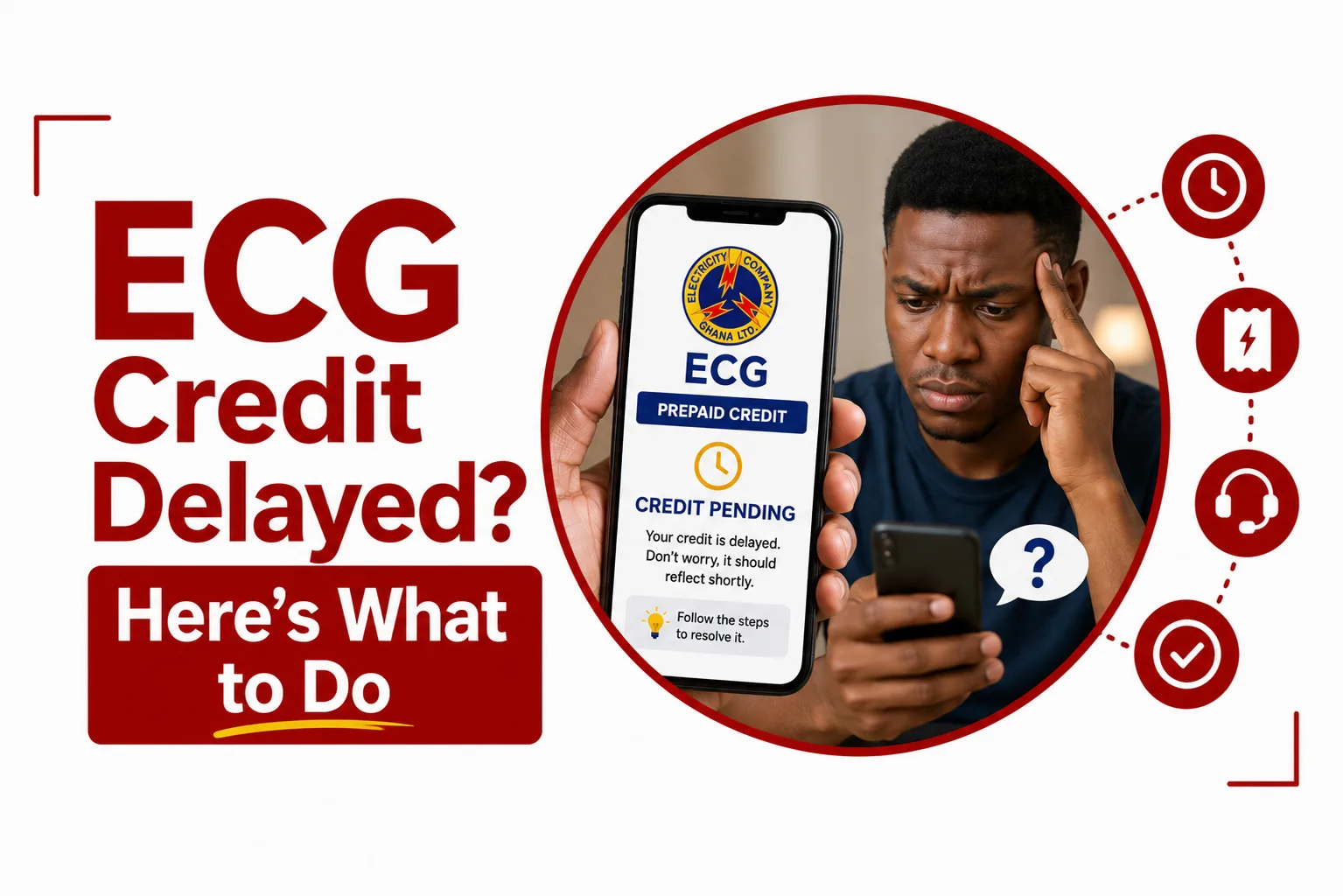

ECG Credit Delayed after you paid for prepaid electricity? Do not make another payment immediately. First, check the payment status and confirm that the transaction went through.
ECG has a specific process for customers whose prepaid meter does not top up after a successful ECG Mobile App transaction. The company asks affected customers to provide their meter number, Mobile Money number, ECG transaction ID if available, and Mobile Money transaction ID.
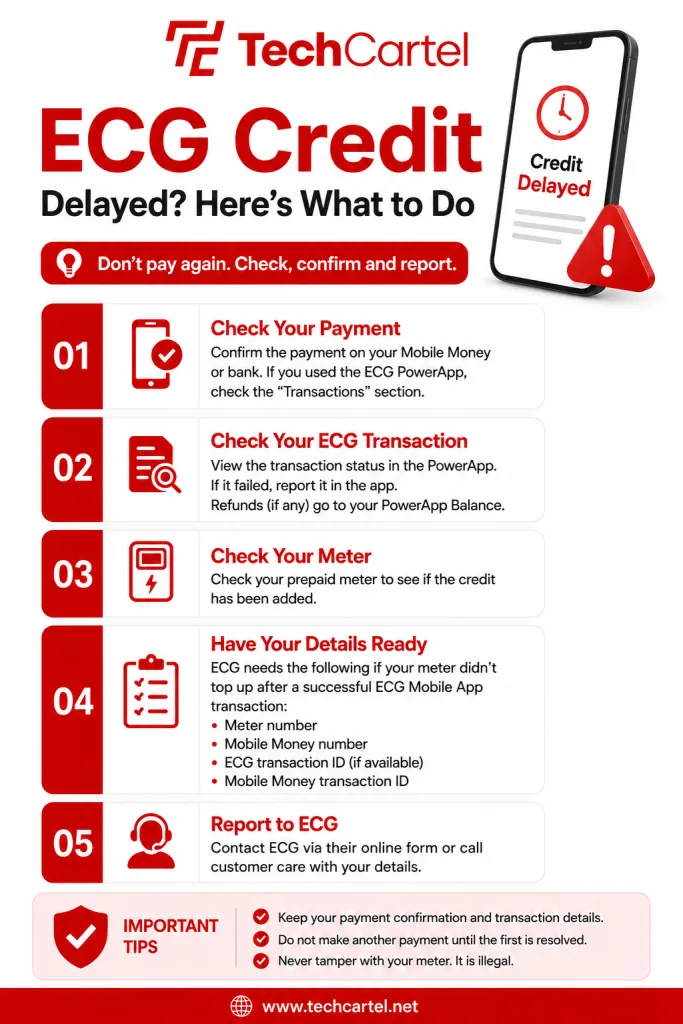
Here is what to do when your ECG prepaid credit has not reached your meter.
Check your payment status
Start by checking the payment confirmation from your Mobile Money service or other payment method. If you used the ECG PowerApp, open the app and check your transaction records. ECG says payments for prepaid credit are shown under Transactions, where users can view their payment records for selected periods. This first check tells you if the payment was completed, failed, or still needs attention.
Check your ECG transaction
The ECG PowerApp lets customers view the status of a prepaid credit transaction after making a payment. A successful transaction also provides a receipt. Check the transaction details before trying to buy the credit again. If the PowerApp transaction fails, you can report it through the app. If the prepaid credit was not delivered after you were charged, ECG says the amount may be refunded to your PowerApp Balance.
Check your prepaid meter
After confirming your payment, check the prepaid meter to see if the credit has been added. ECG’s smart prepaid meters provide customers with information on energy purchased and used through the meter’s User Interface Unit. If the payment was successful but the credit is still missing, proceed to report the issue to ECG.
Related Article: How to Buy ECG Prepaid Credit
What details does ECG need?
ECG asks customers whose meters did not top up after a successful ECG Mobile App transaction to provide these details:
- Your meter number
- Your Mobile Money number
- Your ECG transaction ID, if available
- Your Mobile Money transaction ID
ECG provides a form where customers can submit these details for assistance. Keep your payment confirmation nearby so you can provide the correct transaction information.
How do you report a delayed ECG credit?
You can report the issue through ECG’s customer service channels. ECG’s contact page provides an enquiry and complaint form. You can submit your meter number and payment details through the form to report the issue.
You can also call ECG’s customer service centre on 0302 611 611. When reporting the problem, tell ECG that you completed a prepaid credit purchase but the meter did not top up. Provide the requested transaction details.
What if the ECG payment failed?
If the ECG PowerApp shows that your prepaid credit transaction failed, you can report the failed transaction through the app. A failed ECG PowerApp transaction where your payment was deducted may qualify for a refund. The refunded amount is added to your PowerApp Balance.
What if money was deducted but ECG credit is missing?
If your Mobile Money account was charged but the prepaid meter did not receive the credit, do not make another payment immediately.
Keep the payment confirmation and contact ECG with the details it requests for a missing prepaid top up:
- Meter number
- Mobile Money number
- ECG transaction ID, if available
- Mobile Money transaction ID
Related Article: ECG Prepaid vs Postpaid: What’s the Difference?
What if your ECG credit is still missing?
If you have confirmed that the payment was successful and the meter still has not received the credit, report the transaction to ECG. The ECG PowerApp also has an issue reporting feature. Customers can submit a general issue through the app, and ECG assigns a unique Ticket ID to reported issues. Payment transactions can also be reported through the app. Keep the Ticket ID if you report the issue through the PowerApp.
Should you buy ECG credit again?
Do not make another purchase until you have checked the first transaction. A second payment could create another transaction while the first one is still being handled. Check your payment status first and report the missing credit to ECG when necessary.
Can ECG credit be delayed because of a meter problem?
Yes, a prepaid meter can have a problem that affects credit loading. ECG has also introduced smart prepaid meters that support remote monitoring and digital credit purchases through the PowerApp and *226#. If your payment was successful but the meter still does not receive the credit, contact ECG instead of attempting to alter or tamper with the meter.
What should you keep after buying ECG credit?
Keep your payment information until the credit has been successfully added to your meter.
You should have:
- Your meter number
- Payment amount
- Mobile Money transaction ID
- ECG transaction ID, if available
- Payment confirmation
These details are especially useful when reporting a missing prepaid top up to ECG.
Related Article: How to Pay Your ECG Bill
How long does ECG credit take to arrive?
ECG does not give a specific waiting time for prepaid credit purchases. Check your transaction status after making a payment. When your meter has not received the credit, report the issue to ECG with your payment details.
What is the ECG customer care number?
ECG’s customer service number is 0302 611 611. ECG also provides an online enquiry and complaint form for customers who want to submit an issue online.
A delayed ECG prepaid credit does not mean you should immediately pay again. Check the first transaction, confirm your payment status and check the meter. If your account was charged but the meter did not top up, ECG already provides a process for reporting the issue. Have your meter number, Mobile Money number and transaction details ready, then contact ECG through its customer service channels. For PowerApp transactions, you can also check the transaction status, report a failed payment and track reported issues through the app.