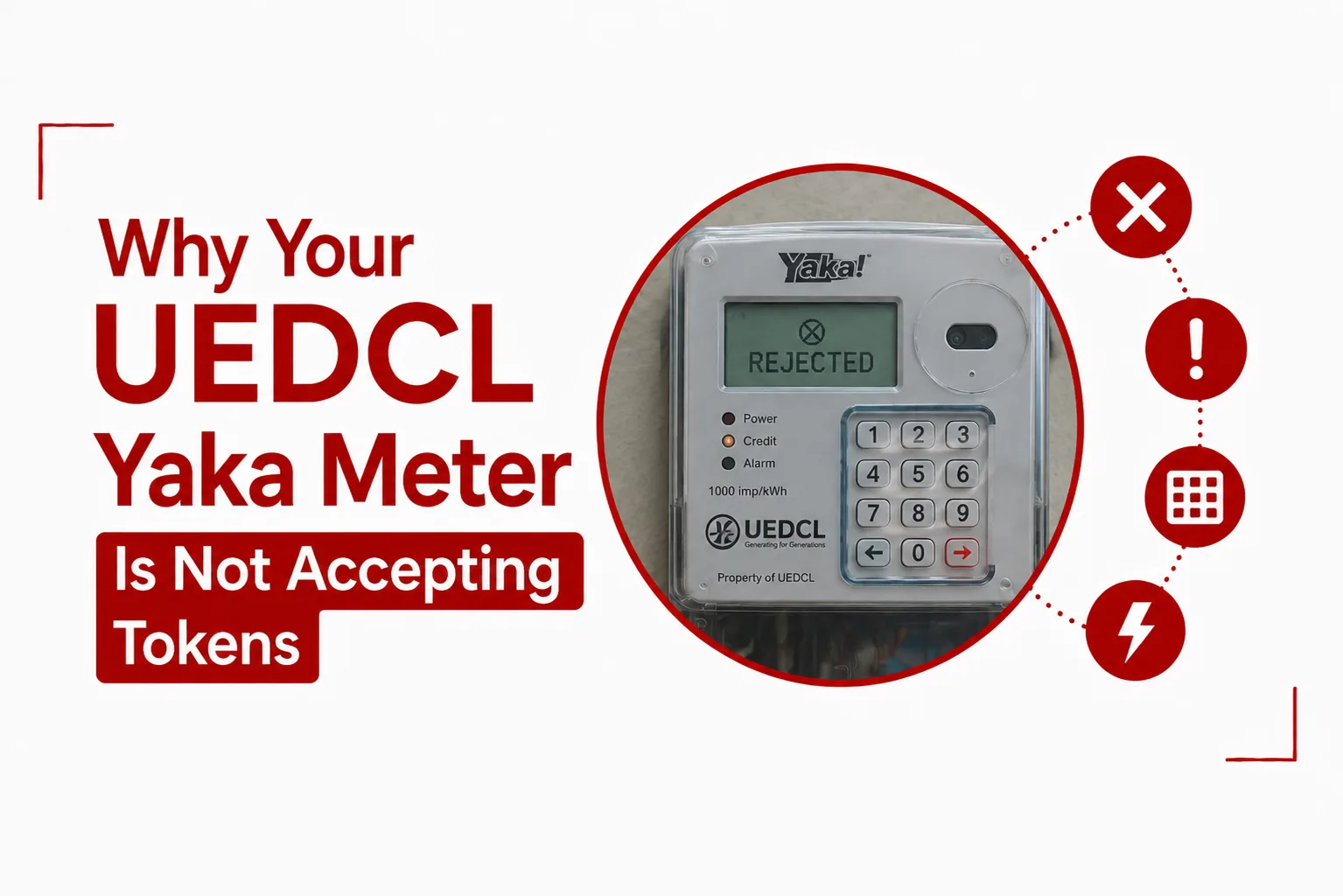

UEDCL Yaka Meter Is Not Accepting Tokens after you have paid for electricity? A rejected token can be frustrating, especially when you need power immediately. Before buying another token, check the meter number, token digits, payment status, and the message shown on the meter.
UEDCL currently describes its prepaid electricity service as E Lipa, while its tariff information refers to customers using the prepaid system as Light customers. The system works by assigning a prepaid meter number to the customer, after which purchased electricity is delivered through a 20 digit token.
A token that does not load can be linked to an incorrect entry, a token retrieval problem, a meter issue, or a specific token system issue. Here is what to check before contacting UEDCL.
Quick Navigation
Why is my UEDCL meter rejecting my token?
Start with the token and meter details. UEDCL says customers receive a 20 digit token after purchasing prepaid electricity. The token is loaded onto the specific prepaid meter connected to the purchase.
Check these first:
- Confirm that the meter number used when buying electricity is correct.
- Check all 20 digits of the token.
- Make sure you are entering the latest token you purchased.
- Check the payment SMS to confirm that the transaction was completed.
- Look at the exact message displayed by the meter after entering the token.
A small mistake in the token can stop the meter from accepting it, so recheck the digits before making another purchase.
Related Article: How to Pay Your UEDCL Electricity Bill
Did you enter the UEDCL token correctly?
The first thing to do is enter the token again carefully. Find the SMS containing your electricity token and compare it with what you entered on the meter. Make sure none of the 20 digits was skipped or entered incorrectly.
Do not keep entering random numbers into the meter. Use only the token sent after your electricity purchase or a token provided by UEDCL for a specific meter process.
Did you buy the token for the right meter?
Check the meter number shown in your payment message. A prepaid electricity purchase is made using the customer’s specific meter number. This check is especially useful if you manage more than one property or have recently moved. Make sure the meter you are standing in front of is the same meter linked to the token you purchased.
If the numbers do not match, do not try to force the token onto the meter. Keep the payment message and contact UEDCL for assistance.
What does the error message on the meter mean?
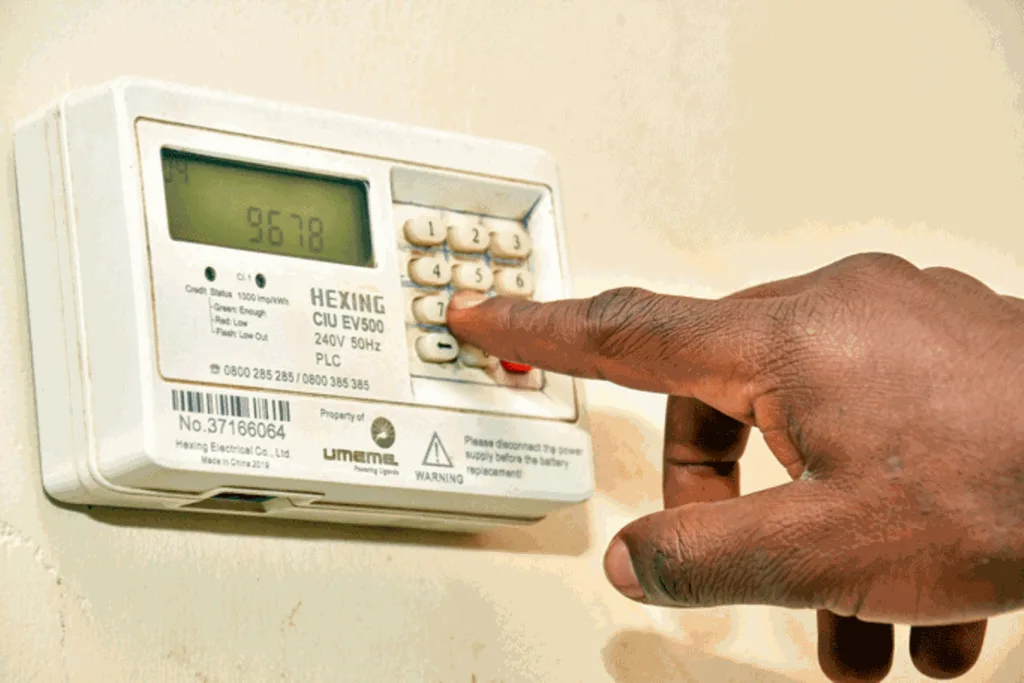
Pay close attention to the message that appears after you enter the token. The display can give you useful information about what the meter is doing. Take a photo of the message if you can, especially when the same token is rejected more than once.
You should also keep:
- The 20 digit token
- Your meter number
- The mobile money transaction message
- The transaction reference
- The exact message shown on the meter
These details can help UEDCL trace the problem when you contact customer support.
Did you receive the UEDCL token?
Sometimes the electricity purchase is successful but the token SMS does not arrive. UEDCL says token complaints are often linked to technical issues, with network fluctuations from telecom providers listed as one of the common causes.
MTN customers can retrieve their latest UEDCL token through the MTN Mobile Money menu.
Dial *165#
Then select:
Payments → Utilities → UEDCL → Get UEDCL Last Token
UEDCL lists this as a self service option for customers vending through MTN.
Airtel customers do not currently have the same self service token retrieval option listed by UEDCL. The company directs Airtel customers to its toll free customer care centre for assistance.
What if my UEDCL token is correct but still rejected?
A correct token that continues to fail needs further checking. First, confirm that the token belongs to the meter you are using. Then check your payment confirmation and the message displayed on the meter. Do not immediately buy another token.
UEDCL has documented a specific prepaid meter issue involving its Token Identifier, or TID, rollover project. That project concerned meters in the Rwenzori Service Territory and involved upgrading affected meters from STS 1 to STS 2.
This was not a general issue affecting every UEDCL meter. UEDCL’s published notice specifically referred to meters in Bundibugyo, Ntoroko and parts of Kabarole. So, if your meter is rejecting a token, do not assume that it needs an STS upgrade. Contact UEDCL first and let the company check the meter.
What should I do when my UEDCL token is not working?
Follow these steps before buying another token.
1. Check your meter number
Compare the meter number used during payment with the meter you are trying to load.
2. Check all 20 token digits
Open the payment SMS and carefully compare the token with what you entered.
3. Check your payment message
Make sure the payment was completed and that the token was actually generated.
4. Retrieve the token again
MTN customers can use:
*165# → Payments → Utilities → UEDCL → Get UEDCL Last Token.
5. Check the meter display
Write down or photograph the message shown after the token is rejected.
6. Contact UEDCL
Give UEDCL your meter number, token, payment reference and the message shown on the meter.
What if I paid for electricity but did not get the token?
Do not buy another token straight away. First check your mobile money message and confirm that the payment was successful. If you used MTN, UEDCL provides a way to retrieve the latest token through *165#.
Follow this path:
*165# → Payments → Utilities → UEDCL → Get UEDCL Last Token
For Airtel customers, UEDCL currently directs customers to its toll free customer care centre for help with token retrieval. Keep your transaction reference because UEDCL may need it to trace the purchase.
What if my UEDCL token was bought for the wrong meter?
Contact UEDCL as soon as you notice the mistake. Do not try to alter the token or repeatedly enter it on another meter.
Have the following information ready:
- The meter number used during payment
- The correct meter number
- The token
- The payment amount
- The mobile money transaction reference
- The date and time of payment
UEDCL’s prepaid system links electricity purchases to a specific meter number, so these details will help the company trace the transaction.
Should I buy another UEDCL token?
No, not until you know what happened to the first token. A second purchase will not fix a meter that is rejecting the first token because of an entry error or a meter issue. Check your payment message first. Retrieve the token again if you used MTN, then try the correct token carefully. If the token still fails, contact UEDCL.
How do I contact UEDCL about a rejected token?
UEDCL’s current contact page lists 0800 203 088 as its toll free customer care number. It also lists +256 312 330 300 as its telephone number. For a token complaint, have your meter number and payment details ready. You can also use My UEDCL Online, which provides a customer service login through the UEDCL website.
Can a power outage stop my token from working?
A power outage and a rejected token are not necessarily the same problem. UEDCL maintains an outage and alerts section showing ongoing, scheduled and restored electricity services. When your meter rejects a token, first check the meter display and the token itself. If there is also an outage in your area, check UEDCL’s outage information before assuming that the token is invalid. A local power problem can also make it difficult to tell if the meter has accepted a token immediately.
UEDCL Yaka meter is not accepting tokens: What should you do?
When your UEDCL prepaid meter rejects a token, start with the simple checks. Confirm the meter number, 20 digit token, payment status and message displayed on the meter.
MTN customers who cannot find their latest token can retrieve it through *165# → Payments → Utilities → UEDCL → Get UEDCL Last Token. UEDCL says token complaints can also result from technical issues such as network fluctuations from telecom providers.
A TID rollover issue has also affected certain UEDCL prepaid meters in the past. UEDCL’s published TID notice concerned the Rwenzori Service Territory and the move from STS 1 to STS 2. It should not be treated as a general explanation for every rejected token today.
Most importantly, do not buy another token just because the first one has failed. Keep the payment reference, token and meter details, then contact UEDCL if the problem continues.