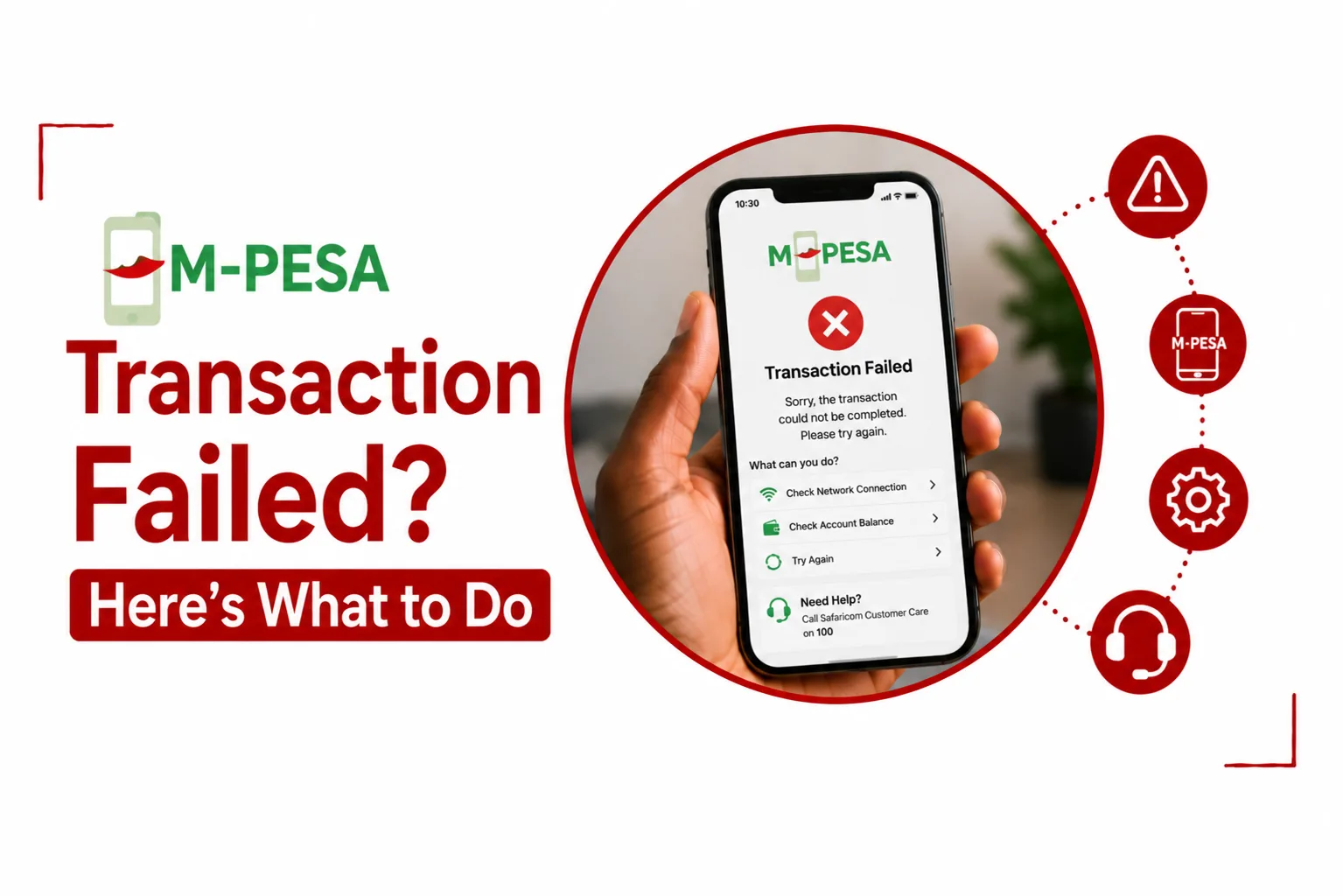

If you see M PESA Transaction Failed after trying to send money, pay a bill, buy goods, or complete another payment, do not immediately try the transaction again.
The failure can come from insufficient funds, an account limit, a temporary system issue, incorrect payment details, or a problem with the recipient’s account. Safaricom’s M PESA transaction records also distinguish between declined, cancelled, expired, reversed, and completed transactions, so the first step is to check exactly what happened to your payment.
Quick Links
Why did my M PESA transaction fail?
There are several reasons an M PESA transaction may fail. The most common ones include:
- Not enough money in your M PESA account: Your balance must cover both the amount you want to send and any applicable transaction fee. Safaricom states that a transaction will not be completed when the account does not have enough funds to cover the transaction and its charges.
- You have reached a transaction limit: M PESA transactions are subject to account and transaction limits. A transaction can therefore be declined when a limit has been reached.
- Incorrect recipient or payment details: Entering the wrong phone number, PayBill number, Till number, or account number can cause problems with a payment.
- A temporary M PESA service problem: A transaction can fail if there is a temporary problem processing the request.
- Network problems: A weak or unstable network connection can interrupt a USSD or app based payment.
- The recipient’s account has an issue: A payment can also fail because of restrictions or problems on the receiving side.
- The transaction has timed out: Safaricom’s M PESA training material lists expired transactions as requests that remain incomplete for a period and then time out.
The error message you receive can give you a useful clue, so check it before trying again.
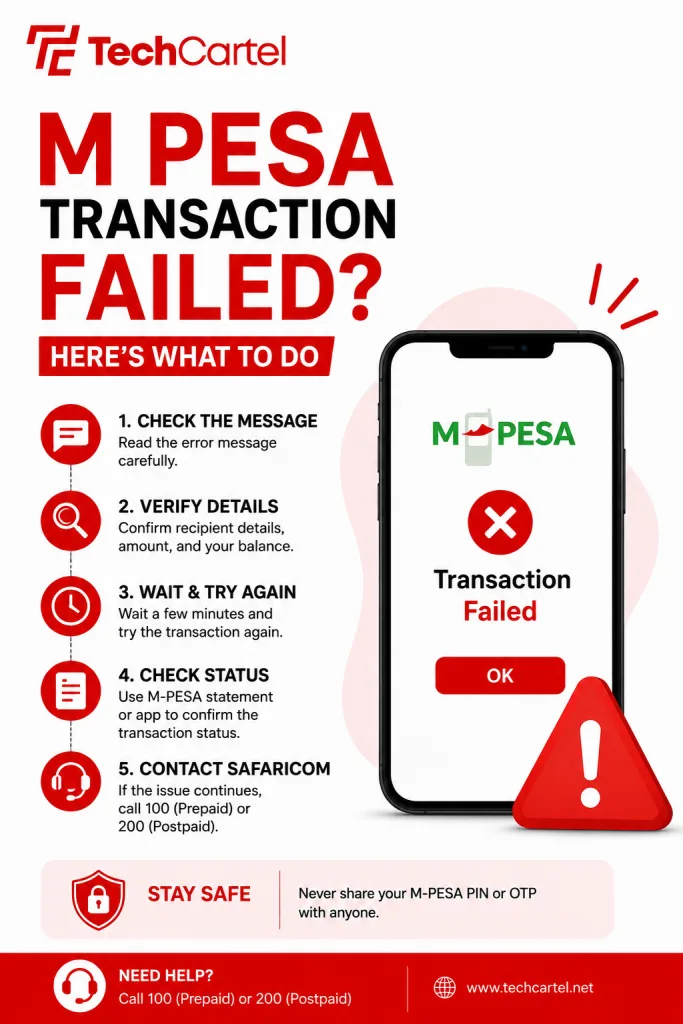
What should I do when M PESA fails?
Start by checking your M PESA balance and the transaction details. If you were sending money, confirm that the recipient’s phone number is correct. For a PayBill payment, check the PayBill number and account number. For a Till payment, confirm that you selected the correct business and entered the right amount.
If everything looks correct, wait briefly and try again. Do not keep repeating the transaction if money was already deducted from your account. First check your M PESA SMS messages and transaction history. This can prevent you from accidentally paying twice.
What if M PESA deducted my money but the transaction failed?
This is one of the situations where you should not immediately make another payment. Check your M PESA confirmation message first. Look for the transaction ID and check if the transaction was completed, reversed, cancelled, or is still being processed.
Safaricom’s transaction system uses several statuses. A cancelled transaction means the payment stopped before completion and no money was deducted or transferred. A reversed transaction means the reversal has been completed. An expired transaction means the request timed out without being completed.
If the money has been deducted but the recipient has not received it, give the transaction some time to update before making another payment. Keep the M PESA transaction ID. You may need it if you contact Safaricom for help.
Related Article: How to Reverse M-Pesa Sent to Wrong Number
How do I check if my M PESA transaction went through?
The easiest way is to check the M PESA confirmation SMS you received. A successful transaction should have a confirmation message containing the transaction details. Check the amount, recipient, transaction ID, and time.
You can also check your M PESA transaction history through the available Safaricom self service channels. Safaricom says customers can access M PESA statements through its services, including the MySafaricom App. If the transaction shows as completed, do not send the money again simply because the recipient has not seen it yet. Confirm the recipient’s details and give the payment time to reflect.
Why does M PESA say transaction declined?
A declined M PESA transaction means the payment was not completed. Safaricom’s M PESA training material lists insufficient funds and transaction limit rules among the reasons a transaction can be declined.
If you see a declined message, check these first:
- Your M PESA balance
- The amount you are trying to send
- The transaction fee
- Your transaction limits
- The recipient’s phone number or payment details
- The exact error message on your phone
If the same transaction keeps getting declined after you have checked these details, contact Safaricom customer care.
What if M PESA is not working at all?
If several M PESA transactions are failing, the problem may not be your account.
Try these simple checks:
- Restart your phone.
- Check that your Safaricom SIM has network coverage.
- Try the transaction again after a short wait.
- If you are using the MySafaricom App, close and reopen it.
- Check that you have enough M PESA balance.
- Try another M PESA channel if available.
- Check your SMS messages for a transaction update.
If other Safaricom services are also having problems, it may be a wider network or service issue. In that situation, waiting a little before trying the payment again can save you from sending multiple requests.
Can I try the M PESA transaction again?
Yes, but check the first transaction before doing so. If the first attempt was clearly cancelled or declined and no money was deducted, you can usually try again after checking your details. If money was deducted, do not repeat the payment immediately. Check your transaction message and status first.
This is especially important when paying a bill or merchant. Sending the same payment twice can create a second payment that you then have to resolve.
What should I do if I sent money to the wrong number?
If you accidentally sent money to the wrong M PESA number, keep the transaction ID and act quickly. Safaricom’s terms state that a transaction may be reversed in certain circumstances, including cases involving an obvious error or fraud, provided the recipient has not redeemed the electronic money and the reversal request is made within the stated period. A reversal is not guaranteed in every situation.
Do not send another transaction to the wrong recipient to try to fix the first payment. Instead, contact Safaricom through its official customer care channels and provide the transaction details.
How do I contact Safaricom about a failed M PESA transaction?
If you have checked your balance, payment details, transaction status, and network connection but the problem continues, contact Safaricom customer care. Safaricom lists 100 for prepaid customers and 200 for postpaid customers among its customer support channels.
Have these details ready:
- Your Safaricom phone number
- The M PESA transaction ID
- The amount involved
- The recipient’s number or payment details
- The date and time of the transaction
- The error message you received
Never share your M PESA PIN with anyone claiming to be from Safaricom.
How long should I wait after an M PESA transaction fails?
The answer depends on the status shown for the transaction. A cancelled or declined transaction has not gone through, while an authorized transaction may have been approved but not yet completed. Safaricom also lists expired and reversed statuses for transactions that do not complete normally.
If your account was not charged, you can usually retry after checking the payment details. If your account was charged, wait for the transaction status to update before making another payment. Keep the confirmation SMS and transaction ID in case you need customer support.
M PESA transaction failed but money was deducted
If your M PESA transaction failed but money was deducted, do not panic and do not immediately send the payment again. First, check your M PESA SMS and transaction history. Find out if the payment is completed, pending, cancelled, expired, or reversed.
If the transaction is still being processed, give it time to update. If it becomes reversed, the reversal has been completed. If the money remains deducted and the payment has not reached the recipient, contact Safaricom with the transaction ID. The transaction ID is one of the most useful details you can provide when reporting the issue.
How can I avoid M PESA transaction failures?
A few simple checks can prevent many failed payments. Before confirming a transaction, check the recipient’s phone number or merchant details carefully. Make sure your M PESA balance can cover the payment and any applicable charge. For larger payments, check your available transaction limits before sending the money.
Also, wait for the confirmation message after making a payment. Do not assume a transaction failed simply because the recipient has not received the money immediately. Most importantly, avoid making several attempts when the first transaction may still be processing.
M PESA transaction failed: What should you do next?
When M PESA Transaction Failed appears on your phone, the safest first step is to find out if money was deducted. If no money was deducted, check your balance, payment details, transaction limits, and network connection before trying again.
If money was deducted, do not repeat the payment. Check the transaction status and keep your confirmation SMS and transaction ID. If the payment does not resolve, contact Safaricom customer care with the transaction details. That small check can save you from making the same payment twice.