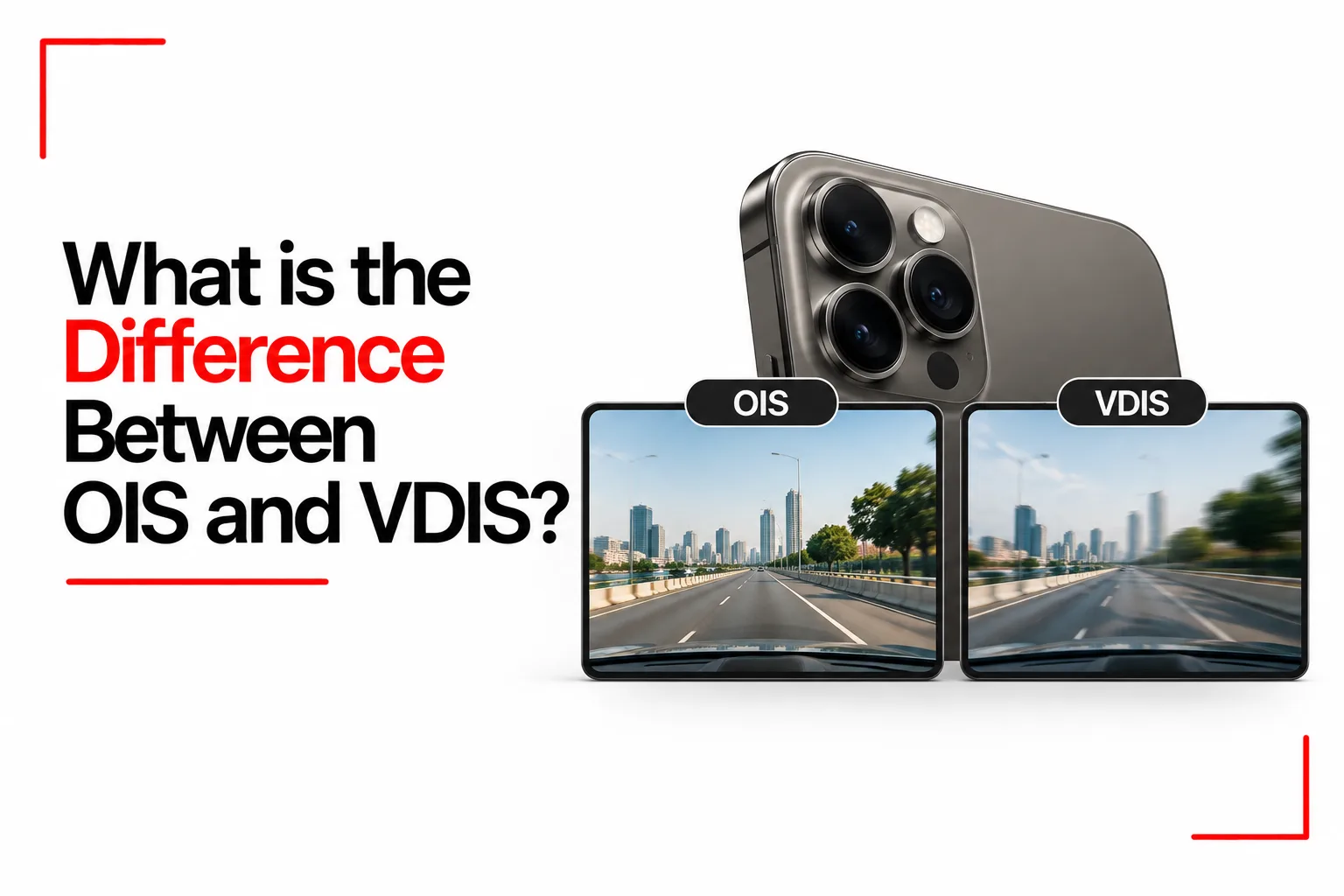

Shaky photos and videos can ruin a moment, especially when a small hand movement blurs a face or makes footage difficult to watch. Smartphone cameras use image stabilization to reduce the effects of hand movement, but not every phone handles camera shake in the same way.
Optical Image Stabilization (OIS) uses moving camera hardware to counteract physical movement, while Video Digital Image Stabilization (VDIS) uses software to correct movement in recorded footage. Both can reduce shake, but they use different methods and have their own limitations.
The difference between OIS and VDIS comes down to how each technology stabilizes an image, the situations in which it helps most, and its effect on the final photo or video. Some smartphones combine both methods to capture sharper photos and smoother videos.
Table of Contents
What Is Optical Image Stabilization (OIS)?
Optical Image Stabilization, or OIS, is a hardware based technology that reduces blur caused by small camera movements. It physically adjusts a lens element or the image sensor to counteract movement detected by motion sensors. The camera uses gyroscope data to detect movement, and a control system directs the moving component in the opposite direction. This helps keep the image steady as the phone shifts slightly in your hand.
OIS can benefit both photography and video recording on supported cameras. Its effect is particularly useful when taking photos in low light, since the camera can use a longer exposure without introducing as much blur from hand movement. For example, taking a photo indoors at night may involve a longer exposure than shooting outdoors in daylight. Even a small hand movement during that exposure can blur the picture. OIS compensates for some of the movement, helping preserve detail.
However, OIS cannot freeze a moving subject. A person walking across a room may still look blurred during a long exposure, even if the camera itself stays steady. OIS also has a limited correction range, and its effectiveness depends on the camera hardware.
Not every smartphone camera has OIS. Some phones include it on the main rear camera but leave the ultrawide, macro or front camera without optical stabilization. The specifications for each camera module determine where it is available.
What Is Video Digital Image Stabilization (VDIS)?
Video Digital Image Stabilization, or VDIS, is a software based technology designed to reduce camera shake during video recording. The term is used by Samsung for its video stabilization technology, while other manufacturers may use terms such as electronic image stabilization (EIS).
VDIS analyses motion sensor data and the video frames themselves to estimate how the camera is moving. Software then adjusts the frames to make the footage look steadier. For example, a video recorded while walking can contain small vertical bounces and side to side movements. VDIS can compensate for some of these movements by shifting and warping individual frames, smoothing the transitions between them.
Digital stabilization usually needs extra image area around the final frame to make these adjustments. The software may crop the edges of the video, reducing the recorded field of view. The amount of cropping depends on the phone, camera mode and intensity of stabilization.
VDIS can help with video recorded while walking or moving, but it has limitations. Heavy camera movement can exceed the available correction range, while aggressive digital stabilization may cause jitter, distortion or warped edges. Low light can also reduce the quality of stabilized footage, depending on the camera and recording settings.
Unlike OIS, VDIS does not physically move the lens or sensor to counteract movement. It corrects the captured video through image processing.
OIS vs. VDIS
| Feature | OIS | VDIS |
|---|---|---|
| Full name | Optical Image Stabilization | Video Digital Image Stabilization |
| Method | Physically moves a lens element or image sensor | Uses software to adjust video frames |
| Main purpose | Reduces blur from camera movement in photos and videos | Reduces visible camera shake in video |
| Motion detection | Uses motion sensors and a control system | Uses motion sensor data and video frame analysis |
| Photo support | Yes, on supported cameras | Primarily designed for video recording |
| Video support | Yes, on supported cameras | Yes |
| Field of view | Does not normally need digital cropping for stabilization itself | Usually crops some of the frame for digital correction |
| Low light | Can reduce hand shake blur in photos taken with longer exposures | Results depend on available light, movement and processing |
| Fast movement | Corrects physical camera movement within its limits | Can smooth video movement, but extreme shake may exceed its correction range |
| Hardware needs | Requires a camera module with moving components | Requires compatible processing and camera software |
How OIS and VDIS Affect Photo and Video Quality
The effects of each technology become easier to understand when looking at common photography and recording situations.
Taking Photos in Low Light
OIS helps reduce blur when taking photos indoors or at night by compensating for small camera movements during longer exposures. Without it, the camera may need a higher ISO, which can introduce more noise. However, OIS cannot prevent blur caused by moving people, pets or vehicles.
VDIS stabilises video through digital processing, but low light can make this harder because footage may contain more noise and motion blur. The results depend on the phone’s camera sensor, exposure settings and image processing.
Recording While Walking or Running
OIS reduces the effect of small movements through physical adjustments, but walking produces repeated motion that can be difficult for optical hardware to correct on its own. VDIS analyses movement across video frames and makes digital corrections to reduce visible shaking. It can help smooth footage recorded while walking, jogging or moving through a scene.
Neither method gets rid of every movement. Running, sudden turns and fast changes in direction can exceed the available correction range. Some smartphones also have a more aggressive video stabilization mode that crops further into the frame to allow larger corrections.
Recording at High Resolutions
Video resolution and frame rate can affect the stabilization features available on a smartphone. Certain models limit advanced stabilization to specific resolutions, frame rates or camera lenses. For example, a phone may support its most aggressive stabilization mode at Full HD resolution but disable it during some 4K recording modes. Other models may support stabilization at higher resolutions with a narrower field of view.
These restrictions depend on the phone’s hardware and software. Check the camera specifications for the exact device if you need a particular combination of resolution, frame rate and stabilization.
How Samsung Combines VDIS With OIS
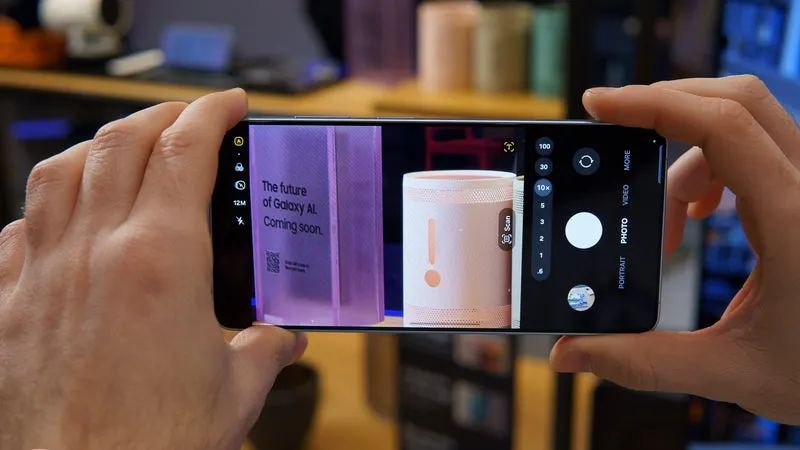
On supported Samsung Galaxy phones, OIS and VDIS can work together during video recording to reduce camera shake. OIS moves the lens or another camera component to counteract physical movement, while VDIS analyses motion sensor data and video frames to make additional digital corrections.
As you walk or move the phone while filming, OIS handles movement within the camera hardware’s correction range. VDIS then adjusts the recorded frames to smooth transitions and reduce the visible effects of shaking. Since digital correction needs room to shift the image, the final video may have a narrower field of view than the original camera capture.
The combination can produce steadier footage than either method alone, particularly when recording handheld video. The result depends on the Galaxy model, camera and recording mode, and heavy movement can still cause visible shake.
Does VDIS Crop the Video?
VDIS usually crops part of the image to create room for digital stabilization. The camera records more of the scene than it needs for the final frame, giving the software space to shift or adjust the image as the phone moves. The amount of cropping depends on the correction needed and the camera mode. A more aggressive stabilization setting may crop further into the frame because larger adjustments need more spare image area.
Cropping can make the subject look closer and reduce how much of the surroundings fit into the video. This can be noticeable when recording a wide scene or several people standing close together. Some camera systems use information from an ultrawide camera or additional sensor area to reduce the visible loss of field of view. The exact result depends on the phone, so VDIS does not produce the same crop on every device.
Which Samsung Galaxy Phones Support VDIS?
Samsung confirms VDIS support for Motion Photo on the Galaxy S24 and S25 series, Galaxy Z Fold6, Galaxy Z Fold Special Edition and Galaxy Z Flip6. The Galaxy S26 series also identifies OIS and VDIS as part of its camera stabilization technology. Available stabilization features depend on the phone and camera mode. Motion Photo support does not automatically mean every VDIS feature is available in standard video recording, so check the specifications for your exact model.
Is OIS Better Than VDIS?
Neither OIS nor VDIS is better in every situation. OIS uses physical camera adjustments to reduce shake and can help keep photos sharp in low light. VDIS uses software to stabilise video, often by adjusting frames and cropping the image. Phones that support both can combine them during compatible recording modes, although the results depend on the camera hardware, lighting and amount of movement.