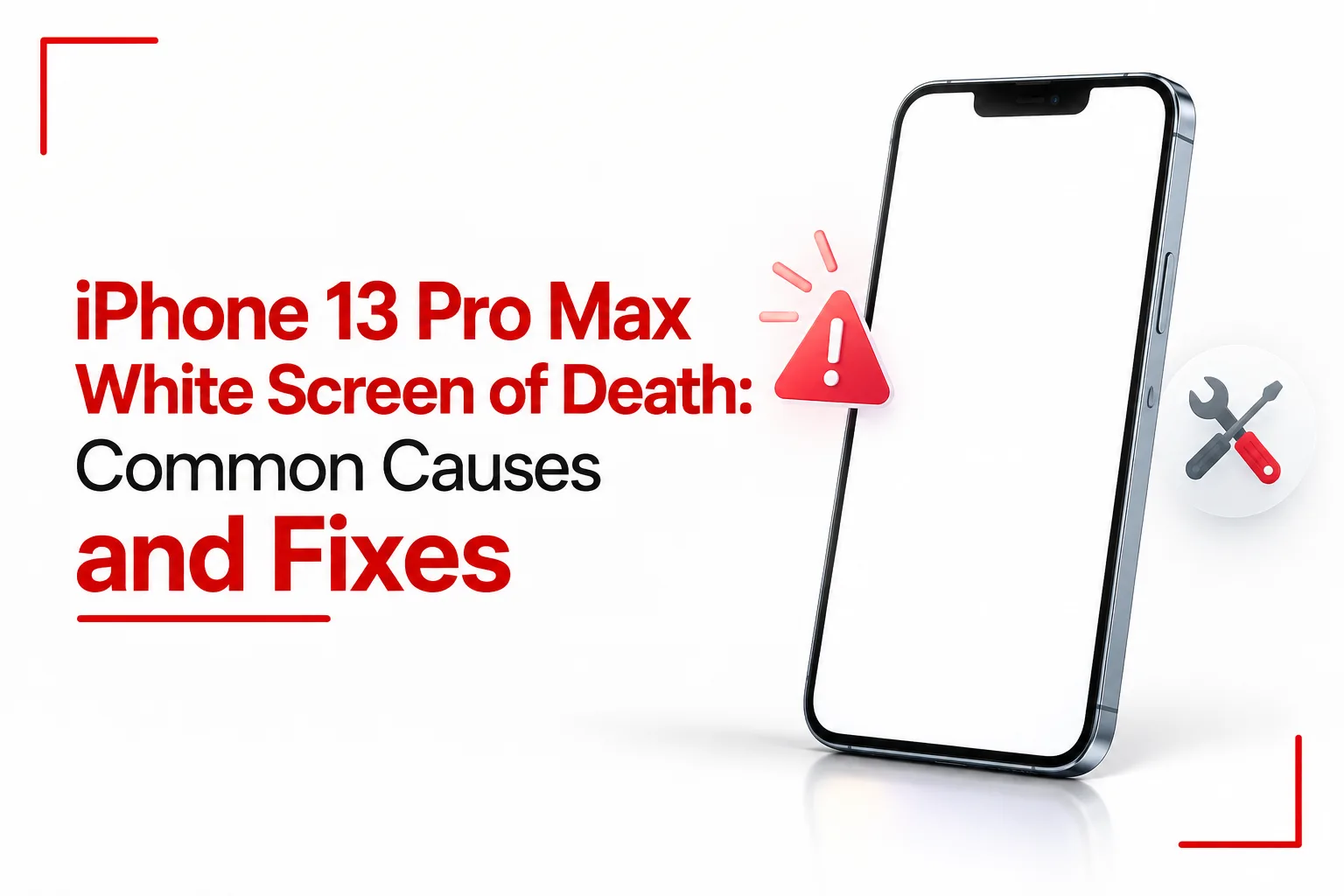

The iPhone 13 Pro Max white screen of death can leave you staring at a completely white display while the phone itself continues to run. Calls may still come through, the phone can vibrate, and notifications still chime, but the screen gives you nothing useful to work with. The phone may still be running normally underneath the failed display, leaving you unsure if the problem is with iOS, the screen itself or another internal component.
A white screen on the iPhone 13 Pro Max can come from the display assembly, its internal connections or another hardware component. Software problems can also leave the phone stuck with a blank or unusable display. Start with a force restart and other basic software checks. If the screen stays white, the phone may need hardware testing to identify the failed component.
Table of Contents
What Causes a White Screen on the iPhone 13 Pro Max?
A white screen usually points to a problem somewhere in the display system, but several parts can be involved. The OLED panel itself can fail, a connection between the display and the phone can become faulty, or another internal component can interfere with the image.
Physical damage is another possibility. A drop can affect the display assembly or its connections even when the outer glass looks fine. Liquid exposure can also cause problems inside the phone, including damage around internal connectors. Software issues can be harder to identify because the phone may still respond to buttons, sounds or vibrations while the display remains unusable. An iOS problem can leave the phone frozen or prevent the display from working correctly.
The exact cause cannot be identified from a white screen alone. Basic software troubleshooting is a sensible first check. If the display stays white, the phone may need an internal inspection to find the fault.
Display Assembly Failure
A failed display assembly is one possible cause of a white screen. The iPhone 13 Pro Max uses an OLED display. If the display assembly stops producing a usable image, the rest of the phone can continue running while the screen remains white, blank or otherwise unusable.
A screen replacement can fix the problem if the display assembly is the source of the fault. Testing the phone first is important since a damaged connection or another internal component can produce similar results.
Display Connections and Internal Hardware
The display connects to the phone through internal cables and connectors. Damage to these parts can affect display operation. This can become relevant after a drop, previous repair or internal damage. Opening the phone also requires careful handling of the display connections.
A white screen cannot tell you if the OLED panel, a connector, a cable or another internal component has failed. The phone needs to be examined if basic software troubleshooting does not bring the display back.
Physical Damage
A drop or hard impact can damage the display assembly or other internal components. If the white screen appeared after a previous repair, a loose connection or a problem with the replacement part could also be involved. A display can have internal damage even when the outer glass looks completely intact.
Liquid Exposure
Liquid can damage electronic components inside an iPhone, including parts involved in display operation. The iPhone 13 Pro Max has water resistance, but water resistance does not make the phone permanently protected from liquid. If the display problem appeared after exposure to water or another liquid, internal inspection can reveal damage that is not visible from the outside. Liquid exposure should be treated as part of the phone’s history. It does not prove that one particular component caused the white screen.
Software Problems
Software problems can cause an iPhone to freeze or stop responding normally. A force restart is the first software check worth trying. If the display comes back after the restart, the problem may have been temporary. If the screen stays white, further testing may be needed.
To force restart an iPhone 13 Pro Max, press and quickly release Volume Up, press and quickly release Volume Down, then hold the Side button until the Apple logo appears.
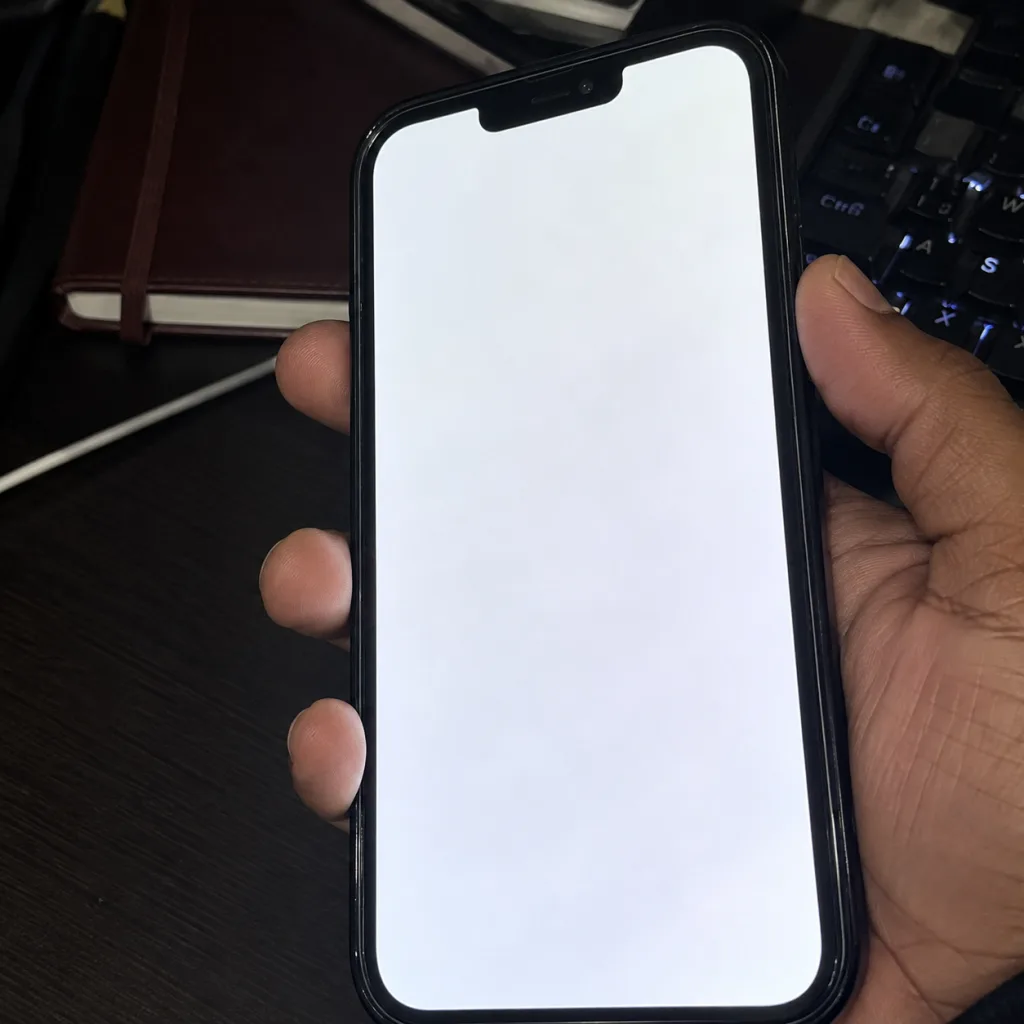
How to Force Restart an iPhone 13 Pro Max
A force restart does not erase your personal data.
Follow these steps:
- Press and quickly release Volume Up.
- Press and quickly release Volume Down.
- Press and hold the Side button.
- Keep holding the Side button until the Apple logo appears.
- Release the button when the Apple logo appears.
The Apple logo can take a little time to appear, so keep holding the Side button after the first few seconds. If the phone starts normally, check the display and use the device as usual. If the white screen comes back, further investigation may be needed.
Related Article: What to Do When Your iPhone Freezes on the Apple Logo
What If the Force Restart Does Not Work?
A failed force restart does not prove that the display has failed. The iPhone can be connected to a computer to see if it is recognised. A connection can show that the phone is still communicating with the computer, but it cannot identify the faulty component.
Recovery mode can also be used when an iPhone has software problems. If a computer gives you the choice between updating and restoring the phone, an update is the less destructive option because it reinstalls iOS while keeping personal data. A restore erases the iPhone and reinstalls iOS.
A restore should not be treated as a guaranteed fix for a white display. If the cause is failed hardware, reinstalling iOS will not repair the physical component.
When Does the iPhone Need Hardware Repair?
A display that remains unusable after software troubleshooting may need hardware testing. The display is one area that can be checked. A working display can also help a repair technician check if the original display assembly is causing the problem. A screen replacement can fix the white screen if the display assembly is faulty. Replacing the screen without checking the phone first can become expensive if the actual fault lies elsewhere.
Can Micro Soldering Fix the Problem?
Micro soldering can repair certain board level faults without replacing the entire phone. In some cases, a technician may repair a damaged connection or circuit board fault that is preventing the display from working properly. The challenge is finding the exact fault first. A white screen does not point to one specific soldering repair, and the correct repair depends on what testing finds inside the phone.
This type of work involves opening the device and working directly on small components or circuit board connections, so it is best left to a technician with the right equipment and experience.
Can Replacing the Screen Fix a White Screen?
Yes. A screen replacement can fix the problem if the original display assembly has failed. The replacement needs to match the iPhone 13 Pro Max and be properly installed for the display to work as expected.
Opening the phone also affects its original sealing, so the repair needs to be carried out carefully. The replacement screen can also affect features such as touch response, brightness, colour and True Tone, depending on the part used and the iOS version. Apple display parts can help avoid some compatibility problems associated with third party screens. After a replacement, iOS may also show a parts and service message if it cannot verify the display.
Related Article: Buying iPhone 17 Pro Max: How to Avoid Getting a Modified iPhone XR
What Happens to True Tone After a Screen Replacement?
True Tone can be affected after replacing the display, depending on the iOS version and the replacement screen. On iOS 17.6 and earlier, True Tone and automatic brightness are disabled after a screen replacement, including when an original Apple display is used. On iOS 18 and later, an Apple replacement display purchased from Apple can be calibrated with Repair Assistant to restore True Tone. A screen replacement does not always mean losing True Tone permanently.
What Does “Unknown Part” Mean?
After a display repair, information about the replacement can appear under Settings > General > About > Parts and Service History.
An Unknown message can appear when the display is not a genuine Apple part, is not functioning as expected, has not been verified and linked to the iPhone after the repair, or has been modified or cannot be verified. The message itself does not stop the iPhone from being used.
Will Apple Replace a White Screen for Free?
A white screen does not automatically qualify an iPhone 13 Pro Max for free replacement. The standard Apple limited warranty covers manufacturing issues, while accidental damage is not covered by that warranty. AppleCare coverage and consumer protection laws can provide additional coverage depending on the situation and location.
There is no general Apple repair programme that guarantees a free replacement for every iPhone 13 Pro Max with a white screen.
Is the iPhone 13 Pro Max White Screen of Death always a hardware problem?
No. A display fault is one possibility, but software problems can also cause an iPhone to freeze or become unresponsive.
Can a force restart fix a white screen?
It can resolve an unresponsive iPhone in some cases. It cannot repair physically damaged hardware.
Will a force restart erase my data?
No. A force restart does not erase your photos, apps or other personal data.
Does a white screen prove that the OLED panel has failed?
No. The appearance of the screen alone cannot identify the failed component.
Can replacing the display fix the problem?
Yes, if the original display assembly is responsible for the failure.
Is there one micro soldering fix for every white screen?
No. Component level repairs depend on the fault found during testing.
Does Apple have a free repair programme for this problem?
There is no general Apple programme that guarantees free repair for every iPhone 13 Pro Max with a white screen.
Can a replacement screen cause an Unknown Part message?
Yes. An Unknown message can appear when a replacement display is not genuine, is not working as expected, has not been verified and linked to the iPhone after repair, or has been modified or cannot be verified.
The iPhone 13 Pro Max white screen of death can leave the phone running while the display turns completely white or stops showing a usable image. The fault can come from the display assembly, an internal connection, another hardware component or a software problem.
A force restart is the first check to try. If the screen stays white, the next step is finding out if the display itself has failed or if another part of the phone is causing the problem. A screen replacement can fix the issue when the display assembly is faulty, while some internal hardware faults may call for board level repair.