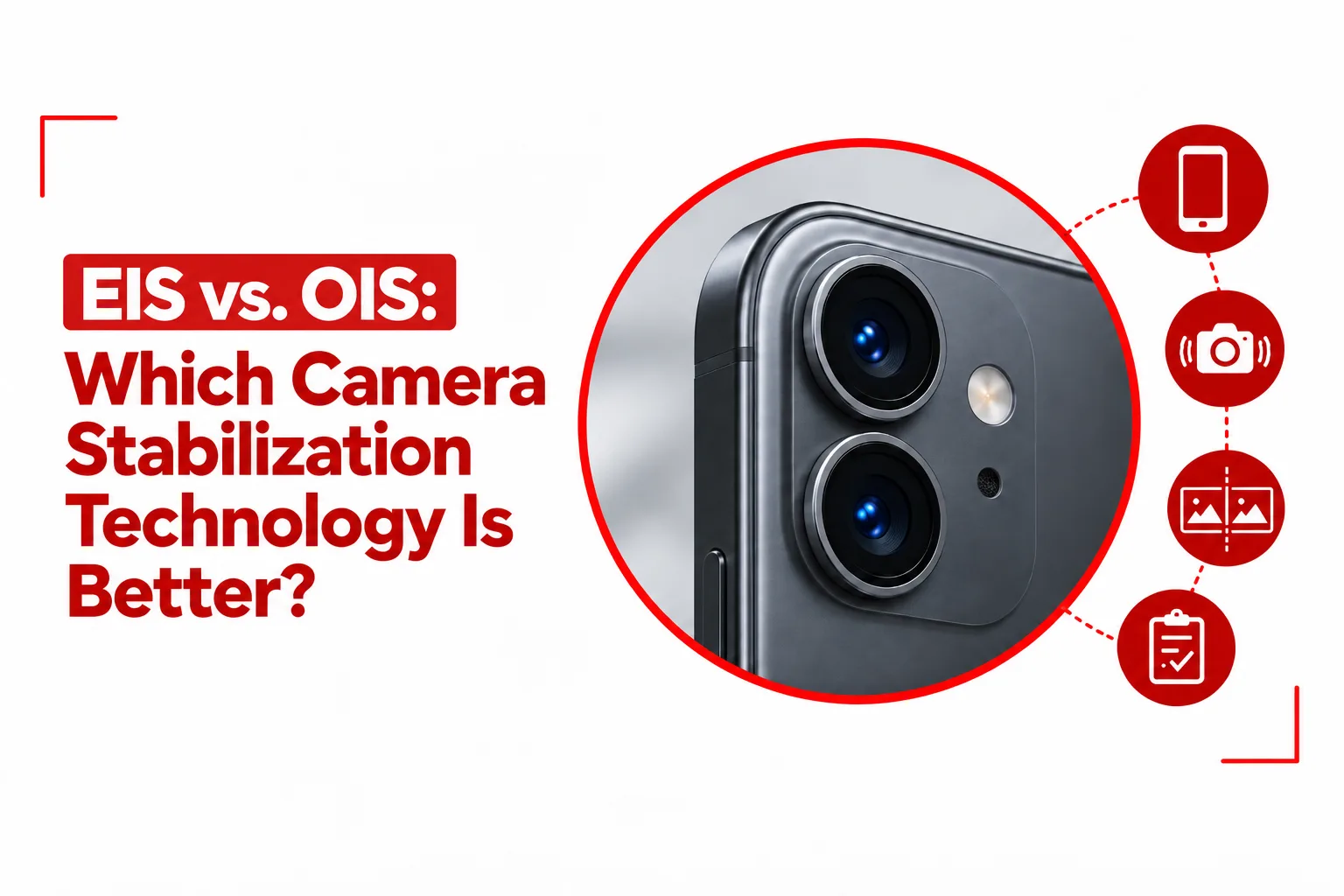

Camera shake is one of those problems that can ruin an otherwise good photo or video, even when everything else is right. A slight movement of your hand can soften fine details in a night photo, while a larger movement during video recording can make the footage look shaky and uncomfortable to watch. Modern smartphones deal with this movement through two main forms of stabilization: optical image stabilization and electronic image stabilization.
EIS vs OIS comes down to two different ways of correcting movement. OIS uses physical camera hardware to counter small movements before they affect the image, while EIS uses software to analyze footage and correct movement digitally. Both can make a noticeable difference, but they behave differently with still photography, video, low light and fast movement.
The difference becomes easier to understand once you look at what happens inside the camera. OIS physically moves part of the camera system, while EIS works with image data captured by the sensor. Many current smartphones use both systems together, allowing physical and digital stabilization to handle different types of movement.
Table of Contents
Optical Image Stabilization (OIS)
OIS works at the hardware level. A gyroscope detects small movements from your hand, while tiny actuators move the lens elements or the camera sensor in the opposite direction. The movement happens in real time, helping keep the incoming light aligned with the sensor while you take a photo or record video.
Some cameras use sensor shift instead of moving the lens. In this design, the sensor itself moves to counter hand movement. Since the sensor is lighter than a complete lens assembly, sensor shift can make quick corrections while keeping the optical path stable.
One of the biggest benefits of OIS appears in still photography. A camera can use a slower shutter speed without every small hand movement turning into visible blur. This becomes especially useful in low light, where the sensor needs more time to gather enough light. OIS can help preserve detail without relying entirely on higher ISO settings. OIS also works without digitally cutting away part of the captured frame. The camera can make its physical correction while using the sensor’s full image area. This means there is no forced reduction in field of view simply because stabilization is active.
Physical stabilization also avoids some artifacts associated with digital correction. EIS can sometimes produce warped edges or a jelly like appearance when the software has difficulty matching movement between frames. OIS does not create those effects through digital frame manipulation.
There are limits to what OIS can correct. The physical movement available inside a camera module is small, so it works best against hand tremors and minor vibration. A person running with a phone can create much larger movements that exceed the correction range of the mechanism.
OIS also adds hardware to the camera module. Motors, moving components and the supporting structure take up space and add manufacturing cost. Smartphone designers have to account for those components when arranging the camera hardware inside a thin body.
Related Article: How to Fix a Blurry Android Camera That Won’t Focus Properly
Electronic Image Stabilization (EIS)
EIS takes a different route. Instead of physically moving the lens or sensor, it uses software to study movement between consecutive frames. Motion data from the phone’s gyroscope and accelerometer can also help the stabilization system understand how the device is moving.
The software then shifts the captured image to compensate for that movement. Since the image has to move within the available frame, EIS normally needs some extra image area around the edges. The camera captures a wider area and crops into it as the stabilization system corrects the footage.
This cropping is one of the main tradeoffs with EIS. A stabilized video can lose part of its original field of view, with the amount depending on the camera, resolution, stabilization mode and software being used. A crop of around 10% to 20% is common in many stabilization implementations, although the exact figure is not fixed across smartphones.
EIS has an advantage when the phone is dealing with larger movements during video recording. Software can analyze a sequence of frames and smooth out movement across the footage, helping reduce the visible effect of walking, panning and other larger changes in position.
There are no moving components inside the camera specifically for EIS. That keeps the stabilization system from requiring additional mechanical hardware, which can help with camera module design and production cost. Software also gives manufacturers room to refine stabilization through firmware updates. Improvements to motion tracking, frame analysis and stabilization algorithms can change how EIS performs without replacing the physical camera hardware.
Low light can make EIS less effective. When there is less available light, the camera may need slower shutter speeds and higher sensitivity. Movement during that exposure can introduce blur, while aggressive digital correction can produce noise, warped edges or other visible artifacts.
EIS vs OIS: How They Compare
OIS and EIS deal with camera movement at different stages of image capture. OIS physically moves the lens or sensor to keep the image steady. EIS processes captured frames and adjusts them digitally.
For still photography, OIS has a clear role because it can reduce hand shake during longer exposures. EIS does not provide the same benefit to a raw still image because its main stabilization process works through frame analysis and digital processing, which is more closely associated with video capture.
Video is more complicated because both systems can contribute to stabilization. OIS is effective against small hand movements and vibration, while EIS can smooth larger movement across a sequence of frames. Walking footage is a good example: OIS can reduce the small tremors from your hands, while EIS can analyze the broader movement from each step and adjust the footage.
Field of view is another point of difference. OIS does not need to crop the image simply to perform its physical correction. EIS normally needs additional frame area so the software has room to shift the image during stabilization.
Low light also exposes the difference between the two systems. OIS can help a camera use a slower shutter speed while keeping the camera physically steadier. EIS has less room to work with when the original footage already contains motion blur, noise or limited image information.
The hardware footprint is different as well. OIS requires moving components inside the camera module, while EIS relies on processing power, motion sensors and software. Modern smartphone processors can perform sophisticated stabilization calculations in real time, making EIS far more capable than the basic digital stabilization found on older phones.
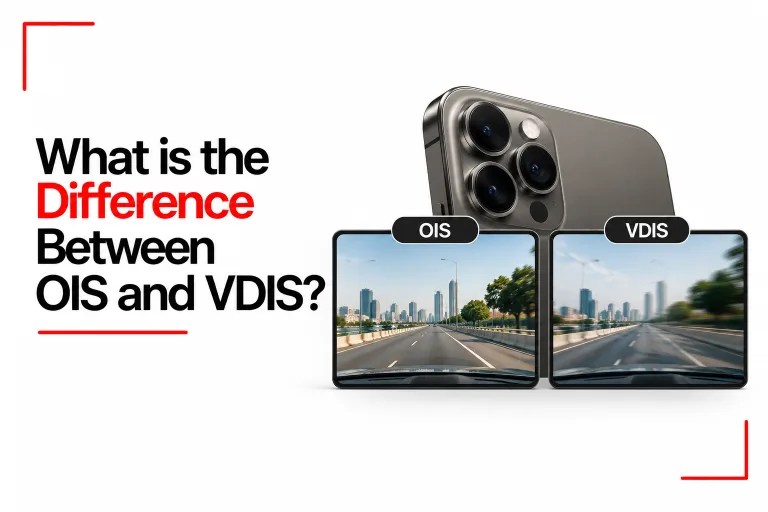
Related Article: What is the Difference Between OIS and VDIS?
Hybrid Image Stabilization
Many modern smartphones combine OIS and EIS instead of relying on one system alone. The two technologies can handle different parts of the stabilization process during the same recording. OIS deals with physical camera movement at the point of capture. EIS then processes the footage and corrects movement that remains after the optical system has done its work. Using both systems can produce smoother footage than either system working on its own.
High frame rate video modes can place an even greater role on electronic stabilization. Features such as Super Steady and Action Mode use aggressive digital processing to keep footage stable during walking, running and other active recording situations. Some phones also reduce the field of view more heavily in these modes to give the software more room for movement correction.
The balance between OIS and EIS can also change between camera lenses. A phone may use OIS on its main camera while relying more heavily on EIS for an ultra wide camera. This is one reason stabilization performance can feel different when you switch between lenses on the same phone.
Which One Handles Which Type of Photography?
OIS has its biggest impact on still photography, especially in low light. Its physical correction can reduce hand shake while allowing the camera to keep the exposure open for longer. Portraits, indoor scenes and night photography can all benefit from this behavior. EIS is more closely associated with video. Its ability to analyze movement across several frames gives it room to correct walking motion, larger camera movements and changes in direction that a small physical OIS mechanism cannot fully handle.
Neither technology covers every type of movement on its own. OIS has a limited physical correction range, while EIS depends on having enough image information and spare frame area for its digital corrections. Their strengths overlap, but the underlying methods remain different.
The two technologies have become increasingly connected as smartphone cameras have grown more sophisticated. A modern camera can use OIS to keep the initial image stable, EIS to smooth movement across frames, and additional processing to track subjects or compensate for more complex motion.
For still images, the difference is most visible in situations where hand movement and limited light are the main problems. For video, EIS becomes more valuable as movement becomes larger and more continuous. A phone using both systems can combine physical correction with digital processing, giving the camera two separate ways to deal with movement.
OIS and EIS are not competing technologies in every modern smartphone. They often work together, with OIS handling physical movement at the camera and EIS refining the captured footage through software. The difference between them comes down to where the correction takes place: OIS moves the camera hardware, while EIS adjusts the image digitally.