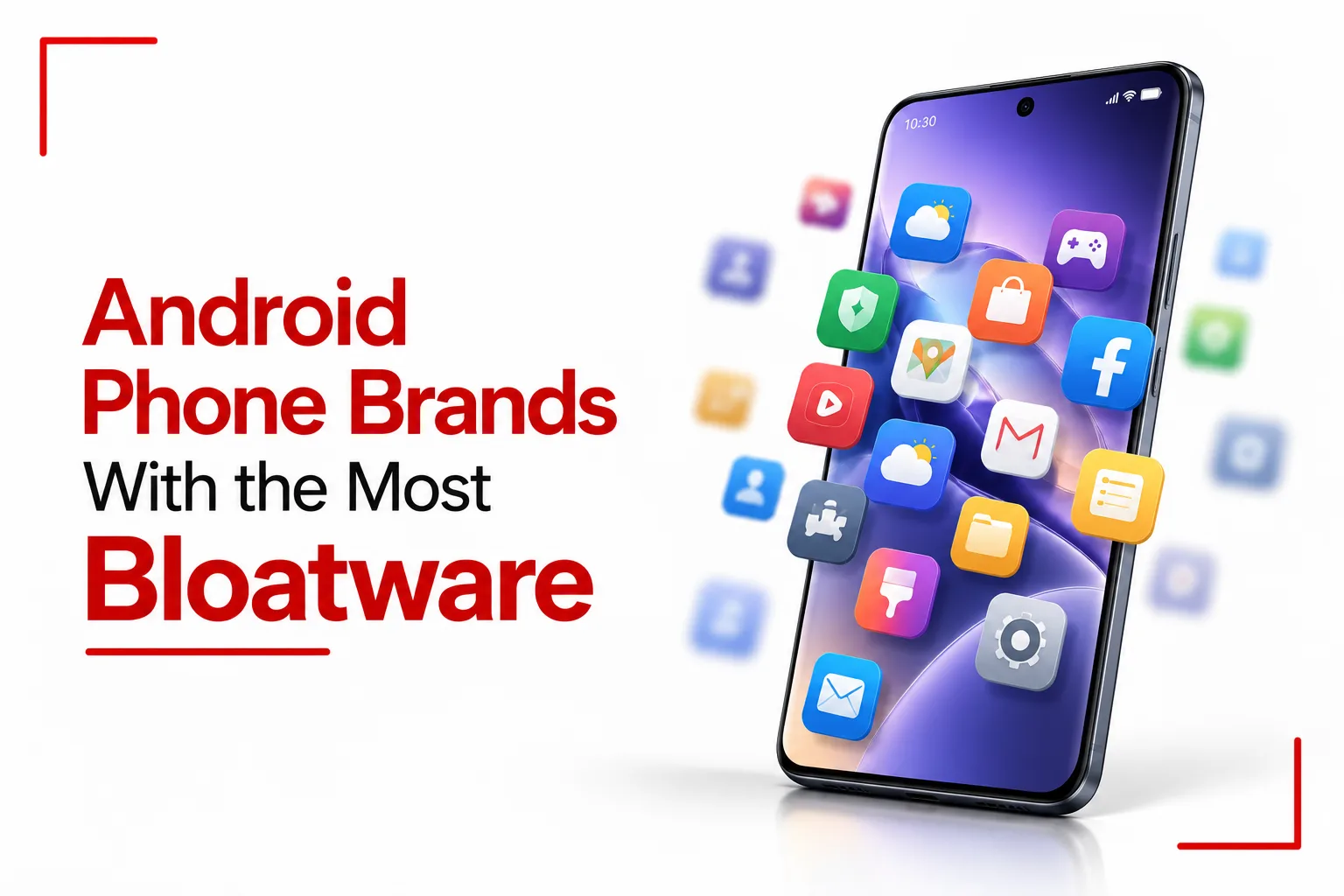

Bloatware can make a new Android phone feel crowded before you have even installed your first app. Pre installed games, shopping apps, duplicate utilities, alternative app stores and promotional services can take up storage and leave you with software you may never use. Some manufacturers also place recommendations and advertising inside system apps, adding another layer of clutter to the phone.
The amount of extra software depends on the phone, its price range and the market where it is sold. Budget models often come with more third party apps and promotional features, while flagship phones usually have a cleaner setup. Mobile carriers can add their own applications too. All of this is worth considering when comparing Android phone brands with the most bloatware, since the software experience can be quite different between brands and even between individual models.
Table of Contents
Smartphone Brands with the Most Bloatware
Xiaomi, Redmi and POCO
Xiaomi, Redmi and POCO phones running MIUI or HyperOS can come with a substantial amount of pre installed software. Alongside Google’s standard apps, you may find Xiaomi’s own utilities, third party applications, games and additional services.
The advertising side is also noticeable. Xiaomi includes recommendations and promotional content in some system applications, including areas such as File Manager, Security and Themes. Users can change advertising and recommendation settings, although switching off personalised advertising does not necessarily remove every advertisement from the system.
Another issue is how much control you have over individual applications. Some pre installed apps can be uninstalled normally, while others are part of the system and can only be disabled or left in place without more advanced methods.
Tecno, Infinix and Itel
Tecno, Infinix and Itel can also come with a large collection of pre installed software. Their Android interfaces include manufacturer utilities, additional services, games and app recommendation features alongside Google’s applications. The extra software is especially noticeable on some budget models, where the phone may contain several services that you did not install yourself. App recommendations and promotional notifications can also appear through certain system features.
The experience is not identical across every Tecno, Infinix or Itel phone. The model, software version and market can change the applications that appear on the device, but these brands generally have a much more customised Android experience than phones that stay close to Google’s version of Android.
Samsung
Samsung’s One UI is more polished than the word “bloatware” might suggest, but Galaxy phones can still come with a significant amount of software alongside Google’s applications. Some of this comes from duplicated functions. Samsung has its own internet browser, app store, file management tools, health services and other applications, while Google provides Chrome, Google Play and its own collection of Android services.
Samsung phones can also include Microsoft applications such as Outlook, OneDrive and LinkedIn, depending on the model and region. Carrier versions can add another layer of pre installed applications. Not every Samsung application is unnecessary. Many are part of Samsung’s wider ecosystem and can be useful to people who use Galaxy devices and other Samsung products. The issue is the amount of software already occupying the phone before the owner starts installing apps.
Realme and Vivo
Realme and Vivo can also place a noticeable amount of software on their Android phones, particularly across their budget and mid range ranges. Their interfaces include manufacturer utilities, gaming tools, app stores and additional services alongside Google’s standard applications.
Some models also include recommendation features and folders containing suggested applications or games. These can make the app drawer feel more crowded and can introduce promotional content into the normal phone experience. The amount of pre installed software depends on the model and market, so the experience can be considerably cleaner on one device than another from the same brand.
Brands with Moderate or Tier Dependent Bloatware
OPPO and OnePlus
OPPO and OnePlus now share much of their underlying software foundation, with ColorOS and OxygenOS offering a feature rich Android experience. Their phones can include manufacturer utilities, gaming features, app stores and additional services alongside Google’s software. The amount of extra software can be more noticeable on affordable models, while higher end phones can have a cleaner setup.
OnePlus has also moved further away from the extremely minimal Android experience associated with some of its older phones. OxygenOS now contains considerably more features and software than earlier versions.
Motorola
Motorola has traditionally kept its Android interface close to Google’s software, although newer phones include more manufacturer features and pre installed services. The amount of additional software can depend on the series. Some flagship Motorola phones remain relatively clean, while certain Moto G models can include extra applications, shopping or gaming content and services on supported devices.
Motorola’s own features are not necessarily bloatware. Gestures, customisation tools and gaming features can add useful functions to the phone. The concern comes when pre installed applications provide little value to the individual user or add promotional content that cannot be easily removed.
Nothing
Nothing OS has maintained a relatively clean Android experience, with fewer third party applications than many heavily customised Android interfaces. Nothing still adds its own features and applications, but the software generally avoids filling the phone with a large collection of unrelated third party apps. The amount of pre installed software can still change between models and markets, so the experience should be judged on the specific device.
Related Article: Why Your Android Phone Keeps Showing So Many Ads
Brands with the Least Bloatware
Google Pixel
Google Pixel phones provide one of the cleanest Android software experiences available. The interface centres on Google’s own applications and Pixel features, without a separate manufacturer ecosystem adding another large layer of software. A Pixel phone still comes with Google’s standard applications and services, so “clean” does not mean that the phone contains only the bare Android essentials. The difference is that most of the software comes directly from Google and forms part of the same ecosystem.
Managing and Disabling Bloatware
The easiest way to reduce bloatware is to check which applications Android allows you to remove. Open the app’s information page and look for the Uninstall option. If that option is unavailable, you may see Disable instead. Some system applications cannot be removed through the normal Android interface. You can also turn off recommendation and advertising features where the manufacturer provides those controls. The exact settings depend on the brand and software version, so the menus can look different between phones.
ADB provides another option for users who understand Android’s command line tools. Android Debug Bridge can be used to remove or disable certain packages without rooting the phone. This needs more care because some system packages are connected to other parts of Android, and removing the wrong package can cause software problems.
Pre installed software can have a noticeable effect on how an Android phone feels from the moment it is set up. Manufacturer apps, duplicate tools, promotional content and recommendation features can add clutter, take up storage and make the software experience feel busier than a clean Android setup. The amount of pre installed software is only part of the picture. Advertising, background activity, duplicate applications and the ability to remove or disable unwanted apps all contribute to the overall software experience.