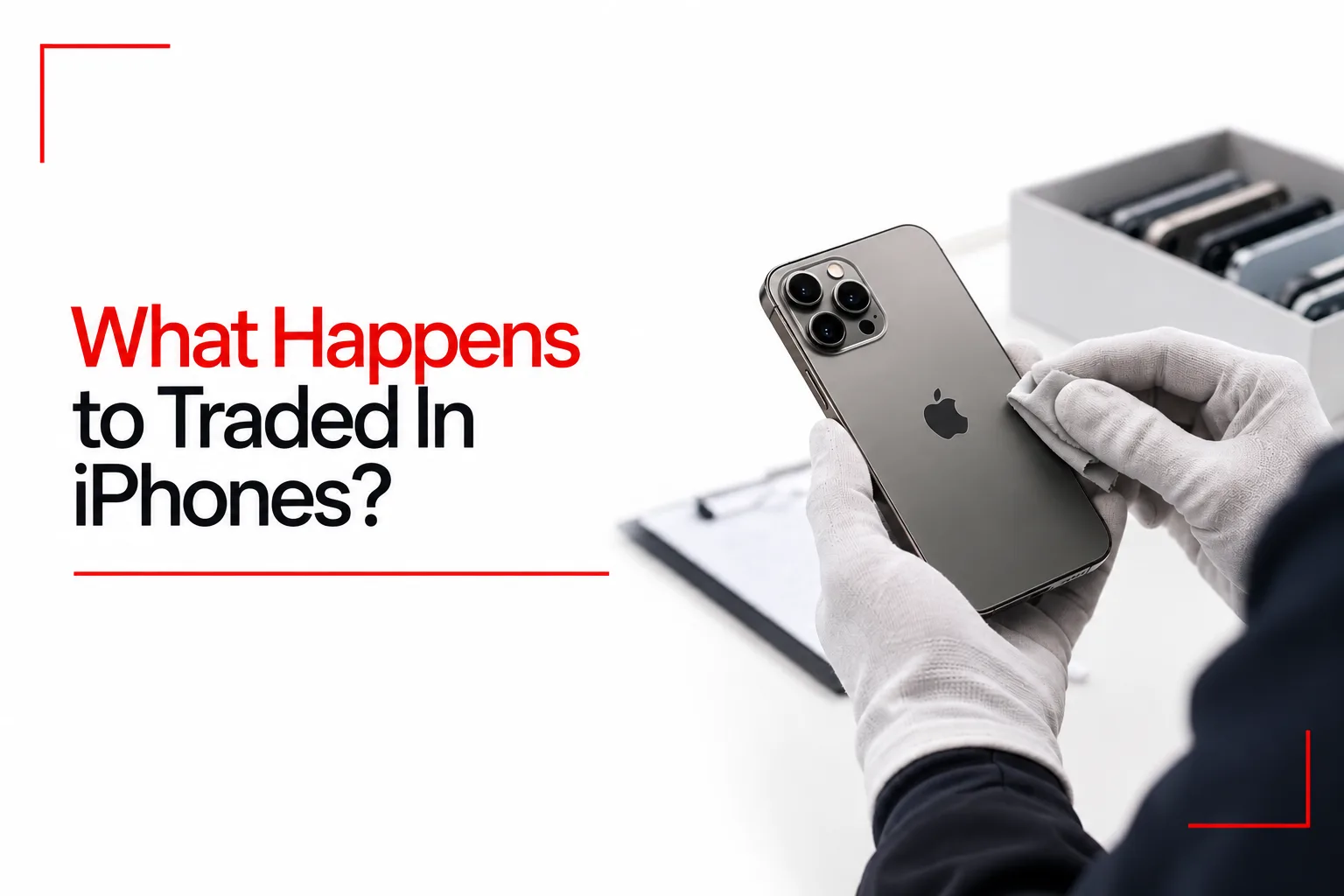

Trading in an old iPhone may seem like a simple exchange. You hand over your device, receive a credit or payment, and leave with a new phone. After that handover, however, the device enters a process that can include ownership checks, data removal, hardware testing, repairs, resale or recycling.
The next destination depends on the phone’s age, condition, model and market demand. A recent iPhone in good condition may be prepared for another owner, while a damaged device may be dismantled for usable parts and recyclable materials. Some phones also enter wholesale resale channels, where other businesses inspect and prepare them for sale.
Let’s take a closer look at what happens to traded in iPhones, how companies prepare them for resale and what happens to those that cannot be used again.
Table of Contents
Receiving and Sorting Traded In iPhones
The first stage begins when your old iPhone reaches a collection point or processing facility. Depending on the trade in programme, this may be an Apple Store, a courier collection centre or a third party processing hub.
Apple’s Trade In programme uses third party vendors to handle parts of the transaction. Likewize, for example, operates trade in services for Apple in several markets. Other companies also manage device collection, inspection and processing for retailers, mobile networks and electronics businesses. Once the phone reaches the processing facility, staff record its arrival and check it against the original trade in information.
Checking the Device Details
The inspection team checks the iPhone’s model, storage capacity, serial number and IMEI. These details help confirm that the device matches the information supplied when the trade in was arranged. The team may also check the phone’s physical condition and compare it with the description given during the initial valuation. A cracked screen, damaged housing, missing parts or signs of liquid exposure can affect the final trade in value. If the condition does not match the original description, the trade in provider may issue a revised offer.
Checking Find My and Activation Lock
Another important check concerns Apple’s Activation Lock. This security feature links an iPhone to its owner’s Apple Account when Find My is active. A phone with Activation Lock still enabled cannot be activated and used by another person. The processing team must confirm that the previous owner has removed the device from their account before it can move into normal resale. If the lock is still active, the phone may be held until the issue is resolved.
How Data Is Removed From Traded In iPhones
Your old iPhone may have photographs, messages, contacts, saved passwords, financial details and other private information stored on it. Removing this information is an essential part of preparing the device for another owner. Trade in providers generally have data removal processes, but you should not rely entirely on the receiving company to erase your phone. Before handing over your old iPhone, make sure you have backed up your photos, contacts and other important files, then erase the device to remove your personal information.
Factory Reset and Cryptographic Erasure
On an iPhone, the usual way to erase personal information is through the Erase All Content and Settings option.
You can access it through:
- Open Settings.
- Tap General.
- Select Transfer or Reset iPhone.
- Tap Erase All Content and Settings.
- Follow the instructions on the screen.
This process removes personal content and restores the phone to its factory setup screen. Apple devices use hardware backed encryption to protect stored information. When you erase an iPhone, the system removes the encryption keys needed to access the stored data. This is known as cryptographic erasure. Without those keys, the previous data becomes inaccessible. The Secure Enclave plays an important role in protecting these encryption keys.
What Is NIST SP 800 88?
NIST SP 800 88 provides guidelines for securely erasing data stored on digital devices before they are reused or recycled. It includes cryptographic erasure, a method that makes stored information inaccessible by removing the encryption keys used to protect it. However, trade in companies may use their own data removal and verification methods, so you should not assume that every provider follows the same NIST guidelines.
What Happens If an iPhone Arrives Without Being Erased?
Some customers forget to reset their phones before sending them away. Others may have devices that no longer respond to touch or cannot complete the normal reset process. Trade in providers may have additional procedures for handling these units. Depending on the phone’s condition, staff may attempt an approved reset or send it for further assessment. Some providers may reject devices that still have personal data stored on them.
You should always erase your iPhone yourself before handing it over. Remove your SIM card, check your eSIM arrangements and confirm that your data has been backed up.
Diagnostic Testing and Physical Inspection
Once the device has passed the initial checks and data handling stage, it can undergo a more detailed assessment. The purpose is to establish its condition and determine if it can be prepared for another owner. The testing process may include automated equipment, technician inspections and software based diagnostic tools.
Hardware and Performance Tests
Technicians check several parts of the iPhone to establish its working condition. These may include:
- Display: The screen is checked for cracks, dead pixels, discolouration and touch response problems.
- Battery: Battery health, charging performance and signs of swelling are assessed.
- Cameras: Front and rear cameras are checked for image quality, focus and hardware faults.
- Speakers and microphones: Audio output and voice recording functions are tested.
- Buttons: The power button, volume controls and other physical controls are inspected.
- Connectivity: Wi Fi, Bluetooth, cellular connections and other wireless functions may be tested.
- Charging port: The connector is checked for damage and charging problems.
- Sensors: Face ID, proximity sensors and other supported features may be examined.
The exact tests depend on the provider, the iPhone model and the equipment available at the processing facility.
Exterior Condition Assessment
Physical appearance also affects the phone’s resale value. A technician may inspect the screen, back glass, frame and camera housing for visible damage. Minor scratches and signs of normal use may have little effect on the phone’s resale value. A bent frame, shattered glass, damaged camera lens or signs of liquid exposure may result in a lower grade.
Some processing centres use cameras and automated inspection systems to help identify exterior damage. A technician can then review the findings and assign a condition grade.
Battery Health and Device Grading
Battery condition is particularly important because an ageing battery can reduce daily usage time and affect the phone’s resale appeal. An iPhone with good battery capacity may be suitable for resale after inspection and data removal. A phone with poor battery health may need a replacement battery before it can be sold.
There is no universal battery health rule that applies to every trade in provider. Each company can set its own grading standards, and battery condition is considered alongside the phone’s age, model and general working condition. After testing, the device receives a condition grade. This helps determine its next destination.
What Happens to iPhones That Pass Inspection?
A traded in iPhone that passes its checks may enter the used phone market. The exact route depends on the trade in company, the model’s age, its condition and demand for that particular device. There are several possible destinations.
Refurbishment and Resale
Some iPhones are suitable for refurbishment. This involves cleaning the device, replacing faulty components and carrying out further checks before it is sold again. A refurbished iPhone may receive a replacement battery, screen or outer housing if the original part is damaged or worn. The device is then tested to confirm that the repair has been completed properly. The phone may be sold through a retailer, a specialist refurbished phone store or an online marketplace.
Apple also sells certified refurbished products, but this should not be confused with the entire trade in process. Not every iPhone collected through Apple Trade In enters Apple’s own refurbished sales programme. Some devices are handled by its trade in vendors and may enter secondary markets.
Wholesale Sales to Other Businesses
Some working iPhones are sold in bulk to other businesses. These buyers may include phone distributors, refurbished device companies, retailers and mobile network operators. The wholesale buyer can inspect the devices again, apply its own grading system and prepare them for resale.
This is one reason a traded in iPhone may eventually appear in a shop or online store as a pre owned or refurbished device. The phone may have passed through several businesses before reaching its next owner.
Use as Replacement Parts
An iPhone that cannot be resold as a complete device may still have components that can be reused. A working camera, display, speaker, charging assembly or other part may be removed and used for an authorised repair or replacement service, depending on the component and the provider’s policies.
Recovering usable parts can reduce waste and lower the need to manufacture new replacement components. However, some iPhones can still provide usable parts, while others are too damaged to be worth dismantling.
What Happens to iPhones That Cannot Be Repaired?
Some traded in iPhones are too old, damaged or expensive to repair. These devices may be sent to specialist electronics recyclers for material recovery. An iPhone is made with materials that can be recovered and reused, including aluminium, copper, gold, cobalt, tin, tungsten and rare earth elements. Recycling involves separating the phone into its component materials so they can be processed for future manufacturing.
Apple’s Daisy Recycling Robot
Apple developed Daisy to disassemble iPhones and separate their components for material recovery. The robot uses a controlled disassembly process to take apart supported iPhone models. This helps recyclers recover materials that may be difficult to separate using conventional recycling equipment.
Dave: Recovering Materials From the Taptic Engine
Dave is another recycling robot developed by Apple. Its main task is to disassemble the Taptic Engine, the component responsible for the iPhone’s vibration and haptic feedback. This component uses materials that can be difficult to recover through ordinary recycling methods. Dave helps separate rare earth magnets, tungsten and steel for further processing.
Taz: Separating Materials From Audio Components
Taz is a specialised recycling system that uses shredder technology to separate magnets from audio modules. The machine helps recover rare earth elements that could otherwise be lost during conventional shredding and recycling. These materials can then enter further processing for reuse.
Daisy, Dave and Taz help Apple recover materials from old devices, but not every traded in iPhone goes through these machines.
Returning Recovered Materials to Manufacturing
After separation, recovered materials are processed and prepared for use in manufacturing. Apple has also increased its use of recycled materials in several product components. Recovered materials do not necessarily go directly from one traded in iPhone into a newly manufactured iPhone. They enter material supply chains, where they can be processed, tested and used in suitable products. This reduces the need for some newly mined materials and gives discarded electronics another use.
Does Every Traded In iPhone Get Resold?
No. The outcome depends on the device’s age, condition, repair cost and demand in the used phone market. A recent iPhone with a working display, healthy battery and no major faults has a better chance of being refurbished or resold. An older phone with extensive damage may have little resale value, even if some of its components still work.
The following outcomes are common:
- Resale: The phone passes inspection and is prepared for another owner.
- Refurbishment: Faulty or worn components are replaced before resale.
- Parts recovery: Usable components are removed for repairs or replacement services.
- Material recycling: The phone is dismantled or processed to recover materials.
- Responsible disposal: Components that cannot be reused or recycled are handled through appropriate waste management channels.
A phone’s destination can also depend on the trade in provider. Some companies focus on resale, while others have established recycling partners for devices that cannot be repaired economically.
What You Should Do Before Trading In Your iPhone
Before trading in your iPhone, take a few steps to protect your personal data and make the handover easier.
Back Up Your Data
Save your photographs, contacts, messages and other important information before handing over your iPhone. You can use iCloud or a computer to create a backup. Check that the backup has completed and that you can access the information on your new device.
Sign Out of Your Apple Account
Follow the trade in provider’s instructions for removing your Apple Account and turning off Find My. This also helps remove Activation Lock so the next owner can activate the device.
Erase Your Personal Information
Use Erase All Content and Settings to restore the iPhone to its factory setup screen. Do this only after confirming that your backup is complete.
Remove Your SIM Card
Take out your physical SIM card before handing over the device. If you use an eSIM, check your mobile network’s instructions for transferring or removing the plan.
Check the Trade In Conditions
Read the provider’s terms before sending your phone. Check the quoted value, inspection rules, payment method and arrangements for a rejected or revised offer. Take photographs of the device before packaging it. These can help you keep a record of its physical condition at the time of collection.
What Happens to Your Old iPhone After Trade In?
Traded in iPhones may be refurbished for resale, used for spare parts or sent for recycling. The outcome depends on the phone’s age, condition and working components. Even an iPhone that cannot be resold may still provide materials for making new electronics.