
Buying Safaricom data bundles gives you several options for staying connected, including daily, weekly, monthly and no expiry packages designed for different data needs and usage periods. You can buy Safaricom data bundles directly from your Safaricom line using USSD, pay with M-PESA or airtime, manage your packages through the MySafaricom app, or use Safaricom’s online bundle portal.
You can also access personalized Tunukiwa offers, redeem Bonga Points for data, purchase a bundle for another Safaricom number or request Okoa Bundles when you run out of data and qualify for an advance. With these options available, you can choose the purchase method that fits how you use your line and how you prefer to pay.
Quick Navigation
How to Buy Safaricom Data Bundles
Buy Data Using USSD
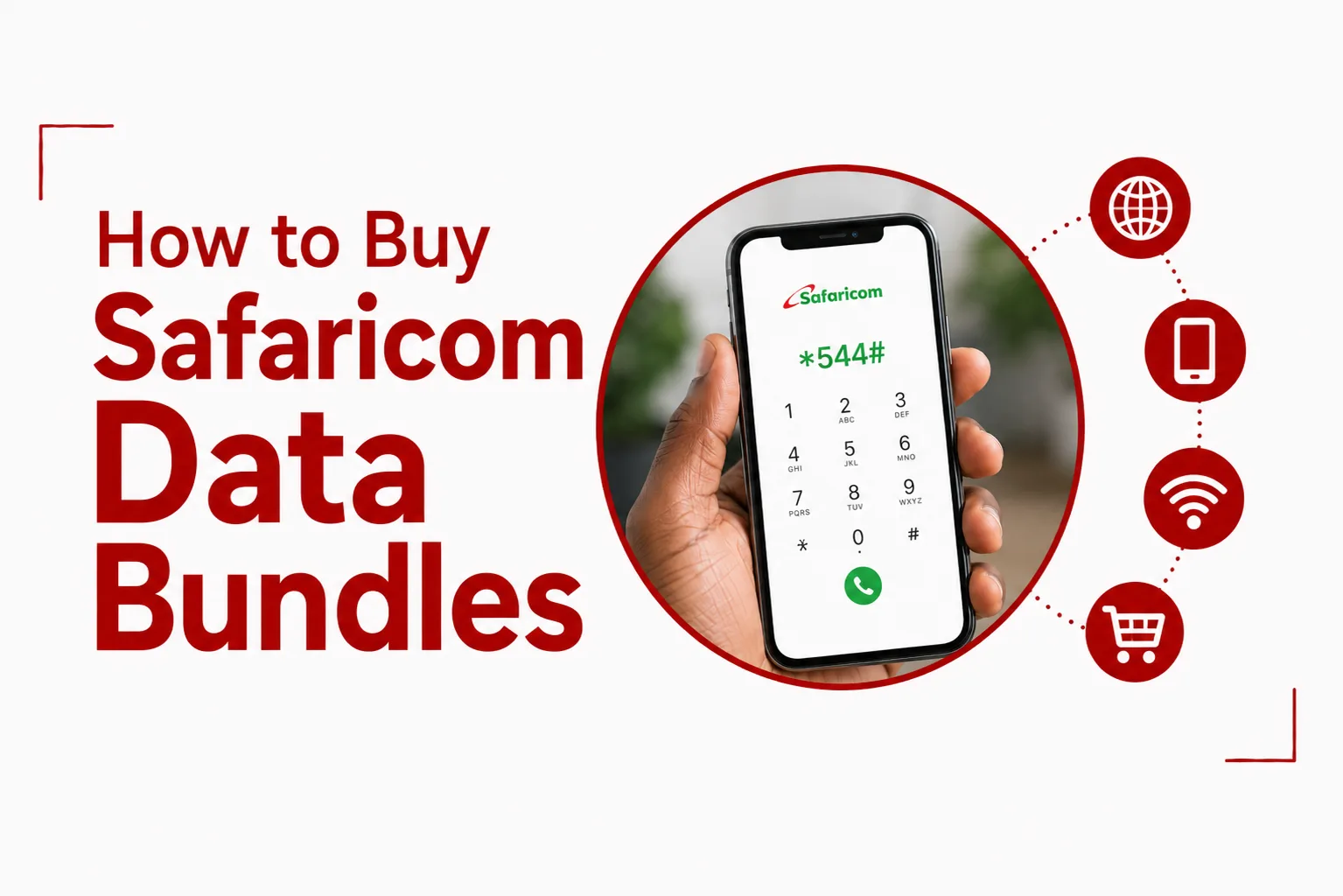
The main USSD menu is the quickest way to browse and purchase Safaricom data bundles from your phone.
- Dial *544# from your Safaricom line.
- Select the data bundle category you want.
- Choose your preferred package.
- Select Airtime or M PESA as your payment method.
- Follow the prompts to complete the purchase.
The *544# menu gives you access to standard Daily, Weekly and Monthly bundles, along with No Expiry options and other available data plans.
Buy Data Using M PESA
You can also use your M PESA balance to purchase a Safaricom data bundle.
- Dial *334#.
- Open the option for buying airtime or data.
- Select the data bundle option.
- Choose your preferred package.
- Confirm the payment using your M PESA PIN.
You can use the M PESA route when you have money in your M PESA account but do not want to use your airtime balance for the purchase.
Buy Data Through the MySafaricom App
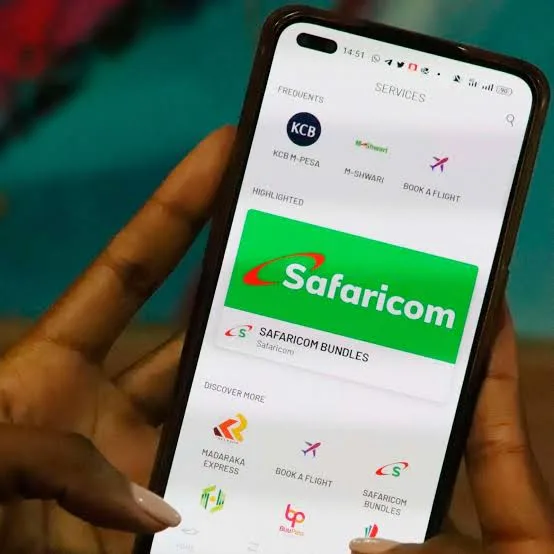
The MySafaricom app gives you a visual way to browse available data bundles and complete purchases from your phone.
Open the app on your Android or iOS device and sign in. Go to Buy Bundles or Data, choose the package you want, then select Airtime or M PESA as your payment method. The app also gives you access to your account information, including your active bundles and usage.
Buy Safaricom Data Online
You can purchase Safaricom data through the online bundle portal using a browser connected to the Safaricom network. Open the Safaricom bundles page, select the data package you want and follow the purchase instructions shown on the site.
Safaricom Data Bundle Categories
Safaricom offers several types of data packages through the *544# menu. The available options can include:
- Daily bundles: Designed for short periods of use when you only need data for the day.
- Weekly bundles: Give you data for a longer period without committing to a monthly package.
- Monthly bundles: Suitable for regular mobile internet use throughout the month.
- No Expiry bundles: The data remains available until you use it up, subject to the applicable terms.
- 90 day and GIGA plans: Larger data packages with longer validity.
- Tunukiwa offers: Personalized deals that can provide discounted data packages for eligible lines.
- All in One bundles: Combine data with other resources such as minutes and SMS.
The exact packages, prices and validity periods available to you can change, so check the current options on *544# before making your purchase.
How to Get Safaricom Tunukiwa Data Offers
Tunukiwa provides personalized offers that can include discounted data deals.
Dial: *444#
Follow the prompts to view the offers available for your Safaricom line. Since these offers are personalized, the packages shown on one number may differ from those available on another.
Related Articles: How to Share Safaricom Data
How to Redeem Bonga Points for Data
Your Bonga Points can also be exchanged for data.
- Dial *126#.
- Select Redeem Bonga Points.
- Choose Data.
- Select the available data option you want.
- Confirm the redemption.
The data is credited to your line after the redemption is completed.
How to Buy Safaricom Data for Another Number
You can purchase a bundle for another Safaricom subscriber directly from your own line.
- Dial *544#.
- Select the data package you want.
- Choose Buy for Another Number.
- Enter the recipient’s Safaricom phone number.
- Select your payment method.
- Confirm the transaction.
Check the recipient’s number carefully before completing the purchase. Once the transaction has been confirmed, the bundle is applied to the selected number.
How to Get Data With Okoa Bundles
Okoa Bundles can provide a data advance when you have run out of your normal data balance and your line qualifies for the service. Dial *131# or *544#, then select Okoa Bundles. Choose from the available bundle options and confirm your request.
The amount available depends on your eligibility. The advanced amount and applicable facility fee are recovered through your subsequent top up according to the service terms.
How to Check Your Safaricom Data Balance
You can check your active data balances and expiry information using USSD.
Dial: *544*44#
You will receive an SMS showing the relevant active data balances and expiry details. Safaricom also provides balance and usage information through the MySafaricom app.
The *544# menu is the simplest option when you want to browse the available bundles directly from your phone. M PESA is useful when you want to pay from your mobile money balance, while the MySafaricom app gives you a more visual way to compare and purchase packages.
The *444# menu is worth checking when you want to see personalized Tunukiwa offers, while Bonga Points give you another way to get data without spending additional cash. Buying for another number is useful when you need to send data to a family member, friend or colleague.
Safaricom gives you several ways to stay connected without relying on a single purchase method. Daily, weekly, monthly and No Expiry packages give you different ways to match your data needs with the period you expect to use it.