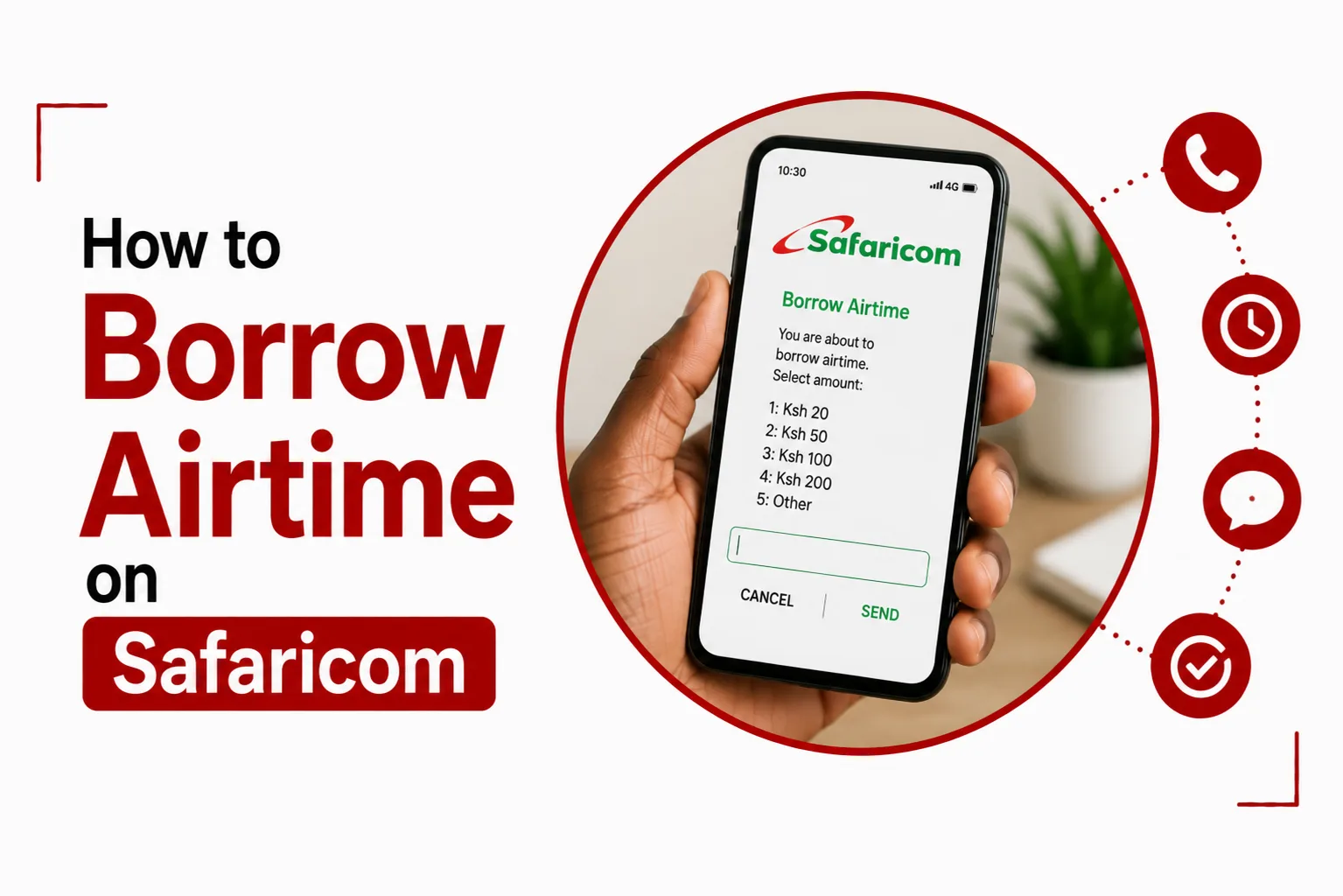

A dead airtime balance has a way of showing up at the worst possible time, mid call or right as you’re typing an urgent text. For millions of Kenyan subscribers, this is where Safaricom’s Okoa Jahazi service comes in, letting you borrow airtime on Safaricom through a short USSD code or the mySafaricom app. There’s no store visit, no paperwork, and no long wait, just a quick request and your line is back in action.
This guide walks through everything you need to know about borrowing airtime on Safaricom, including how much it costs, who qualifies, how repayment works, and how to check what you currently owe.
Quick Links
How Do I Borrow Airtime Using USSD
- Dial the code. Open your phone dialer and enter
*131#, or use*544#as an alternative. - Select Okoa Jahazi. Choose it from the menu that appears.
- Pick your amount. Choose your preferred option, airtime, minutes, or an SMS bundle.
- Confirm the transaction. You’ll get an SMS confirming the credit has landed on your line.
This process takes a few taps and works on almost any phone, no smartphone needed.
Can I Borrow Airtime Through The mySafaricom App
Yes, and it works just as fast as the USSD route. Open the mySafaricom app, select Okoa Jahazi from the dashboard menu, then pick an airtime denomination within your qualified credit limit. Confirm the request, and the airtime credits to your line right away. This option suits anyone who already has the app installed and prefers a visual menu over dialing codes.
How Much Does Okoa Jahazi Cost?
Safaricom charges a 10 percent advance fee on every Okoa request. Borrow Ksh 100, for example, and you’ll receive Ksh 90 as usable airtime after the Ksh 10 fee gets deducted, though you’ll repay the full Ksh 100 on your next top-up. Common fixed amounts include Ksh 5, 10, 20, 50, 100, 250, 500, and 1,000, alongside flexible Okoa amounts and dedicated voice or SMS bundles for subscribers who need minutes or texts more than general airtime.

Who Qualifies To Borrow Airtime On Safaricom?
A few conditions decide if your line qualifies. Your number needs to be an active Safaricom PrePay line that’s been running for at least 14 days. Your main airtime balance also needs to sit below roughly Ksh 2 to Ksh 5 before the service becomes available to you. Your borrowing limit isn’t fixed either, it adjusts based on your average airtime spending over recent days and weeks, so heavier users tend to qualify for larger amounts. Previous Okoa advances also need to be cleared first, unless your usage profile allows for multiple active loans at once.
When Do I Need To Repay Borrowed Airtime
Borrowed airtime comes with a 120 hour repayment window, which works out to five days from the moment you borrow. Repayment happens automatically and gets deducted from your next top-up, no matter how you top up. This includes M-PESA, physical scratch cards, Sambaza transfers, bank top-ups, or Bonga Points redemptions, so there’s nothing extra you need to do beyond topping up as usual.
Related Article: How to Reverse M-Pesa Sent to Wrong Number
What Happens If I Don’t Repay On Time
Missing the five day window suspends your access to Okoa Jahazi until the debt clears. Safaricom can also recover what’s owed from other resources tied to your account, including data bundles, minutes, or Bonga Points, so an unpaid Okoa advance doesn’t just disappear quietly. It’s worth keeping an eye on your borrowing to avoid losing access to a service you might need again soon.
How Do I Check My Okoa Jahazi Balance Or Debt
Dial *144*4# or *131*0# to see your outstanding Okoa Jahazi debt alongside your current airtime balance. If you’d rather check through the app, open the Account or Balances tab in mySafaricom, where any active debt shows up directly. Checking regularly helps you stay ahead of the five day repayment window and avoid any surprise deductions.
What Is Auto-Okoa Jahazi And How Do I Turn It On?
Auto-Okoa is built for subscribers with a monthly usage average of Ksh 500 or more, and it removes the need to manually request airtime every time your balance runs low. To activate it, dial *131# or *456*2#, select Auto-Okoa, choose Subscribe, and pick a default amount you’d like credited automatically. Once set up, Safaricom automatically loads your chosen Okoa amount the moment your main airtime balance drops below Ksh 5 during a call or transaction, so you’re never caught without credit mid conversation.
Borrowing airtime on Safaricom comes down to a quick dial code or a few taps in the mySafaricom app, paired with a clear five day window to repay what you’ve borrowed. The 10 percent fee is worth factoring into how much you request, since a Ksh 100 loan only nets Ksh 90 in usable credit. Checking your Okoa balance now and then, and setting up Auto-Okoa if you top up often, keeps you from ever running dry at the wrong moment.