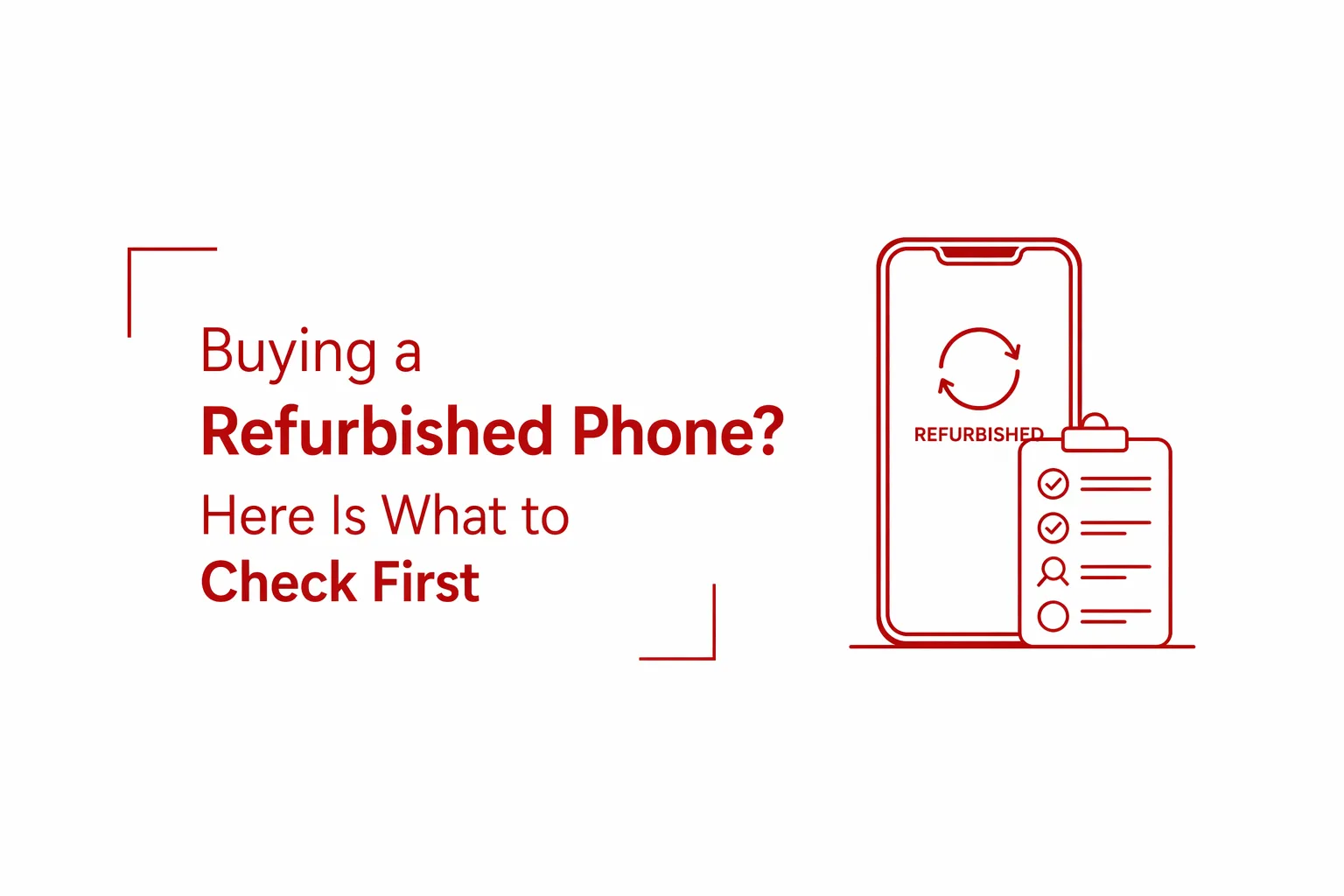

A refurbished phone can be one of the smartest purchases you make. For the price of a mid-range new device, you can walk away with a flagship from one or two generations back, often with barely a scratch on it. The savings are substantial, and for buyers in African markets where exchange rates push new flagship prices above ₦1,000,000, the refurbished market is not a last resort. It is a legitimate option.
The problem is that the market is inconsistent. Alongside properly restored devices sold by reputable dealers, there are repackaged lemons with failing batteries, blacklisted phones that lose signal within days of purchase, and devices with replaced screens that quietly disable Face ID. Knowing what separates a good refurbished buy from a bad one is the difference between a great deal and an expensive mistake. This checklist covers everything to inspect before money changes hands.
Table of Contents
Battery Health
Battery condition is the first thing to check and the one most buyers skip. A phone with a degraded battery will frustrate you within weeks regardless of how good everything else looks.
On iPhones, go to Settings, then Battery, then Battery Health. On modern Android devices, the same information sits under Settings, then Battery, then Health or Care depending on the manufacturer. Any reading below 80% is a warning sign. A battery at that level will likely need replacement within months, and battery replacements add cost that erodes the savings you thought you were making.
Do not rely on the percentage alone. While you are still in the shop, open the camera and take five to ten photos in rapid succession, or play a YouTube video for five minutes. Watch the battery percentage during that time. A drop of more than three to five percent during that short window points to a battery that is already failing under load.
Screen and Touch Inspection
The display is the component most likely to have been replaced on a refurbished device, and a replaced screen is not always a problem. What counts is the quality of the replacement and if the touch layer is fully functional. Start with ghost touches. Open any typing app and set the phone down on a flat surface without touching it. If letters or characters appear on their own, the touch layer has a fault.
Next, test for dead zones. Pick up any app icon and drag it slowly across the entire surface of the screen from edge to edge, top to bottom. If the icon drops at any point without you releasing it, that section of the touch layer is not responding. Dead zones on a refurbished phone are a common sign of a low-quality screen replacement.
Finally, set the display to a plain white background and examine it closely. Look for burn-in, which appears as faint ghost images of previous content baked into the screen. Check also for yellowish tints across any part of the display. Both issues are common on older Samsung OLED panels and on any device whose screen has been left running at high brightness for extended periods.
Network and IMEI Verification
This is the check that protects you from the most serious risk in the refurbished market: buying a stolen or blacklisted device.
Dial *#06# on the phone to bring up the IMEI number. Take that number and enter it into a free verification service such as IMEI.info before you pay. These databases tell you if the phone was reported stolen or blacklisted in any country. A blacklisted phone may connect to a network and appear to work normally for a few days, then lose all signal permanently once the block propagates to local carriers. There is no fix for this, and no seller will take the phone back once you have left the shop.
Beyond the IMEI check, test the network properly. Do not just confirm that the phone recognises a SIM card. Insert your SIM and make a real one-minute call. Confirm that the person on the other end can hear you clearly. While the call is active, hold the phone to your ear and confirm that the screen turns off. If it stays on, the proximity sensor is faulty, and every call you make will result in accidental screen taps against your face.
Understanding Condition Grades
Refurbished phones are sold using a grading system that varies slightly between sellers but follows a consistent pattern. Understanding the grades prevents you from paying Grade A prices for a Grade B or C device.
Grade A, sometimes labelled Superb or Like New, means no visible scratches on the screen or body. Devices in this condition are usually sold with a warranty of six to twelve months and are the closest experience to buying new. Grade B means the phone is in good condition with minor scratches or light surface marks on the body. The screen is clear. This grade offers the best balance of price and condition for most buyers.
Grade C means the phone has visible dents or heavy scratches and has likely seen significant use. These are the cheapest options available but carry the highest probability of internal wear that is not visible from the outside. Unless you are buying purely for parts or as a temporary backup, Grade C devices are a risk that rarely pays off.
Ports and Sensors
Physical wear on ports and sensors is easy to overlook when a phone looks clean externally, but these are the components that fail first on heavily used devices. For the charging port, plug in a cable and then gently wiggle it while watching the charging indicator. If the connection drops and reconnects during that movement, the port is already loose. A loose charging port will eventually fail completely, and repairs are neither cheap nor always available for every model.
For audio, play music at full volume through the speakers and listen for crackling or muffled output. Then record a short voice note and play it back to test the microphone clarity. For biometrics, register your fingerprint fresh and test it ten times in a row. A reliable fingerprint sensor should unlock the phone consistently. On iPhones specifically, if Face ID is listed as disabled or unavailable, it almost certainly means the screen was replaced with an unauthorised third-party part. Apple’s software locks Face ID when it detects an unauthorised display replacement, and this cannot be reversed without an official Apple repair.
Warranty and Return Policy
No refurbished phone purchase should happen without a clear return and warranty agreement. This is non-negotiable. Refuse any sale described as “sold as seen.” That phrase works specifically to remove your ability to return a device after purchase. At minimum, the seller should offer a seven-day return window and a three-month technical warranty covering hardware faults.
Get a receipt before you leave. The receipt should include the phone’s IMEI number. This document is your proof of legitimate purchase if the device is ever questioned by authorities, and in markets where stolen phones circulate openly, having that paper trail is the only protection you have.
A refurbished phone bought carefully is real value for money. The same phone bought without these checks can become an expensive, unsolvable problem within weeks. The sellers who resist letting you run through this checklist in the shop are telling you something important. Walk away from those ones.