
Mobile banking has made it easier to manage everyday financial transactions without visiting a bank branch. However, opening a banking app is not always convenient, especially when mobile data is unavailable or you need to make a quick transfer. USSD banking lets you carry out certain banking transactions directly from your phone, even without an internet connection.
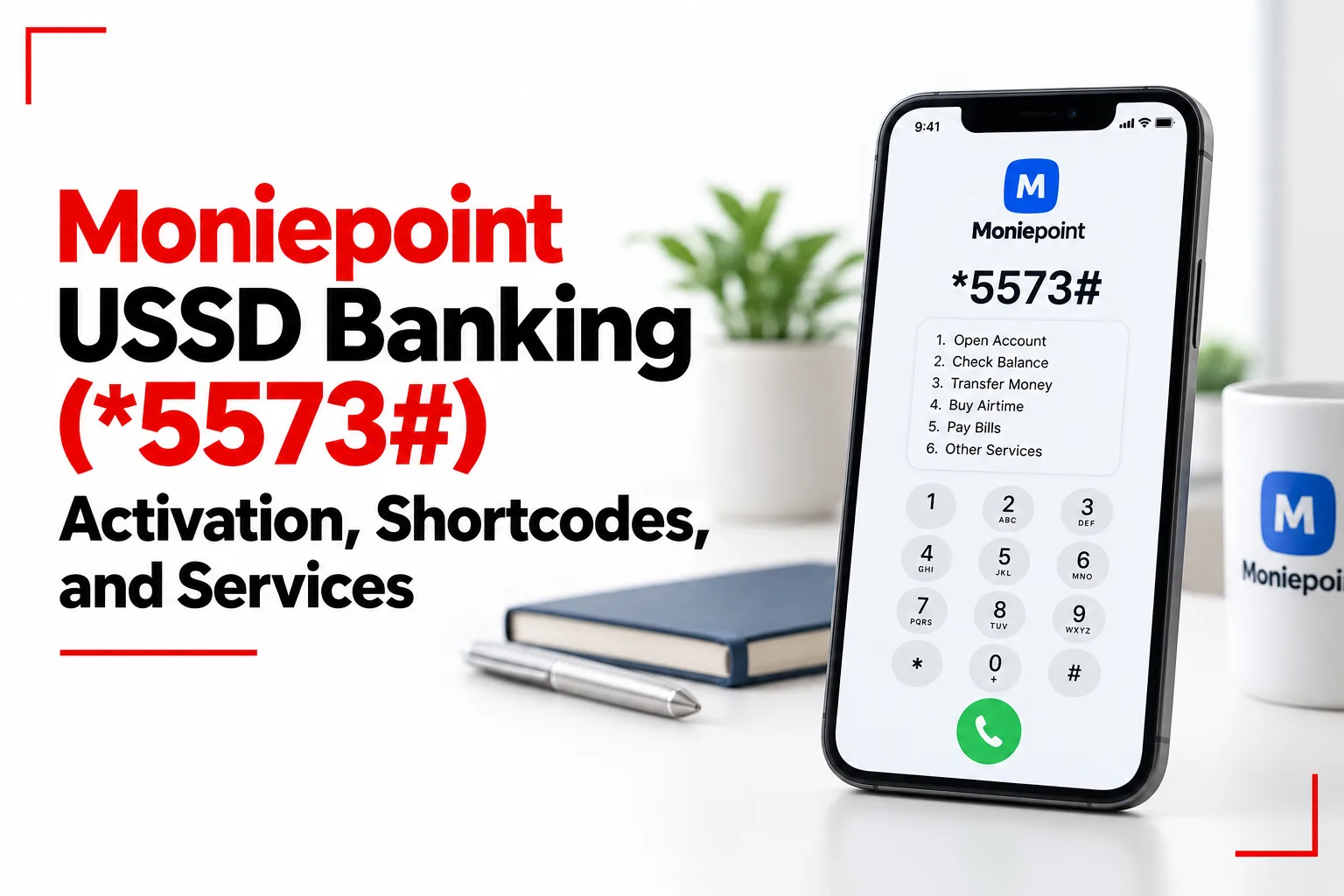
Moniepoint USSD banking uses the code *5573# to give customers access to services such as money transfers, airtime purchases, data top ups and balance checks without opening the banking app. The service must be activated before use, and transactions are subject to specific limits and fees. Knowing the available shortcodes, activation steps and security features can help you use the service with fewer interruptions.
Table of Contents
How to Activate Moniepoint USSD Banking
Existing Moniepoint Personal and Business customers can activate USSD banking through the mobile app or web dashboard. You need your transaction PIN to authorise the change.
Follow these steps in the mobile app:
- Open your Moniepoint Personal or Business app and log in.
- Tap your profile picture in the top left corner.
- Select Settings.
- Find the USSD Feature option and switch it on.
- Enter your user PIN to authorise activation if prompted.
You can also activate the feature through the web dashboard. Open Settings, go to the Security tab and switch on USSD banking. PIN authorisation is needed to activate or deactivate the service. Once activation is complete, dial *5573# from the mobile number registered to your Moniepoint account.
Moniepoint USSD Shortcodes for Banking Services
The main code is *5573#. You can select a service from the menu or dial a direct shortcode for supported transactions.
Money Transfers and Balance Checks
- Main USSD menu: *5573#
- Transfer to another Moniepoint account: *5573*1*Amount*Account Number#
- Transfer to another bank: *5573*2*Amount*Account Number#
- Check account balance: *5573*5#
Replace Amount and Account Number with the required details. Follow the prompts to confirm the recipient and authorise the transaction with your PIN.
Airtime and Data Purchases
- Buy airtime for yourself: *5573*Amount#
- Buy airtime for someone else: *5573*Amount*Phone Number#
- Buy data: *5573*4#
For airtime purchases, enter the amount and the recipient’s phone number where needed. The data menu guides you through the available purchase options.
PIN and Account Management
- Change your user PIN: *5573*6#
- Reset a forgotten user PIN: *5573*7#
- Retrieve your username: *5573*73*1#
- Retrieve an OTP: *5573*73#
Block or Unblock a Moniepoint Account or Card
Use *5573*911# to open Moniepoint’s emergency menu for blocking or unblocking an account or card. If your phone is lost or stolen, you can dial this code from another phone, including one that is not registered to your Moniepoint account. Follow the prompts to stop debit transactions. You may need your registered phone number or account number and your PIN to complete the process. The emergency menu can also be used to unblock an account or card, subject to Moniepoint’s verification steps.
Moniepoint USSD Transfer and Purchase Limits
Moniepoint USSD transactions have the following limits:
- Single transfer limit: ₦20,000
- Daily cumulative transfer limit: ₦100,000
- Airtime limit: ₦10,000 per transaction and per day
- Data limit: ₦10,000 per transaction and per day
These limits apply to the USSD service. Your available limits may depend on your account and the type of transaction.
Related Article: How to Borrow Money from Moniepoint
Does Moniepoint USSD Banking Have a Fee?
Yes. Moniepoint charges ₦10 per successful session for selected USSD services. The fee applies to:
- Transfers to Moniepoint accounts and other banks
- Airtime purchases
- Data purchases
- Balance and account detail checks
- PIN resets
When you first use a service with a fee, Moniepoint displays a notice asking for your consent. You can agree to continue or cancel the session. Once you consent, the fee is deducted after a successful transaction. Keep enough money in your account to cover both the payment and the fee.
Moniepoint USSD Banking Requirements
Use the registered phone number. For normal USSD banking, dial *5573# from the mobile line connected to your Moniepoint account. An unregistered number may not identify your account.
Personal and Business accounts may be linked to separate numbers. If you registered your Personal and Business profiles with different phone numbers, each number may provide access only to the accounts linked to it.
Internet access is not needed for USSD transactions. You can use the service without mobile data, although your phone still needs a working mobile network connection.
Your PIN protects sensitive transactions. Moniepoint uses PIN authorisation for activities such as transfers, balance checks and PIN changes. Never share your PIN or OTP with another person.
You can turn USSD banking off. Return to the USSD banking setting in the app or web dashboard and switch the feature off. You can activate it again later.
What to Do If the Moniepoint USSD Code Is Not Working
If *5573# does not work, check the following:
- Confirm activation. Open your Moniepoint app or web dashboard and make sure USSD banking is switched on.
- Check your SIM. Use the phone number registered to the account you want to access.
- Check your mobile signal. USSD needs a working connection to your mobile network, even though it does not need internet data.
- Check your PIN. Enter the correct user PIN when prompted.
- Try the main menu. Dial *5573# and select the service if a direct shortcode does not work.
- Contact Moniepoint support. If the problem continues, use Moniepoint’s official support channels for help.
Moniepoint USSD banking lets you transfer money, buy airtime and data, check your balance and manage certain account settings without mobile data. You need to activate the service and use the phone number registered to your account. Transaction limits apply, and selected services carry a ₦10 fee per successful session.