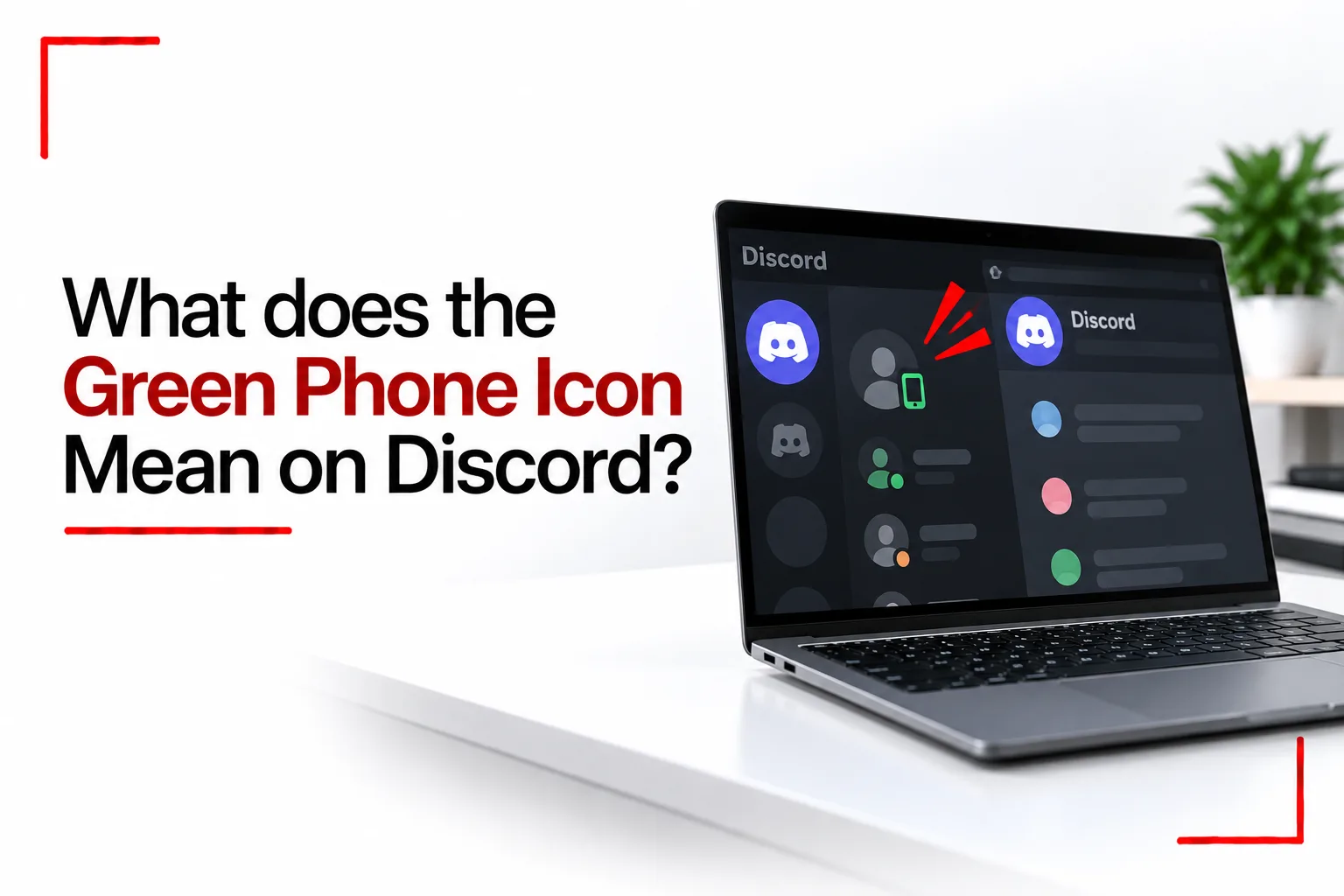

Discord uses small icons to show what is happening with a user, voice connection or activity. Some are easy to understand, while others can be confusing when they appear beside a username without much explanation.
If you have been wondering what green phone icon mean on Discord, the icon generally relates to a voice call or voice connection. The exact meaning depends on where you see it and what you are doing in Discord, since the app uses different symbols for calls, voice channels and user status.
Understanding the icon can help you tell if someone is connected to a voice call, available for communication or using a particular Discord feature.
What Does the Green Phone Icon Mean on Discord?
The green phone icon generally indicates that a voice call is active or that a user is connected through a voice feature. If you see it beside a person’s name during a conversation, it can indicate that the person is currently connected to a call. In a server, similar voice related indicators can show that someone is connected to a voice channel.
The exact symbol and its position can depend on the Discord version, device and part of the app where you see it.
Does the Green Phone Icon Mean Someone Is Available?
Not necessarily. Discord uses its status indicators to show availability, while the phone symbol is related to voice communication. A person can be online without being in a call, and someone connected to a voice channel can still be marked as away, busy or using another status. The green phone icon should not be confused with Discord’s green online status.
What Is the Difference Between the Green Phone Icon and the Green Dot?
The green dot is associated with a user’s online status. It indicates that Discord considers the user to be online. The phone icon has a different purpose and relates to voice communication. Seeing a green dot does not mean someone is in a call. Seeing a green phone icon gives you information about a voice connection instead.
Can You Tell Who Someone Is Talking to on Discord?
The green phone icon does not tell you who another person is talking to. In a direct message, you may be able to see that a call is active within that conversation. A voice channel can also show who is connected to the same channel, depending on the server and your permissions. You cannot use the phone icon by itself to identify a private conversation taking place elsewhere on Discord.

Related Article: These Settings Might Be Why WhatsApp Is Not Working on Your Phone
Why Is the Green Phone Icon Showing on Discord?
The icon can show because a voice call or voice connection is active. If you recently joined a call and the icon stays visible after leaving, Discord may simply need a moment to update the interface. Closing and reopening Discord can refresh the app if an icon seems to be stuck. An outdated app or temporary connection issue can also cause Discord’s interface to display information incorrectly.
Why Is the Green Phone Icon Not Showing?
If you expect to see a phone icon but cannot, check where you are looking in Discord. The icon may only appear in certain parts of the app or during a particular type of voice connection. Your Discord version can also affect how icons are displayed. Updating the app can help if the interface is not showing information as expected.
Does the Green Phone Icon Mean Someone Is Listening?
No. The icon alone does not show that someone is secretly listening to a conversation. Discord’s voice connections have their own indicators and controls. A phone icon simply provides information about a voice connection in the part of Discord where it appears.
If you are concerned about privacy, check the people connected to the voice channel or call and review your Discord privacy and voice settings.
What Does the Green Phone Icon Mean on Discord Mobile?
On the Discord mobile app, phone and voice icons can appear in different places from the desktop version. A green phone symbol can indicate an active call or voice connection, but its exact appearance depends on the screen you are viewing and the version of Discord installed on your phone. If an icon looks different after a Discord update, the change may simply be part of an updated interface.
Can You Turn Off the Green Phone Icon?
You generally cannot remove a voice indicator while the related voice connection is active. Once you leave the call or voice session, the indicator should no longer be needed. If an icon stays visible after you have left, close and reopen Discord. Checking for an app update can also help if the problem continues.
Green Phone Icon vs Other Discord Icons
Discord has several icons that can look similar at first glance.
The green dot indicates an online status. A microphone icon relates to microphone activity or mute controls. A headset icon relates to audio output and deafen controls. A phone icon is connected to calls or voice communication.
The location of an icon can also provide useful context, especially when Discord displays several status symbols at the same time.
What Should You Do If the Icon Looks Wrong?
If Discord shows a green phone icon when you are not in a call or voice channel, first check your active calls and voice connections. Leave any voice channel you are connected to, then close and reopen Discord. If the icon continues to show, check for an available Discord update and restart your device.
Persistent problems can also come from a temporary Discord connection issue. Checking Discord’s service status can help determine if other users are experiencing similar problems.