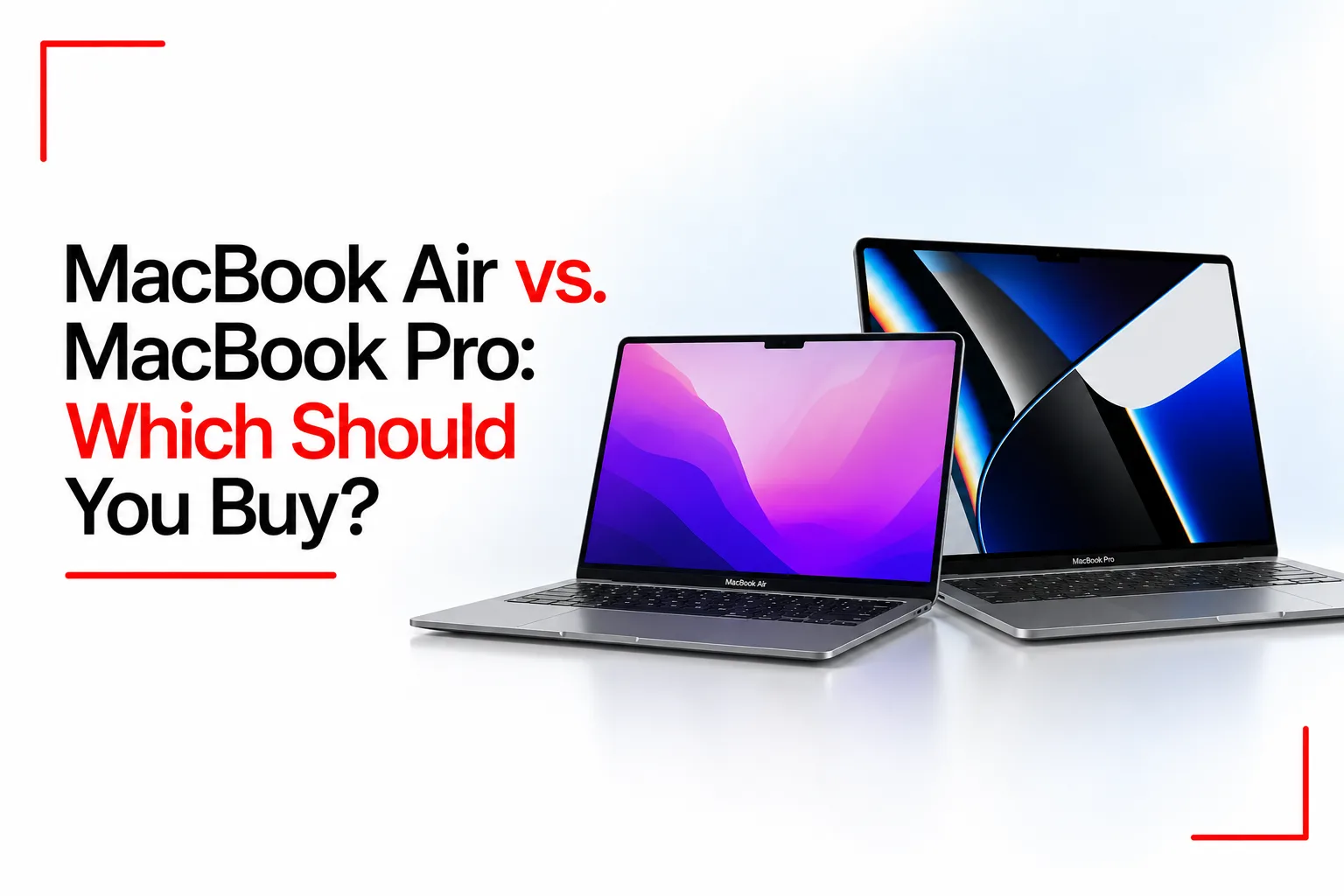

Apple’s MacBook range has become a popular option for students, professionals, creatives and people who need a reliable laptop for everyday tasks. The MacBook Air and MacBook Pro share macOS and Apple’s familiar design, but each model has its own approach to performance, size, cooling, display quality and price. These features influence how each model performs during everyday tasks, creative projects and demanding workloads.
The MacBook Air vs MacBook Pro debate comes down to what each model can do, how it handles your daily workload and how much you need to spend. Understanding their features can help you make sense of the two product lines before buying.
Table of Contents
MacBook Air vs MacBook Pro
| Feature | MacBook Air | MacBook Pro |
|---|---|---|
| Screen sizes | 13.6 inch and 15.3 inch | 14.2 inch and 16.2 inch |
| Processor options | M5 | M5, M5 Pro or M5 Max |
| Display | Liquid Retina | Liquid Retina XDR |
| Refresh rate | Up to 60Hz | Up to 120Hz with ProMotion |
| Cooling | Fanless design | Active cooling with fans |
| Weight | About 1.2kg for the 13 inch model and 1.5kg for the 15 inch model | About 1.6kg for the 14 inch model and 2.1kg for the 16 inch model |
| Battery life | Up to 18 hours of video streaming | Up to 24 hours of video streaming on supported models |
| Ports | Two Thunderbolt 4 ports and MagSafe charging | Three Thunderbolt ports on current models, HDMI, SDXC card slot and MagSafe charging |
| Memory | Configurations up to 32GB | Configurations up to 128GB, depending on chip |
| Storage | Configurations up to 4TB | Configurations up to 8TB |
| Price | Lower starting price | Higher starting price |
Specs and features depend on the model you choose. Battery life depends on how you use the laptop, and each configuration comes with its own memory, storage and port options.
Design and Portability
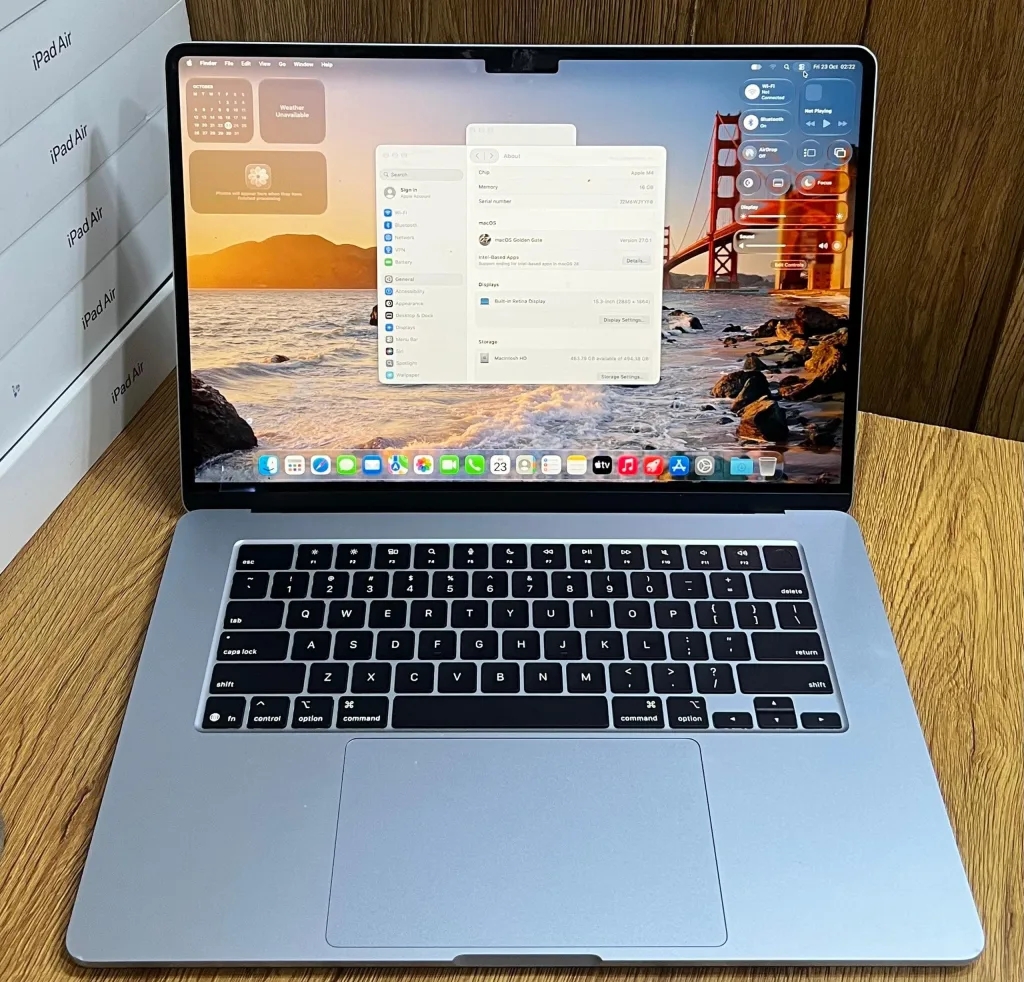
The MacBook Air is designed for people who carry their laptops throughout the day. Its slim body and low weight make it easy to pack into a backpack or carry between classes, meetings and workspaces. The 13 inch model is particularly convenient for travel, while the 15 inch version gives you more screen space without moving to the larger Pro models.
The MacBook Pro has a thicker body and weighs more, especially in the 16 inch version. Its extra weight comes with additional hardware, including active cooling and a more advanced display system. The larger model can be comfortable for desk based work, although carrying it every day takes more effort.
Both laptops have aluminium bodies, large trackpads and backlit keyboards. Their appearance is similar, but the Air prioritises a lighter build, while the Pro makes room for more hardware and additional ports.
Performance and Processing Power
The MacBook Air uses Apple’s M5 chip, which handles everyday computing, office applications, programming, photo editing and many video editing tasks. It can also run demanding applications, provided the workload fits within its memory and cooling limits.
The MacBook Pro starts with the M5 chip in its standard 14 inch configuration. Higher configurations use the M5 Pro or M5 Max, which are designed for heavier computing tasks. Depending on the chip and memory configuration, these laptops can handle large video projects, complex software builds, advanced 3D work and demanding creative applications.
Cooling is another important difference. The Air has no fan, which keeps it silent during operation. However, sustained heavy workloads can cause its processor to reduce speed as temperatures rise. The Pro uses fans to manage heat during extended workloads, helping it maintain high performance for longer.
For browsing, document editing and everyday school or office tasks, the Air has plenty of processing power. Developers, video editors and other professionals who run demanding applications for long periods may benefit from the Pro’s higher performance configurations.
Display Quality
Both MacBook families have sharp displays with accurate colours, making them suitable for reading, office work, media consumption and creative tasks. The main differences are brightness, contrast and refresh rate.
The MacBook Air uses a Liquid Retina LCD display with a refresh rate of up to 60Hz. Text looks crisp, and images have good colour reproduction. It is suitable for writing, spreadsheets, web design and casual photo editing. The MacBook Pro uses a Liquid Retina XDR display with mini LED backlighting. It delivers deeper blacks, higher contrast and better brightness for supported content. ProMotion supports refresh rates up to 120Hz, making scrolling and on screen movement look smoother.
These features are useful for video editing, HDR content, colour focused creative work and anyone who spends long hours looking at a display. For everyday tasks, the Air’s screen is still capable, and many users may not need the additional display features.
Related Article: What Makes the MacBook Neo Different from Other Macs?
Battery Life
Battery life is an important consideration for students, remote workers and people who travel frequently. Apple rates the current MacBook Air models for up to 18 hours of video streaming, while supported MacBook Pro models reach up to 24 hours.
These figures come from controlled testing, and actual battery life depends on screen brightness, applications, network activity and workload. Editing high resolution video or running demanding software can drain the battery more quickly than reading documents or browsing the web.
The Air’s lower weight makes it convenient for people who work away from a desk. The Pro combines long battery life with more powerful hardware, which can be useful for professionals who need to complete demanding tasks away from a power outlet.
Ports and Connectivity
The MacBook Air has two Thunderbolt 4 ports, a MagSafe charging port and a headphone jack. This arrangement covers common needs, including charging, connecting an external drive and attaching a monitor. Users with several accessories may need a USB C hub or docking station.
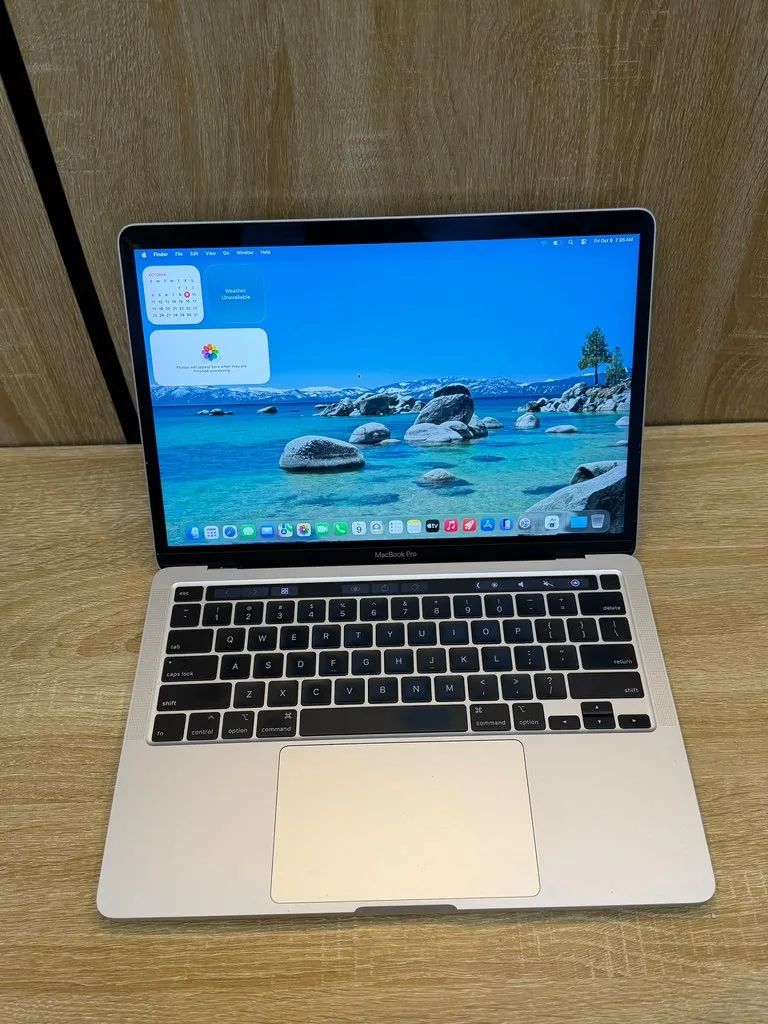
The current MacBook Pro models have a more extensive selection of connections, including HDMI, an SDXC card slot, MagSafe charging and three Thunderbolt ports. These connections can reduce the need for adapters when using external monitors, memory cards and other equipment.
Photographers who regularly transfer files from SD cards and professionals who connect several devices may appreciate the Pro’s port selection. For people who mainly use wireless accessories, cloud storage and a single external display, the Air’s connections may be enough.
Price and Value
The MacBook Air starts at a lower price than the MacBook Pro. It gives buyers access to Apple’s current M5 processor without paying for the Pro’s advanced display, cooling system and additional connections.
The MacBook Pro costs more, with prices rising as you select M5 Pro or M5 Max chips, additional memory and larger storage capacities. These upgrades can be useful for demanding work, but they add expense that may not benefit someone whose daily tasks consist of browsing, writing, video calls and office applications.
The total cost also depends on the configuration. More memory and storage can increase the price of either model, and an older generation MacBook may cost less than a current model. Buyers should compare the exact chip, memory, storage and condition before judging the price difference.
Which MacBook Is Better for Your Work?
Your daily tasks can help you decide which MacBook makes more sense for you.
Students and Office Workers
The MacBook Air has enough performance for research, online classes, essays, spreadsheets, presentations and video calls. Its lighter build makes it convenient to carry between home, campus and work.
Writers and Remote Workers
Writers, virtual assistants and remote employees who use browsers, communication apps and office software can handle most daily tasks on the Air. Its silent cooling system is also useful in quiet rooms and shared workspaces.
Programmers and Software Developers
Both laptops can run development tools, but the demands of a project make a difference. Web development and smaller software projects can run comfortably on the Air. Developers working with large codebases, virtual machines, containers or resource intensive builds may benefit from a Pro configuration with more memory and active cooling.
Video Editors and Graphic Designers
The MacBook Pro handles demanding creative tasks such as high resolution video editing, complex timelines, 3D design and colour sensitive projects. The MacBook Air can still handle photo editing, design applications and lighter video projects, depending on the software and file sizes.
Gamers
Neither MacBook family is a dedicated gaming laptop, but both can run compatible Mac games. The Pro’s higher tier chips and active cooling can help with demanding titles that support macOS. Game availability, graphics settings and compatibility should all be checked before buying a MacBook for gaming.
Choosing Between the MacBook Air and MacBook Pro
The MacBook Air is lightweight, runs silently and has enough processing power for most everyday tasks. The MacBook Pro adds more display features, additional ports, active cooling and higher performance configurations for demanding workloads.
One MacBook isn’t the best choice for everyone. The Air handles everyday tasks with ease, while the Pro is built for more demanding workloads. Looking at the software you use, the size of your projects, how often you carry your laptop and how much you plan to spend will help you understand which model fits your daily routine.