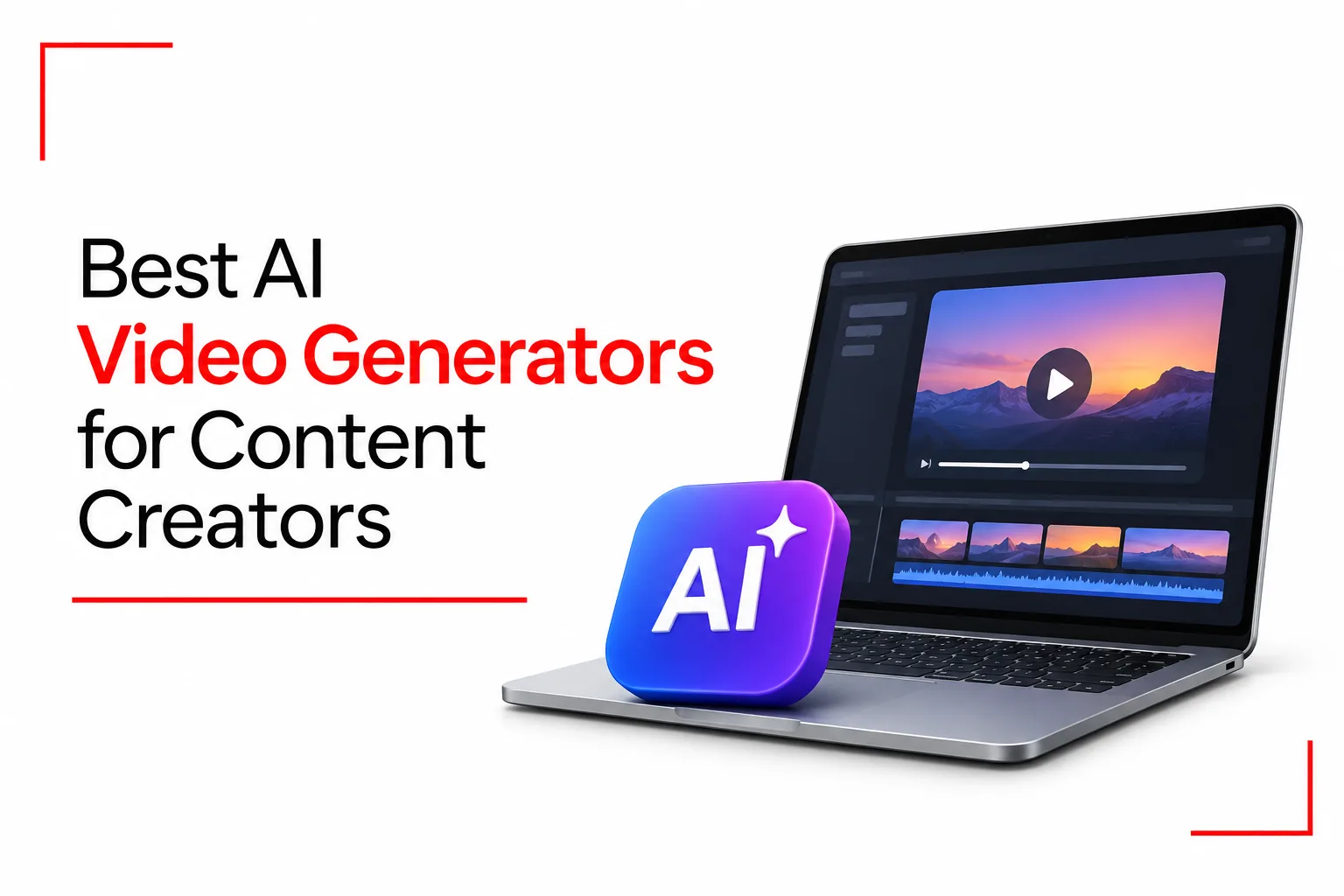

Creating videos for YouTube, TikTok and Instagram takes time, especially when you have to record footage, edit clips, add voiceovers and put everything together. AI video generators are making some of these tasks easier. You can now turn a written idea into a video, create a digital presenter for your tutorials or generate scenes without picking up a camera. This can be particularly helpful when you have content to publish but limited time, equipment or editing experience.
With so many tools available, it can be difficult to know which AI video generator to use. Some tools are better for cinematic videos, while others focus on talking avatars, social media clips or turning scripts into finished productions. Each platform also has its own pricing, features and limitations.
In this guide, we’ll look at AI video generators for content creators, what each one does well, how much it costs and what you should know before choosing one.
Table of Contents
Best AI Video Generators
| Tool | Best For | Standout Capability | Price | Free Access |
|---|---|---|---|---|
| Runway | Cinematic videos and visual storytelling | Gen 4.5 text and image to video | Free, paid from $12 per month | Yes, limited credits |
| HeyGen | AI presenters and talking avatars | Custom avatars and multilingual video translation | Free, paid from $29 per month | Yes |
| InVideo AI | Script based video production | AI scenes, voiceovers and stock footage | Free, paid from $20 per month | Yes, limited credits |
| Kling AI | Realistic movement and character animation | Motion Control and pose guidance | Limited free access, paid from $6.99 | Yes, limited credits |
| CapCut | TikTok, Reels and YouTube Shorts | AI editing, automatic captions and background removal | Free, Pro from $19.99 per month | Yes |
| Pika | Creative effects and short AI clips | Pikaframes and creative video effects | Free access, paid from $10 per month | Limited free access |
| Synthesia | Training, tutorials and business videos | AI presenters and support for over 160 languages | Free, paid from $19 per month | Yes |
Prices are in US dollars. Subscription costs and promotional prices can change. Annual billing may also affect the amount you pay.
How to Choose an AI Video Generator
The right AI video generator is about more than just subscription prices. You also need to consider the type of videos you want to produce, the editing tools available and how the platform charges for video generation.
Video Generation Style
Start with the type of content you intend to create. Runway and Kling AI are useful for cinematic scenes, realistic characters and visual storytelling. HeyGen and Synthesia focus on digital presenters, making them suitable for tutorials, training materials and business presentations.
InVideo AI works well when you want to turn a written script into a complete video. CapCut is useful for editing short videos for social media, while Pika focuses on creative effects and short animated clips.
Creative Control and Customisation
Some platforms give you more control over the appearance and movement of generated videos. You may be able to guide camera movement, adjust character poses, upload reference images or edit individual scenes. This level of control is useful when you have a particular visual style in mind. For simpler projects, a platform that automatically builds videos from scripts may save you time.
Video Quality and Generation Speed
Video resolution, clip duration and generation time can affect your production process. Some tools produce short clips that you need to join together in an editing application. Others can create longer videos featuring presenters, voiceovers and transitions.
Check the export resolution available on each subscription plan. Also consider how many credits a video consumes, since higher resolutions and longer clips can cost more.
Pricing and Credit Systems
AI video platforms use different payment models. Some provide monthly subscriptions with a fixed number of credits, while others limit the number of videos you can create.
A free plan can help you test a platform before paying. However, check for watermarks, export restrictions, credit limits and commercial usage terms. These details can affect how useful a free account is for regular video production.
Runway: Best for Cinematic Control and Visual Artists
Runway is an AI video generation platform designed for creators who want more control over the appearance and movement of their videos. Its tools support text to video and image to video generation, allowing you to create scenes from written descriptions or use an existing image as a visual reference.
The platform’s Gen 4.5 model can generate short clips with detailed scenes, camera movements and realistic visual elements. You can guide the output through prompts describing the subject, setting, lighting and action. This makes Runway useful for creative projects, adverts, music videos and visual storytelling.
One limitation is that generated clips are short. Gen 4.5 supports videos lasting between two and ten seconds, so longer productions may need several clips joined together in a separate editor.
Best for: Content creators, filmmakers and visual artists who want cinematic scenes and more control over the creative process.
HeyGen: Best for Avatar Led Content and AI Presenters
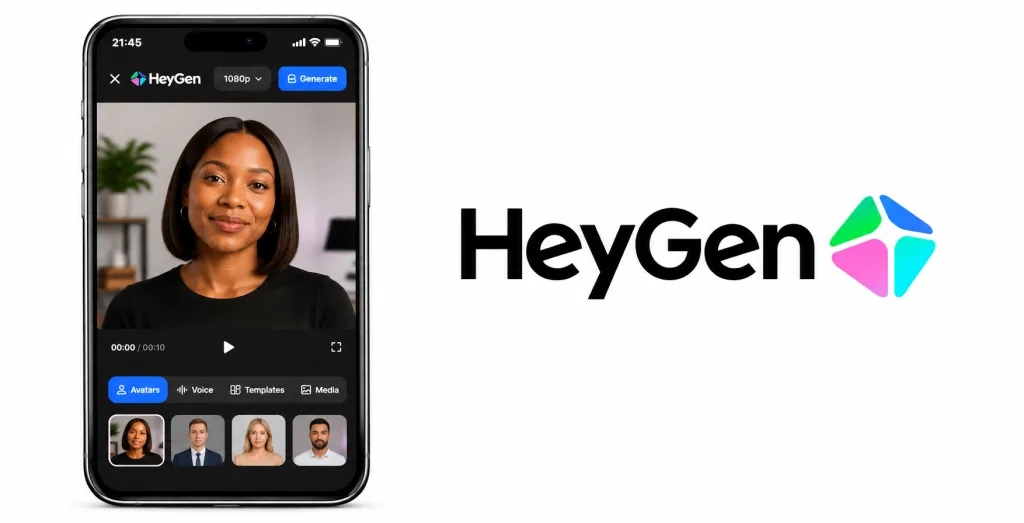
HeyGen focuses on videos featuring AI generated presenters. You can create a digital avatar, choose a ready made presenter or use your own appearance to produce videos without recording yourself every time.
The platform supports voice cloning, lip synchronisation and video translation. You can write a script, select a presenter and generate a video with speech that matches the chosen voice. Its translation tools also help creators produce content in multiple languages. HeyGen can be useful for product demonstrations, educational videos, marketing content and social media presentations.
Best for: Creators who produce tutorials, presentations, product demonstrations and videos featuring digital presenters.
InVideo AI: Best for Full Script to Video Production
InVideo AI helps creators turn written ideas and scripts into complete videos. You can enter a prompt or provide a script, and the platform can build a video using scenes, stock footage, voiceovers and other visual elements.
This can save time when producing explainer videos, social media content, promotional material and YouTube videos. You can also edit the generated video, change scenes, adjust the script and make other changes before exporting. InVideo AI is particularly useful when you want a video assembled without editing every scene from scratch. However, the final result may still need manual adjustments to improve the pacing, visuals and overall presentation.
Best for: YouTubers, marketers and social media creators who want to turn scripts into finished videos with less manual editing.
Kling AI: Best for Realistic Human Movement
Kling AI is an AI video generator known for creating realistic movement, detailed characters and animated scenes. It supports text to video and image to video generation, allowing you to create clips from written prompts or uploaded images.
One of its notable tools is Motion Control, which gives creators more influence over character movement. Pose guidance can also help direct how a subject moves in a generated scene. These tools are useful for animated characters, action scenes and videos that need natural body movement.
Kling AI also provides tools for creating talking avatars and synchronising speech with character movements. This can help when producing short presentations, character based videos and social media content.
Best for: Creators who want realistic character movement, animated scenes and AI generated videos with detailed motion.
CapCut: Best for Short Form Content Creators
CapCut is a video editing application widely used for TikTok videos, Instagram Reels and YouTube Shorts. It combines traditional editing tools with AI capabilities that help creators produce and improve short videos. Its AI tools include automatic captions, text to speech, background removal and script to video generation. You can also use templates, transitions, filters and other editing effects to give your videos a polished appearance.
CapCut is particularly useful for creators who record their own footage but want to speed up the editing process. Automatic captions can save time when preparing videos with spoken content, while background removal helps isolate people and objects in a scene.
The free plan provides access to basic editing tools and selected AI capabilities. Some tools and subscription prices depend on your location and device, so the available capabilities may not be identical for every account.
Best for: TikTok creators, Instagram users and YouTubers who produce short videos and want editing tools in one application.
Pika: Best for Quick Effects and Micro Animations
Pika is an AI video generator designed for short clips, creative effects and animated visuals. It allows you to create videos from text prompts and images, making it useful for social media content and experimental visual projects. The platform includes tools such as Pikaframes, Pikascenes, Pikaswaps and Pikadditions. These allow creators to animate images, build scenes and make visual changes to existing clips.
Pika is useful when you want to create an eye catching visual without spending a long time editing it manually. However, it focuses more on short creative clips than full video production, so you may need another editor to assemble a longer project.
Best for: Social media creators who want short AI generated clips, animated images and creative visual effects.
Related Article: How to Spot AI-Generated Images
Synthesia: Best for Enterprise and Educational Content
Synthesia is an AI video platform designed for business communication, training and educational content. It allows you to create videos featuring digital presenters without recording a person on camera.
You can enter a script, choose an AI avatar and generate a presentation with voice narration. The platform supports over 160 languages, making it useful for organisations that need to produce training materials and internal communication videos for different audiences.
Synthesia also provides tools for creating video lessons, product demonstrations and instructional content. Its AI presenters can help businesses maintain a consistent presentation style across different training materials.
Best for: Businesses, educators and organisations that produce training videos, presentations and instructional content.
Frequently Asked Questions
Are AI Video Generators Free?
Yes, several AI video generators provide free plans. Runway, HeyGen, InVideo AI, Kling AI, CapCut and Synthesia all have free access options. Pika also provides free access, although its current free plan does not include monthly generation credits. Free plans usually come with restrictions. You may have limited credits, shorter video durations, watermarks or fewer export options. Some platforms also restrict commercial use on free subscriptions.
Which AI Video Generator Produces the Most Realistic Human Faces?
HeyGen and Synthesia are useful for creating realistic digital presenters who speak from a written script. Both platforms support AI avatars and voice generation, making them suitable for tutorials, presentations and business videos.
For cinematic scenes featuring generated people, Runway and Kling AI are good options. Their video generation tools can create realistic characters and movement, although the final quality depends on the prompt, model and settings.
No platform produces perfect results every time. You may need several attempts to get the facial expressions, speech and movement you want.
Can You Monetise AI Generated Videos on YouTube and TikTok?
Yes, AI generated videos can be monetised on YouTube and TikTok, provided they follow each platform’s content and monetisation rules.
YouTube does not automatically reject videos because they were made with AI. However, repetitive, mass produced or low value content may not qualify for monetisation. Videos should provide original value through useful information, commentary, storytelling or creative editing.
TikTok also allows AI generated content, but realistic AI generated images, audio and videos must carry the appropriate disclosure label. Content involving harmful impersonation or misleading material can still be removed, even when labelled.
What Are the Copyright Rules for AI Generated Video Clips?
Copyright rules for AI generated videos depend on the laws in your country. In the United States, human creative contributions can receive copyright protection, but purely AI generated material may not qualify. Simply entering prompts into an AI tool may not be enough to establish copyright ownership.
You should also check the platform’s terms before using generated videos commercially. Pay attention to the rights attached to uploaded images, music, voices and other materials used in your project. Using someone else’s protected content without permission can lead to copyright complaints.
AI video generators can make content creation easier by reducing the time spent filming, editing and putting videos together. They also give creators more ways to bring their ideas to life, even without expensive equipment or advanced editing experience. Still, the final result depends on the quality of your prompts, the tools available and the amount of editing you put in. Take time to compare the features, subscription costs and usage rights before settling on a platform for your content.