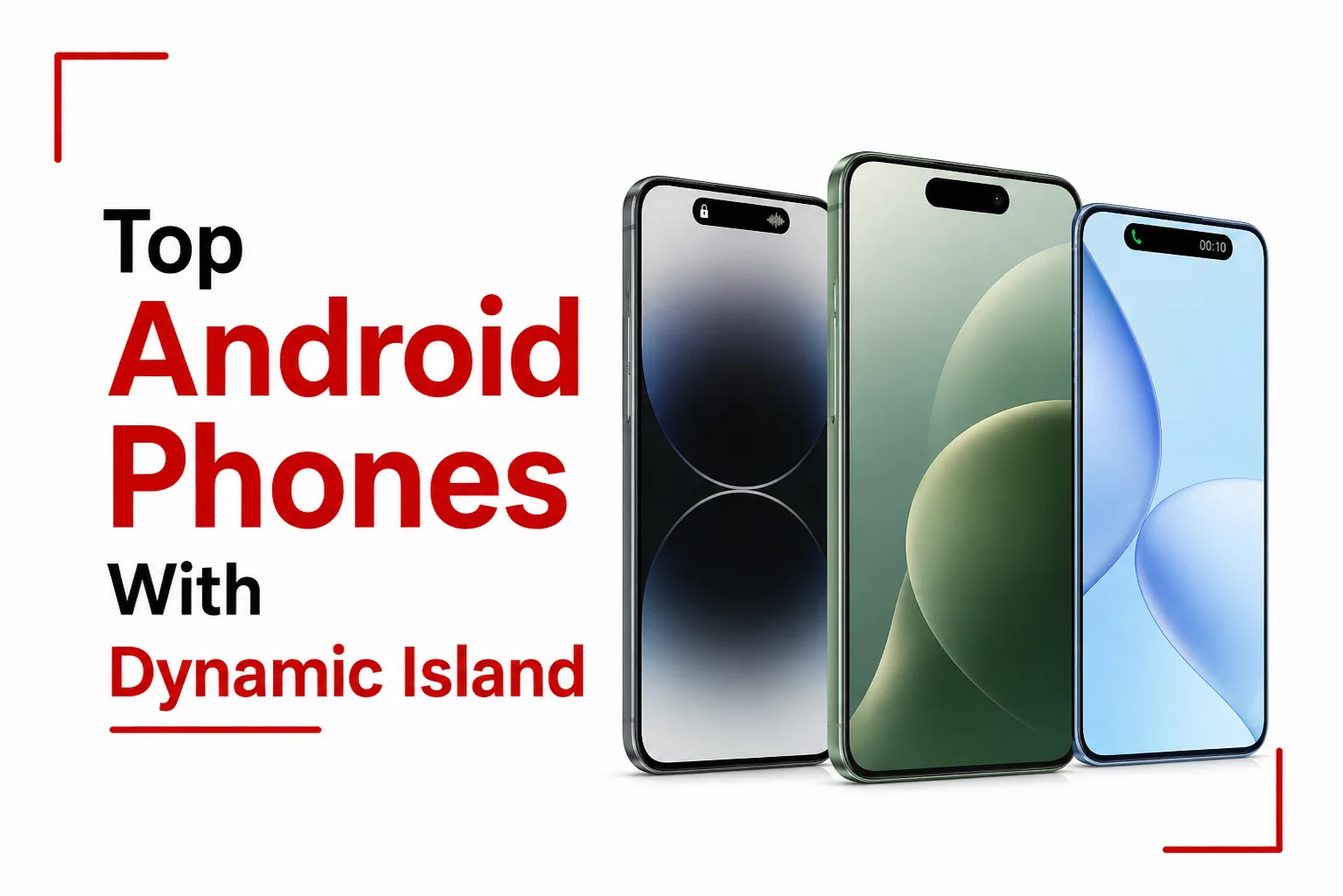

Apple’s expanding notification pill was one of the more talked about design moves in recent smartphone history, and the idea has since made its way firmly into the Android world. The growing list of Android phones with Dynamic Island style features proves it didn’t stay exclusive to Apple for long. Instead of copying it at the operating system level, several major brands have developed custom software interpretations that animate directly around the front facing camera cutout, turning what was once just a hole in the screen into something interactive and useful.
Here is a full breakdown of which Android brands have built this feature, what they’ve named it, which devices support it, and how it performs in daily use.
Quick Links
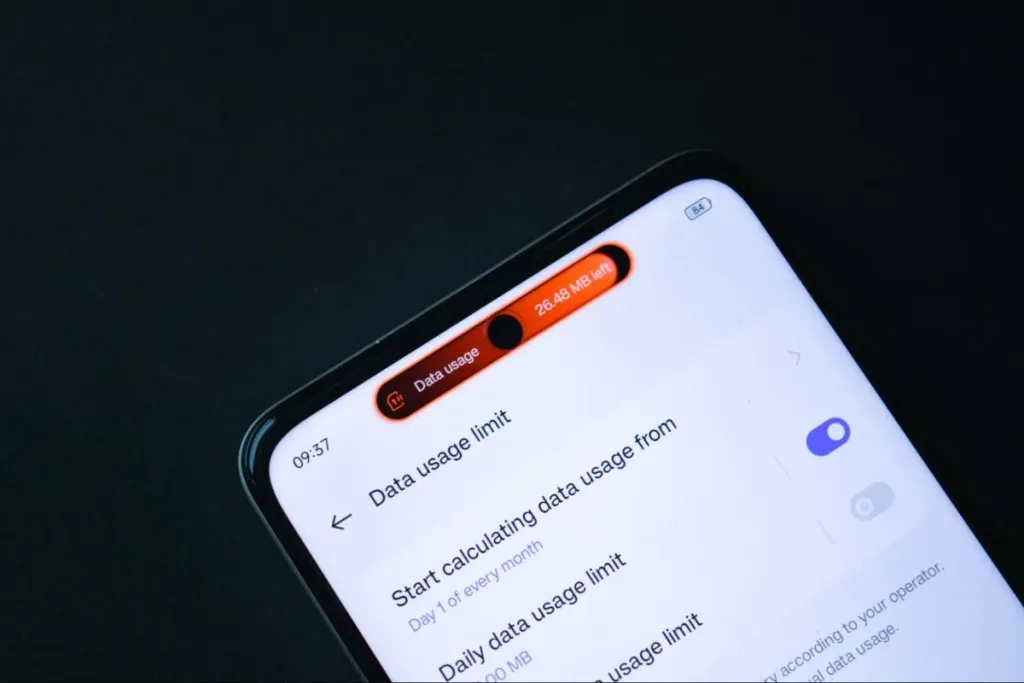
Realme: Mini Capsule
Realme was one of the very first Android brands to introduce this kind of feature, and they named their version the Mini Capsule.
The Mini Capsule is natively built into Realme’s budget friendly C series lineup, covering devices like the C53, C55, C67, and the current C75 and C85 models, along with select Narzo devices.
In terms of what it actually does, the black pill expands horizontally from the hole punch camera to surface quick, glanceable information. This includes charging speed notifications, SuperVOOC flash charge alerts, low battery warnings, step tracking achievements, and localized weather updates. For a budget device, this is a polished touch that makes the camera cutout feel intentional.
Infinix: Magic Ring
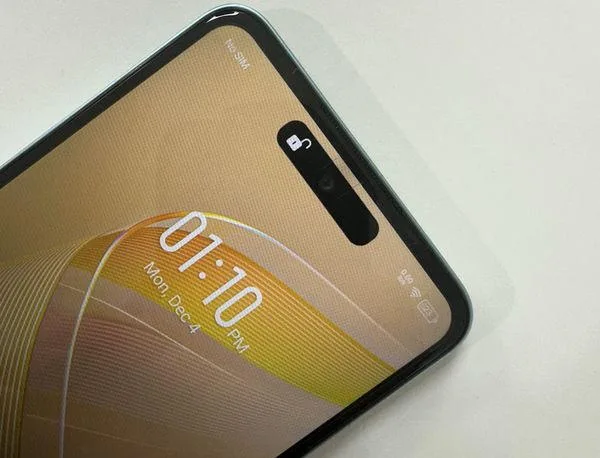
Infinix built their version of the feature and named it the Magic Ring, designed to bring glanceable notifications to mid range and entry level buyers across their lineup.
The Magic Ring is active on the Infinix Smart 8 and Smart 20 series, the Hot 40 and Hot 70 lineups, and higher tier devices like the Note 40 and Note 60 Ultra.
The Magic Ring morphs out of the camera cutout during specific system moments, including face unlock animations, active phone calls, charging connection confirmations, and background voice recording sessions. It’s a more subtle implementation compared to some competitors, but it covers the situations users run into most often throughout a normal day.
TECNO: Dynamic Port
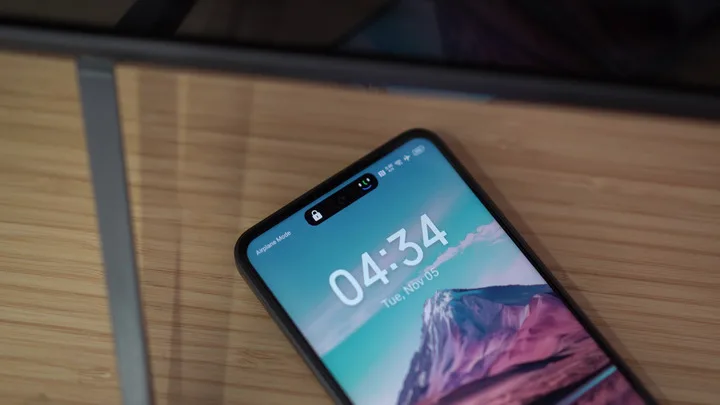
TECNO calls their version the Dynamic Port, and it’s built into the HiOS software skin that runs across a wide range of their devices.
Supported devices include the Spark 20 and Spark 30 series, the Camon 30 through Camon 50 lineups, and TECNO’s premium Phantom series.
The Dynamic Port provides a visual expansion around the center punch hole for charging status updates, facial recognition progress indicators, ongoing call durations, and media playback states. It’s a clean, functional implementation that covers both essential alerts and media controls without feeling overdone.
itel: Dynamic Bar
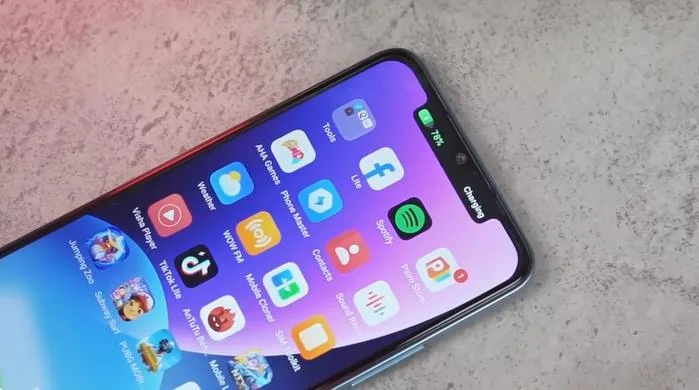
Even at the most affordable end of the smartphone market, this feature has made its way in. itel includes the Dynamic Bar on accessible devices like the itel A70, P55+, and newer A100 Pro models.
itel’s version is designed to give budget screens a more modern feel. It takes what would otherwise be a basic, static camera hole and turns it into a live notification element, giving entry level buyers something that previously felt exclusive to premium devices.
Huawei: Live View
Huawei calls their version Live View, also referred to as Live Window inside the software itself, and it’s built into modern HarmonyOS and EMUI builds. Out of every brand on this list, it goes the furthest in matching the actual Dynamic Island experience.
Live View shifts between two states. During a background task like a timer, screen recording, or navigation, it sits as a small capsule showing minimal updates. Tapping it expands into a larger card with real controls, like pause and stop buttons for an active screen recording, no need to open the app itself.
It also supports a wider range of features than other Android versions, including delivery tracking, ride hailing updates, flight departures, and even custom layouts from select third party apps.
Live View is available on any Huawei device running HarmonyOS 4.0 or EMUI 14 and above, covering the Pura 70 series, Mate 60 series, Mate X5, Nova 16 and Nova 12 series, along with older flagships like the Mate 50, Mate 40, P60, and P50 series once updated.
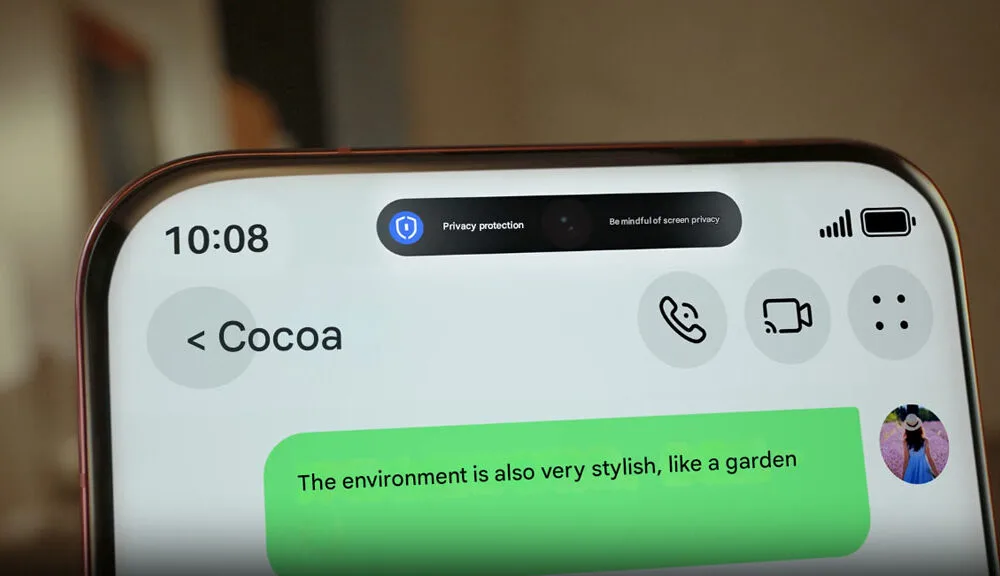
What to Expect Compared to the iPhone Version
This is an important distinction for anyone reading about this feature for the first time. The experience on Android is not identical to what iPhone users get, and being upfront about that makes for a more useful article.
On an iPhone, the Dynamic Island is tightly woven into the operating system itself. This means third party apps like Uber, Spotify, and food delivery platforms can push live tracking data directly into the pill, showing a moving vehicle or a song progress bar in real time.
On Android, the manufacturer-built versions, including the Mini Capsule, Magic Ring, Dynamic Port, and Dynamic Bar, are mostly limited to first party system alerts. This covers things like charging updates, internal media playback, system calls, and face unlock progress. Third party developer integration into these manufacturer features is very rare at this point.
What to Do If Your Phone Doesn’t Have It Built In
For Android users on phones from brands that don’t include a built in version of this feature, such as Samsung or Google Pixel devices, there’s a Play Store solution worth knowing about.
Apps like dynamicSpot can be downloaded directly from the Google Play Store. These tools use Android’s accessibility permissions to overlay a fully customizable expanding pill animation over any camera cutout on any Android phone. As a bonus, these third party apps often offer deeper notification integration than the factory installed manufacturer versions, since they’re built specifically to pull in alerts from a wider range of apps.
Android manufacturers have found their own ways to make the camera cutout do more than just sit there. The feature is now available across a surprisingly wide range of price points, from budget devices under the itel brand all the way up to Infinix and TECNO’s flagship lines. For users on phones that don’t have a built in version, the Play Store fills the gap. Either way, the days of ignoring that little hole in the screen are largely over.