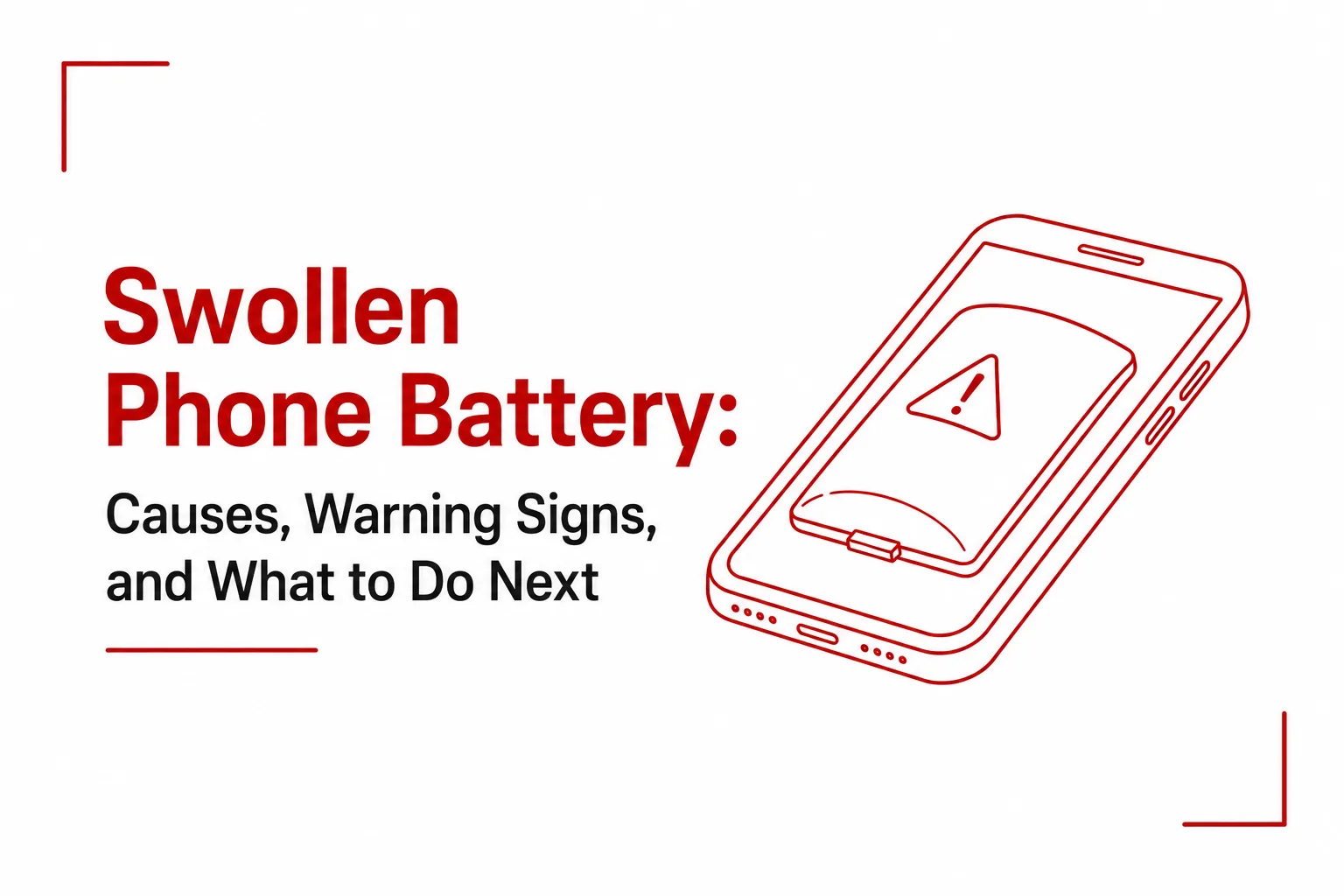

A swollen phone battery is one of the serious hardware failures a smartphone can develop, and it is more common than most people realize. The visible sign, a screen lifting away from the frame or a back cover pushing outward, is not the beginning of the problem. It is the result of a chemical process that has already been underway inside the battery for some time.
This article covers the science behind why it happens, the physical warning signs that appear before the damage becomes obvious, and the correct steps to take once a swollen battery is confirmed.
What Is Actually Happening Inside a Swollen Battery
Modern smartphones run on Lithium-ion or Lithium-polymer batteries. These batteries generate power through a controlled chemical reaction. When the battery comes under stress or sustains damage, that chemistry begins to break down in a process called electrolyte decomposition.
The liquid or gel electrolyte inside the battery degrades and produces gases, including carbon dioxide. Because the battery casing is completely sealed to protect the internal components, those gases have nowhere to go. Trapped pressure builds steadily, pushing the battery layers outward and causing the visible puffing that gives a swollen battery its name.
Several conditions trigger this chemical breakdown.
Heat exposure is one of the most common. Elevated temperatures accelerate the degradation of internal battery chemistry. Leaving a phone in a hot vehicle, placing it under direct sunlight, or running heavy processor tasks while fast-charging simultaneously can push internal temperatures to unsafe levels.
Continuous high charge levels cause a slower but equally damaging form of stress. Keeping a phone plugged in constantly, especially overnight, holds the battery at full capacity for extended periods. That prolonged state increases electrical stress on the internal materials and speeds up their deterioration over time.
Deep discharges work in the opposite direction. Consistently draining a phone battery all the way to zero stresses the battery chemistry from the other end, making gas production more likely the more frequently it happens.
Physical impact is a less obvious but significant trigger. Dropping or applying sharp pressure to a phone can damage the microscopic separators inside the battery. A compromised separator causes a slow internal short circuit that generates heat and gas gradually, often without any immediately obvious external sign.
Natural aging plays a role as well. Every battery has a finite lifespan measured in charge cycles. As the cycle count climbs into the hundreds, the internal components degrade progressively, and older batteries become increasingly susceptible to chemical destabilization.
Substandard accessories round out the main causes. Cheap, uncertified chargers and third-party replacement batteries that lack proper voltage regulation place irregular electrical stress on the battery cell, accelerating the conditions that lead to swelling.
Also Read: 10 Ways to Extend Your Smartphone Battery Life

Warning Signs Your Battery May Be Swelling
Swelling does not always announce itself immediately. It often develops gradually, and the physical signs appear before the situation worsens. Knowing what to look for creates the opportunity to act before it worsens.
The screen or back cover separating from the frame is the most widely reported sign. The display begins lifting at the edges, the adhesive bond breaks, or a curve develops across the middle of the phone where the body was previously flat.
A rocking motion on flat surfaces is another reliable early indicator. Place the phone face-down on a table. If it wobbles or spins and is not resting completely still, the battery underneath is expanding and pushing the body out of alignment.
Screen distortions can appear when pressure from behind the display pushes against the panel. This shows up as oil-slick rainbow patterns or irregular discoloured patches on the screen, caused by the battery pressing against the back of the display assembly.
Stiff or unresponsive side buttons are a sign that internal bloating has reached the point where the expanding battery is pressing against the button mechanisms, making them rigid or difficult to press.
An unusual smell is the most urgent warning. A battery with a compromised casing may emit a sweet, fruity, or distinctly chemical aroma. This indicates that electrolyte fluid is leaking from the cell, which is a serious safety signal that demands immediate action.
What to Do
A swollen battery is a failed battery. The steps below are not optional precautions. They are the correct response to a device that now presents a fire hazard.
Power the device off immediately. Shut it down completely. Do not continue using it, and do not connect it to a charger, a power bank, or a computer.
Do not apply pressure or puncture the battery. Pressing the screen back into the frame or inserting any sharp object into the swollen area to release the gas are both dangerous actions. Puncturing the battery pouch exposes the volatile internal chemicals to oxygen, which can trigger an immediate fire or explosion.
Isolate the device in a safe location. Move the phone to a cool, dry, and well-ventilated area away from anything flammable. Place it on a non-flammable surface such as a concrete floor, a metal tray, or inside a container covered with sand. Keep it well away from curtains, paper, wood, and fabric.
Take it to a certified repair technician. If the battery is non-removable, which covers the majority of modern smartphones, do not attempt to force the phone open yourself. The risk of accidentally puncturing the battery during an unskilled repair attempt is high. A certified technician or an authorized service center has the tools and training to remove the battery safely.
Dispose of it responsibly. A swollen battery or the device containing one must never go into a regular household bin or a standard recycling container. Garbage trucks compress waste, and the pressure can cause a compromised battery to ignite. Take the device to a designated e-waste drop-off point or a specialized electronics recycling center for safe disposal.
How to Prevent It From Happening Again
Once the immediate situation is handled, a few consistent habits significantly reduce the likelihood of a swollen battery occurring in any future device.
Avoid leaving your phone in hot environments, including car dashboards and direct sunlight. Charge the battery before it drops completely to zero, and unplug the device once it reaches full charge. Do not leave it plugged in overnight. Use only manufacturer-certified chargers and cables, and treat replacement batteries from unknown brands with caution. These habits will not make a battery last forever, but they extend its healthy lifespan considerably and reduce the conditions that lead to electrolyte decomposition.