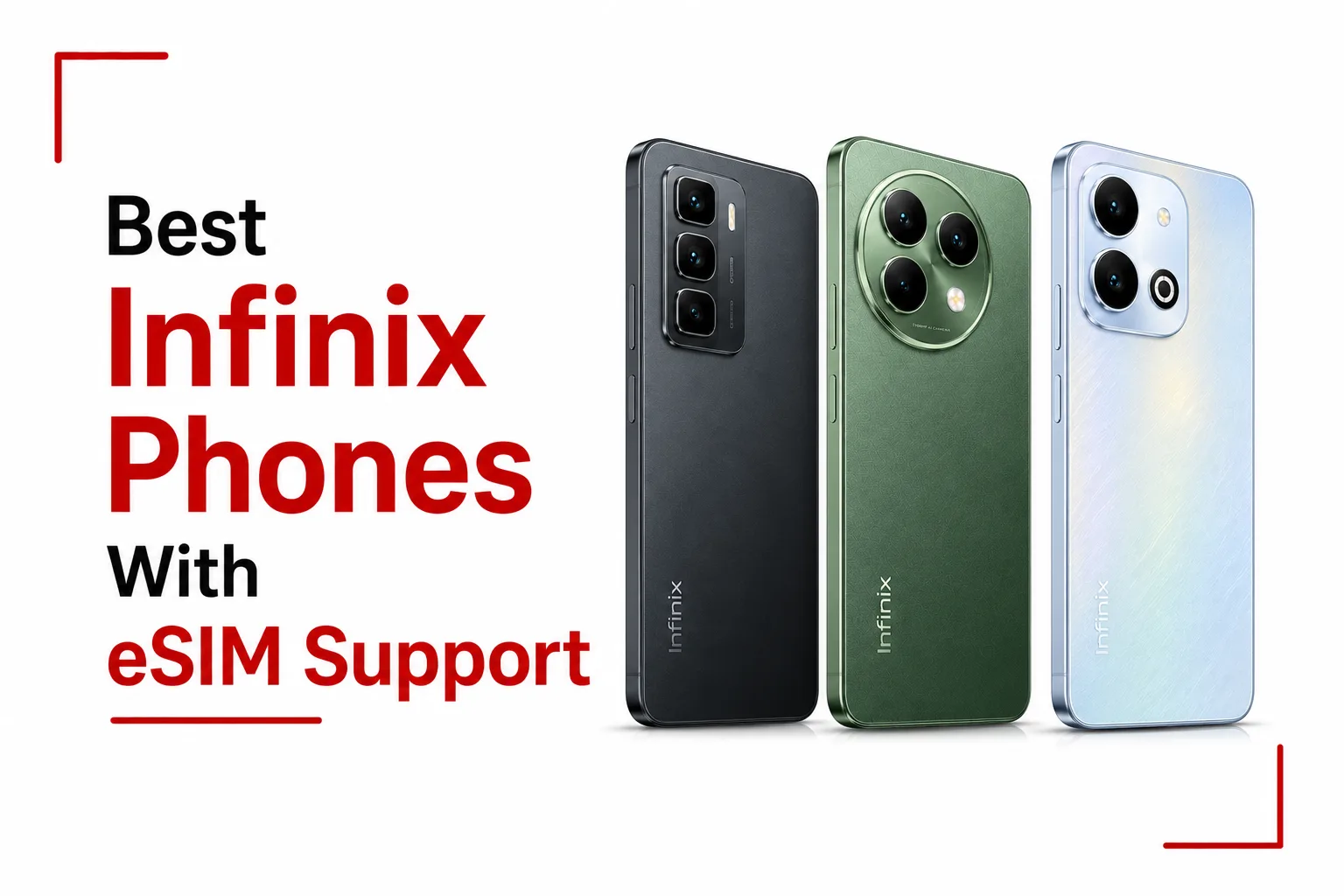

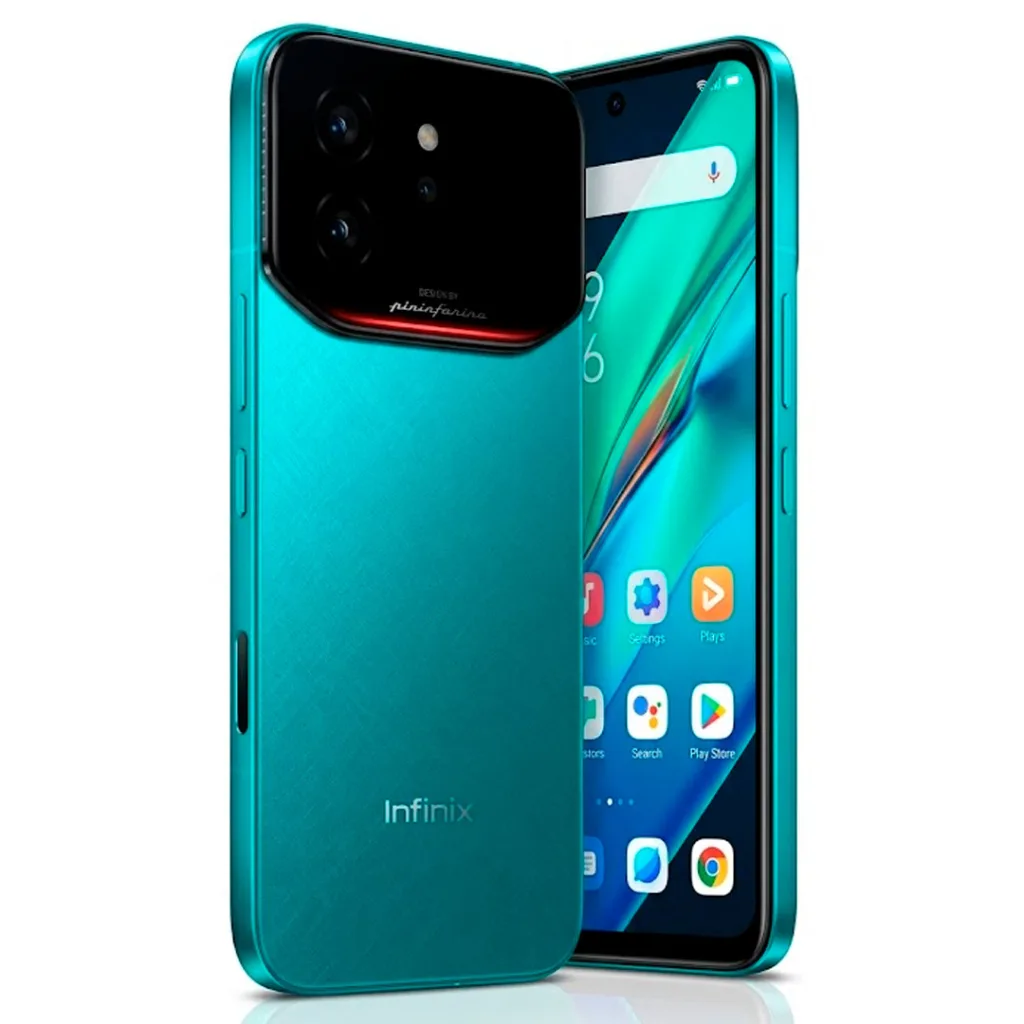
Anyone searching for Infinix phones with eSIM support is likely expecting a long list of options to compare. The reality right now is much simpler. Across the entire Infinix lineup, only one device comes with built in hardware eSIM support, and that’s the Infinix Note 60 Ultra.
Released in May 2026, this flagship marks the first time Infinix has included an embedded SIM chip inside any of its phones. It’s a significant step for the brand, and it positions the Note 60 Ultra as a premium pick for international travelers and anyone who wants the flexibility that comes with digital SIM profiles.
Since this is currently the only Infinix phone with this capability, this article focuses entirely on the Note 60 Ultra, covering how its eSIM setup works, how it interacts with physical SIM cards, and how to check if the feature is active on a specific unit.
The Only Infinix Phone with Built-In eSIM
Before the Note 60 Ultra, Infinix simply hadn’t included eSIM hardware in any of its devices. The internal chip needed to support digital SIM profiles wasn’t part of the brand’s phones until this release.
With the Note 60 Ultra, Infinix made a deliberate choice to add this hardware specifically for users who travel internationally or who want more flexible connectivity options without needing to swap physical SIM cards constantly. For now, this makes the Note 60 Ultra the entry point into eSIM for anyone shopping the Infinix lineup, and the only model worth considering if eSIM support is a priority.
How the SIM and eSIM Setup Works
The Note 60 Ultra uses a hybrid card slot system. This means the tray inside the phone can hold a Nano SIM, a second Nano SIM, or an eSIM profile, giving users some flexibility in how they set up their connections.
That said, there’s an important limit to keep in mind. The internal network modem on this device can only manage two active connections at the same time, regardless of how those connections are set up.
This means if a user decides to activate an eSIM profile through the Android settings, the system will automatically turn off one of the physical Nano SIM slots to make room for it. In practice, this works out to the following combinations.
- Two physical Nano SIMs active at once, with no eSIM in use
- One physical Nano SIM active alongside one eSIM profile
- Mixing two eSIM profiles plus a physical SIM all running together is not possible, since the modem only supports two connections total
For most users, this won’t be a major issue. Many people who want eSIM are looking to add a travel data plan alongside their main number, which fits comfortably within the two connection limit. It’s only an issue for people who specifically wanted three active lines running at once, which the hardware simply doesn’t allow.
Checking Network Availability and Carrier Support
Having the eSIM chip inside the phone is one part of the equation, but the feature’s full usability also depends on the network side of things.
Even though every Note 60 Ultra unit comes with the physical eSIM hardware built in, local network operators need to support eSIM profile downloads for the feature to actually work on a given carrier. On top of that, some carrier locked versions of the phone might have the eSIM menu disabled out of the box, even if the hardware itself is present.
This means two people with the same Note 60 Ultra model, in different regions or on different carriers, could have different experiences with eSIM. One might be able to activate a digital profile without any issues, while the other might find the option missing or restricted, depending on how their specific carrier and region have set things up.
Anyone planning to rely on eSIM with this phone, especially for international travel, should check with their carrier ahead of time to confirm that eSIM profile downloads are supported on their account and region.
How to Check If Your Note 60 Ultra Has eSIM Active
For anyone who already owns a Note 60 Ultra and wants to confirm whether the eSIM hardware is ready to use on their specific unit, there’s a quick way to check.
Open the phone dialer app and type in the following code:
*#06#
This brings up a screen showing the device’s hardware identification numbers. Along with the standard IMEI numbers that every phone displays, look for an EID number, which stands for eSIM Identity Document.
If an EID barcode number appears on this screen alongside the IMEI numbers, that confirms the eSIM hardware on that specific unit is present and ready for use. If no EID appears, it could point to a regional variant or carrier locked version where the eSIM functionality has been disabled, even though the chip itself may still be physically present inside the device.
This simple check takes just a few seconds and is the most reliable way to confirm eSIM status without needing to dig through settings menus or contact support.
Which Infinix Phone Supports eSIM?
For now, the Infinix Note 60 Ultra is the answer whenever someone asks about Infinix phones with eSIM. It’s the first device from the brand to include this hardware, and it comes with a flexible, if somewhat limited, dual connection system that covers most common use cases involving a mix of physical SIMs and digital profiles.
It’s not yet clear if Infinix will bring eSIM support to other models down the line, but for buyers shopping today, the Note 60 Ultra is the only option that brings this feature to the table. Anyone interested in using eSIM with this phone should take a moment to run the *#06# check after setup, and confirm with their carrier that eSIM profiles are supported in their region, just to avoid any surprises down the line.