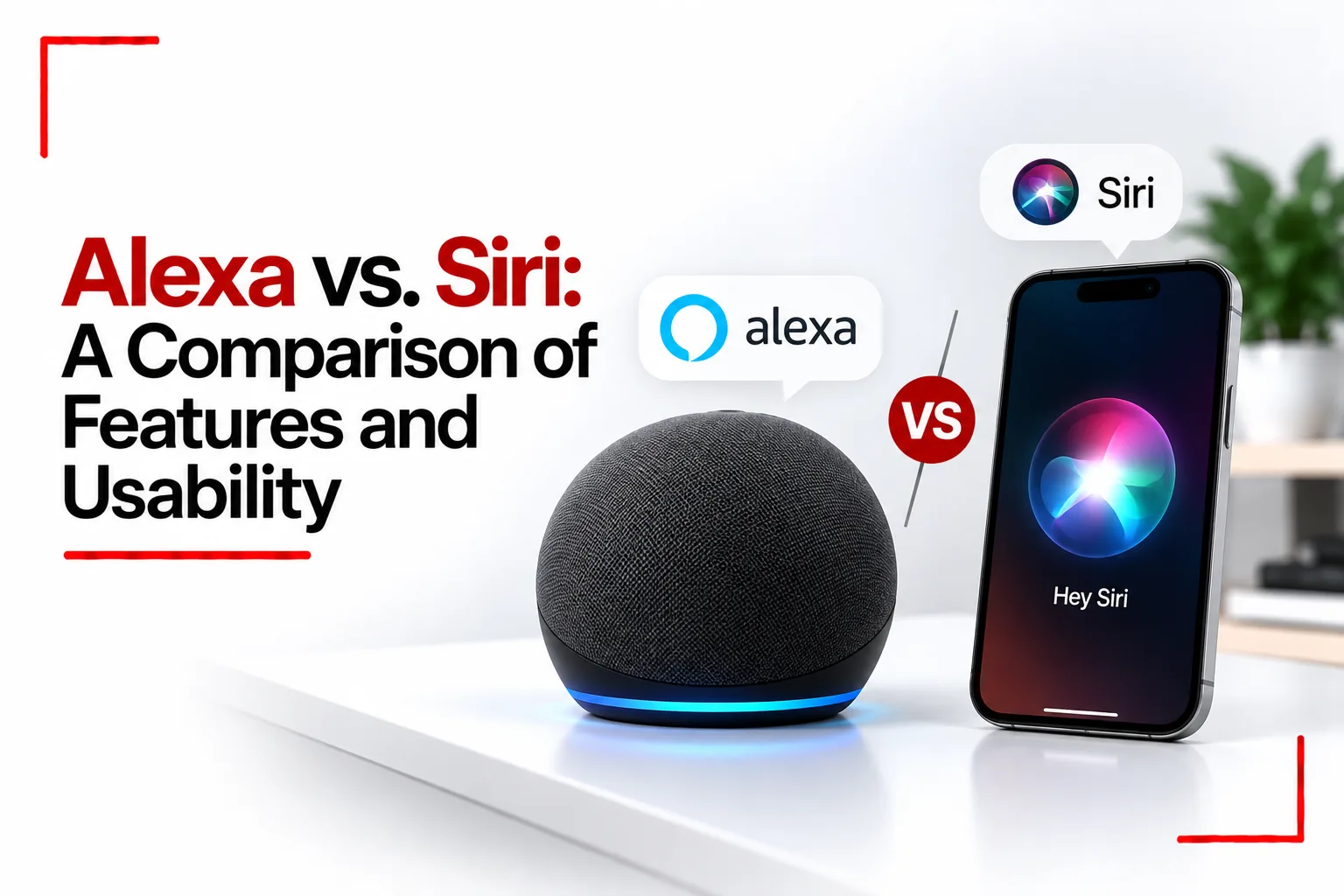

Voice assistants have become a familiar part of everyday technology. You can use them to set reminders, play music, check the weather, control smart home devices and get quick answers without typing or touching a screen. Amazon Alexa and Apple’s Siri are two of the best known options, but they are built around different devices and offer different ways to interact with technology.
Alexa is closely connected to Amazon Echo speakers, smart displays and compatible smart home products. Siri is built into Apple devices such as the iPhone, iPad, Mac, Apple Watch and HomePod. Both assistants can handle everyday requests, but the devices you own and the tasks you perform can make one a better fit for your daily routine.
The comparison between Alexa vs Siri comes down to voice control, smart home compatibility, everyday convenience, privacy and how each assistant connects with your other devices.
Table of Contents
Quick Comparison
| Feature | Amazon Alexa | Apple Siri |
|---|---|---|
| Main devices | Amazon Echo speakers, Fire TV and compatible devices | iPhone, iPad, Mac, Apple Watch, HomePod and other Apple devices |
| Smart home control | Broad support through compatible devices and Alexa integrations | Smart home control through Apple’s Home app and supported accessories |
| Voice activation | Wake word, usually “Alexa” | “Siri” or “Hey Siri,” depending on device and settings |
| Music and entertainment | Works with supported music services, streaming devices and routines | Integrates with Apple Music and supported third party services |
| Phone functions | Works with Alexa apps and supported calling features | Closely integrated with iPhone calls, messages, reminders and apps |
| Custom commands | Routines and third party Alexa skills | Shortcuts and supported Siri actions |
| Device compatibility | Works with many brands of smart home products | Best integrated with Apple devices and compatible smart home accessories |
| Shopping | Amazon shopping and order related features | No equivalent built in Amazon shopping experience |
| Privacy controls | Includes microphone controls, voice history and privacy settings | Includes on device processing for supported requests and privacy controls |
| Best known for | Smart home control and Echo devices | Integration across Apple devices |
Features depend on the device, software version, region and connected services.
What Is the Difference Between Alexa and Siri?
The main difference is how each assistant fits into your technology setup. Alexa is designed around voice controlled devices and connected home features. Siri is integrated into Apple’s operating systems, making it easier to use voice commands alongside iPhone apps, messages, reminders and other Apple services.
Alexa can be used through Echo speakers and displays, some televisions, compatible smart home products and the Alexa mobile app. Its features can expand through Alexa skills and integrations with third party services.
Siri is available across Apple’s device range. You can ask it to send a message, start a timer, make a call, open an app or control supported accessories in your home. Its close connection with Apple software makes it particularly convenient for people who already use several Apple devices.
Alexa vs Siri for Smart Home Control
Alexa has broad smart home support, with compatible products covering lighting, plugs, thermostats, locks, cameras and other connected devices. You can group devices into rooms, create routines and use voice commands to control several products together. Support for third party integrations and Alexa skills can add more features.
Siri controls compatible accessories through Apple’s Home app. You can use voice commands to adjust lights, change thermostat settings, control supported locks and run home automations. HomeKit and Matter help devices from different manufacturers work within Apple’s smart home setup.
Alexa can be convenient if your home includes products from several manufacturers, especially when those products feature Alexa integration. Siri can be a good option if you use an iPhone and want smart home controls connected to Apple’s Home app.
The final experience depends on the accessories you buy. Check that a device supports your preferred assistant before purchasing it.
Which Is Better for Everyday Tasks?
Both assistants can handle common requests such as setting alarms, checking the weather, creating reminders and answering simple questions. The difference becomes clearer when you consider the device you are using and the apps connected to it.
Alexa is convenient for hands free requests around the home. An Echo speaker can announce timers while you cook, play music in another room or control smart lights without needing a phone nearby.
Siri is especially useful for tasks linked to an iPhone. You can ask it to call a contact, send a message, create a reminder, open an app or interact with supported Apple features. If you wear an Apple Watch, Siri can also handle certain requests directly from your wrist.
For household voice commands, Alexa has an advantage through its dedicated speakers and displays. For phone related tasks and Apple device controls, Siri has closer integration.
Alexa vs Siri for Music and Entertainment
Alexa supports several music and audio services, depending on your country, subscriptions and connected devices. Echo speakers can play music, podcasts, radio stations and other supported audio content. You can also use Alexa to control compatible Fire TV devices and other connected entertainment products.
Siri works with Apple Music and can control supported audio playback across Apple devices. It can play music, start podcasts, set playback controls and respond to requests through devices such as the HomePod, iPhone and Apple Watch. Support for other services depends on the app and the device.
The sound quality comes from the speaker or audio equipment, not the assistant itself. An Echo device and a HomePod can deliver very different audio experiences depending on their hardware, size and price.
Alexa is a flexible option for homes using different entertainment brands. Siri is convenient for people who already use Apple Music and other Apple devices.
Which Assistant Is Easier to Use?
Alexa is straightforward to use through an Echo speaker. You say the wake word, give a command and receive a response without needing to pick up your phone. The Alexa app provides controls for connected devices, routines, settings and supported services.
Siri is similarly easy to activate on compatible Apple devices. Voice commands can be used while your hands are occupied, and many requests connect directly with Apple’s built in apps. Someone already familiar with an iPhone will often find Siri easy to use because it works within the same software environment.
Alexa may take more setup when you connect several smart home products or configure advanced routines. Siri can also need extra setup for Home automations, Shortcuts and accessories. Neither assistant handles every request perfectly, and the results can depend on how clearly a command is phrased.
Alexa vs Siri for Privacy and Security
Both assistants process voice requests to provide responses, but their privacy settings and data handling options are not the same.
Alexa includes controls for microphone access on supported Echo devices, voice recording history and automatic deletion options. You can review available privacy settings in the Alexa app and use the physical microphone off button on compatible Echo devices.
Siri offers privacy controls through Apple’s operating systems. Some requests can be processed on the device, while others need Apple’s servers. Available processing methods depend on the request and device. Apple also provides settings for Siri history, voice activation and access from the lock screen.
Smart home security also depends on the connected products, account security and how devices are configured. A well secured account, updated software and careful management of connected services are important with either assistant. Neither assistant should be treated as completely private in every situation. Review the available settings and understand what information each service stores before enabling features you do not need.
Can Alexa and Siri Work Together?
Yes, Alexa and Siri can be used in the same home, but they do not operate as one combined assistant. Each has its own settings, voice commands, supported services and smart home integrations.
For example, you can use Siri on your iPhone to send messages and manage Apple reminders, while an Echo speaker handles music playback, timers and smart home routines. Some accessories support both assistants through Matter or other compatible integrations, although support depends on the specific product and setup.
Using both can be convenient if your household has a mix of Apple devices, Echo speakers and smart home products. It can also mean managing two apps, two sets of routines and separate settings.
Alexa and Siri connect with everyday technology in different ways. Alexa focuses on Echo devices, smart home controls, voice routines and integrations with products from many manufacturers. Siri is closely connected to Apple devices, making it easy to manage calls, messages, reminders and compatible home accessories.
Both assistants can handle everyday voice commands, play music, set timers and control supported smart home devices. Their features, compatibility and privacy settings depend on the devices and services being used.