
Computers have become part of everyday work, entertainment, study and communication, but not every computer is designed for the same kind of use. The choice between a desktop and a laptop can affect how much space you need, how easily you can move your computer and how much freedom you have to upgrade it later.
Desktops and laptops can handle everything from everyday browsing and office work to gaming, video editing and other demanding tasks. The main difference is how much performance, portability, upgradeability and convenience you get from each type of computer.
Desktops usually deliver more performance for the price, better cooling and easier hardware upgrades. Laptops combine the computer, display, keyboard, trackpad and battery into one portable device, making them easier to use in different locations.
Table of Contents
| Feature | Desktops | Laptops |
|---|---|---|
| Performance | Usually higher for the price | High performance, but comparable hardware can cost more |
| Portability | Low | High |
| Upgrades | Easy on most models | Limited on many models |
| Cooling | Better | More restricted by size |
| Gaming | Excellent | Excellent on gaming models |
| Battery | No built in battery | Built in battery |
| Space | Needs a dedicated setup | Takes up less space |
| Repairs | Components are easier to replace | Some repairs can be more difficult |
| Multiple monitors | Easy to set up | Possible with compatible ports or docks |
| Long term flexibility | High | Lower |
Desktops vs. Laptops: What Is the Difference?
A desktop is designed to stay in one place and usually uses a separate monitor, keyboard and mouse. Its larger case leaves more room for powerful components, additional storage and better cooling. A laptop combines the main computer hardware with a display, keyboard, trackpad and battery. Its compact design makes it easier to carry, but the smaller size can limit cooling and hardware upgrades.
Which Is More Powerful, a Desktop or Laptop?
Desktops generally offer more performance for the money. Their larger cases can accommodate more powerful processors, dedicated graphics cards, larger cooling systems and higher capacity power supplies. Laptops can still deliver excellent performance, especially gaming laptops and mobile workstations. The difference becomes more noticeable when comparing similarly priced systems with demanding workloads such as gaming, 3D rendering and video editing.
Which Is Better for Gaming?
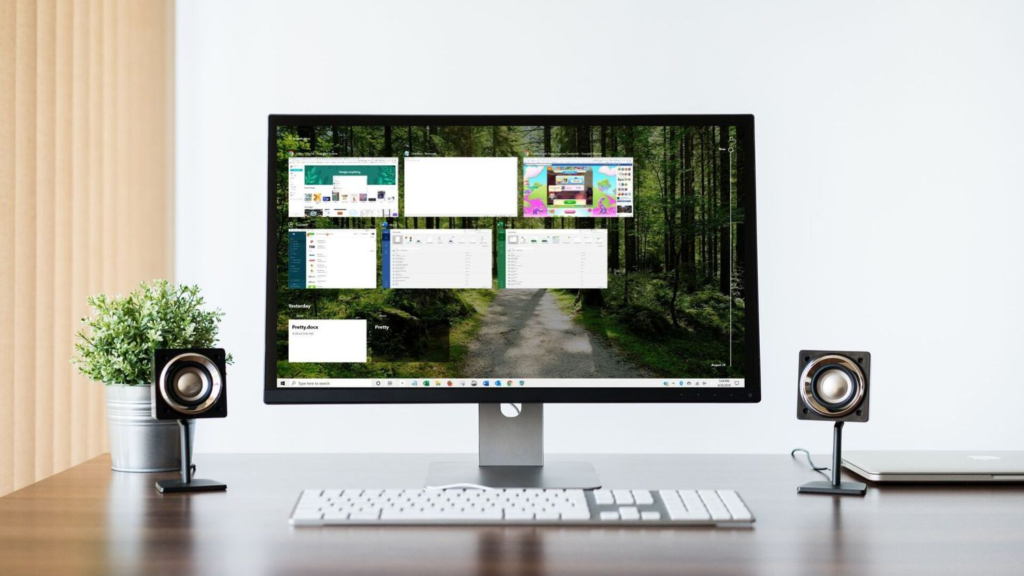
Desktops are usually better for gaming when portability is not important. They can use larger graphics cards, better cooling systems and full size gaming components. You can also replace individual parts as new hardware becomes available.
Gaming laptops have the advantage of portability. A single device includes the screen, keyboard and computer hardware, so you can take your gaming setup with you. High end gaming laptops can deliver excellent performance, although they often cost more than a desktop with similar hardware.
Related Article: How Long do Alienware Laptops Last?
Which Is Better for Work and School?
Laptops are often more convenient for students and people who work in different locations. You can take one to class, the office, a library or another room without moving a full computer setup. Desktops work well for people who spend most of their time at one desk. They can support larger monitors, multiple displays, full size keyboards and other peripherals that can make long work sessions more comfortable.
For basic tasks such as email, web browsing, documents and video calls, both types of computers can provide enough performance.
Which Is More Portable?
Laptops are the clear winner for portability. The display, keyboard, trackpad, battery and computer hardware are all built into one device. A desktop needs a separate monitor and peripherals, making the complete setup much harder to move. Even a compact desktop is less convenient for regular travel than a laptop.
Which Is Easier to Upgrade?
Desktops are much easier to upgrade. Depending on the model, you can replace or add RAM, storage, graphics cards, power supplies, cooling components and other hardware. Laptop upgrades are more restricted. Some models allow you to replace or expand the storage or RAM, while others have these components attached to the motherboard. The processor and graphics hardware are also generally not replaceable.
Which Is Cheaper, a Desktop or Laptop?
A desktop can offer more performance for the same budget, but the computer itself is only part of the total cost. You may also need a monitor, keyboard, mouse and speakers. A laptop includes the display, keyboard, trackpad and battery, so you can use it straight out of the box without buying those separate components.
Long term costs can also favor desktops because individual parts can be replaced. You can upgrade the graphics card or storage without replacing the entire computer when the rest of the system is still suitable.
Which Has Better Cooling?
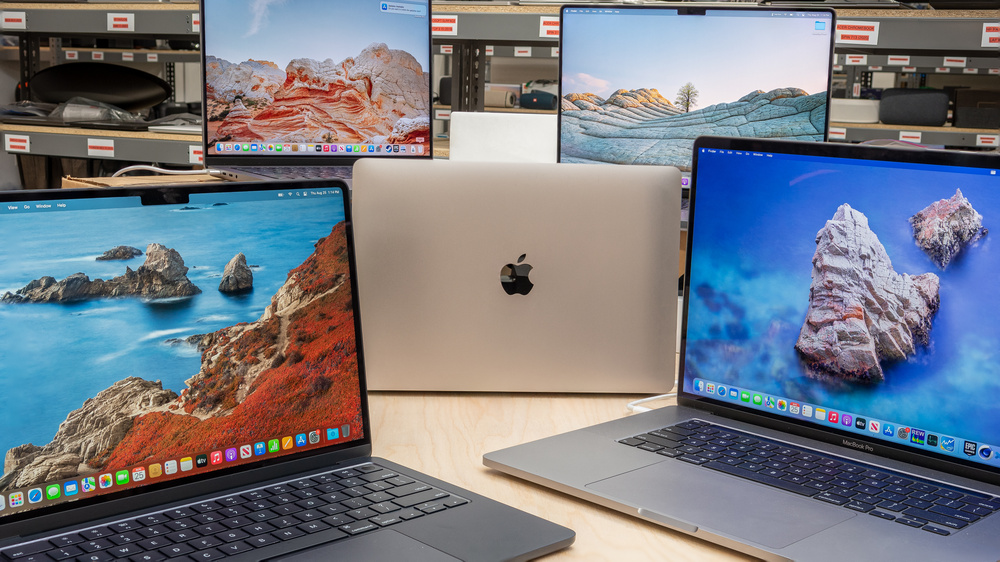
Desktops generally have better cooling because their larger cases provide more space for fans, heat sinks and airflow. This is especially useful for powerful processors and graphics cards running under heavy workloads. Laptops have less space for cooling hardware. Gaming laptops can still have sophisticated cooling systems, but demanding games and other intensive workloads can produce substantial heat inside a compact chassis.
Which Lasts Longer?
Both desktops and laptops can last for many years, but desktops have an advantage when it comes to long term upgrades and repairs. A desktop can receive a new graphics card, more RAM or additional storage without replacing the entire system. Laptops have fewer upgrade options, and certain repairs can be more difficult or expensive because of their compact design.
Desktops vs. Laptops for Home Use
A desktop can be a better fit for a permanent home workstation, especially if you want a large monitor, multiple displays, plenty of storage or powerful hardware. A laptop takes up less space and can be moved around the home easily. It can also be stored away when you are finished using it.
For basic home computing, both options can handle everyday tasks comfortably. The main difference is the balance between performance and portability.
Related Article: What Are All the HP Laptop Series? Here Is the Full Breakdown
Desktops vs. Laptops: Pros and Cons
Desktops
Pros:
- More performance for the price
- Easier hardware upgrades
- Better cooling
- More storage options
- More ports and expansion options
- Easier component replacement
Cons:
- Not portable
- Needs a separate monitor and peripherals
- Takes up more space
- Needs a permanent power connection
Laptops
Pros:
- Portable
- Built in display and keyboard
- Includes a battery
- Takes up less space
- Easy to use in different locations
Cons:
- Fewer upgrade options
- More restricted cooling
- High performance models can be expensive
- Some repairs are difficult
- Smaller screens than many desktop setups
The better option depends on how you plan to use the computer. Desktops are a good choice for gaming, demanding software, home workstations and users who want to upgrade their hardware over time. Laptops are a good option for people who need portability, work or study in different locations, or want an all in one computer.