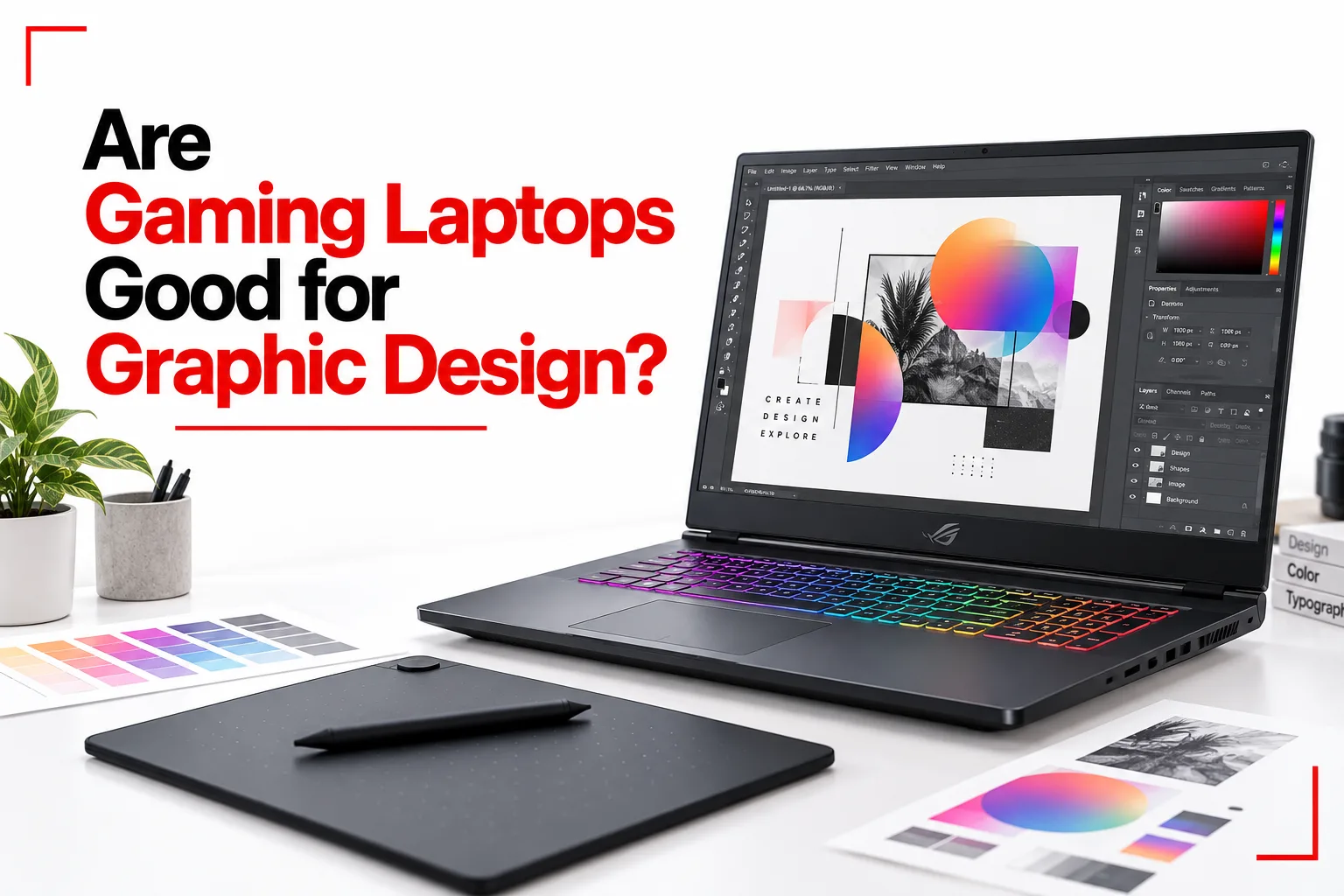

Graphic design software can place a fair amount of demand on a computer, especially when you are working with large images, multiple design files or more complex projects. A good computer needs enough processing power, memory and storage to keep these applications running smoothly, while the display also needs to show images and colours accurately.
Gaming laptops are built with many of the same hardware features that can benefit graphic designers. They often come with powerful processors, dedicated graphics, plenty of RAM and fast SSD storage, giving them enough performance for a wide range of creative work.
Are gaming laptops good for graphic design? In most cases, yes. They can handle software such as Photoshop, Illustrator and InDesign, while higher performance models can also handle 3D design, animation and video editing. For basic graphic design, however, you do not necessarily need a high end gaming laptop. A mid range model with a good display, enough RAM and a fast SSD can handle many design applications comfortably.
Table of Contents
Why Are Gaming Laptops Good for Graphic Design?
Gaming laptops are designed to handle demanding workloads, which makes many of their hardware features useful for designers.
Powerful Processors
Graphic design software can place a significant load on the CPU, especially when working with large files, multiple applications or complex projects. Modern gaming laptops often use high performance Intel Core, AMD Ryzen or similar processors. A capable CPU can make tasks such as applying effects, exporting files and working with large projects faster.
Dedicated Graphics
A dedicated GPU is one of the biggest advantages gaming laptops have over basic laptops. Graphics cards from NVIDIA and AMD can accelerate supported features in creative applications. They are particularly useful for 3D design, animation, video editing and other workloads that make heavier use of the GPU. For standard Photoshop or Illustrator work, an expensive graphics card is not always necessary. A mid range GPU can still provide plenty of performance.
More RAM
RAM is important when working with large images, multiple design files and several applications at the same time. A gaming laptop with 16GB of RAM is a good starting point for many graphic design tasks. 32GB can be useful for larger projects, 3D work, video editing and heavier multitasking.
Fast SSD Storage
Gaming laptops usually come with SSD storage, which can make a noticeable difference when opening applications, loading projects and transferring large files. Designers working with large Photoshop documents, RAW images or video files may also benefit from having plenty of storage. A 512GB SSD can work for lighter workloads, while 1TB or more gives you more room for creative projects and software.

Is the Display Good Enough for Graphic Design?
The display is one area where you need to look beyond the word “gaming.” A gaming laptop can have a fast refresh rate and excellent gaming performance while still having a mediocre display for professional design work. Colour accuracy, colour coverage, resolution and brightness are more important for graphic design.
Look for a display with good sRGB coverage for general design work. If your projects involve professional print work or colour sensitive production, wider colour coverage such as DCI P3 or Adobe RGB can also be useful. A higher resolution display can make detailed design work easier. A 1440p or 4K screen provides more workspace and sharper images than a basic 1080p panel.
What Specifications Should a Gaming Laptop Have for Graphic Design?
The right specifications depend on your workload, but these are useful targets:
| Component | Good Starting Point | Better for Heavy Work |
|---|---|---|
| CPU | Modern Core i5 or Ryzen 5 | Core i7, Core Ultra 7 or Ryzen 7 and above |
| RAM | 16GB | 32GB or more |
| Storage | 512GB SSD | 1TB SSD or more |
| GPU | Mid range dedicated GPU | Higher end dedicated GPU |
| Display | Full HD with good colour coverage | 1440p or 4K with excellent colour accuracy |
| Refresh rate | 120Hz or higher | 144Hz or higher |
| Colour coverage | Good sRGB coverage | Wider DCI P3 or Adobe RGB coverage |
You do not need the most expensive gaming laptop for graphic design. A balanced configuration is often more useful than spending most of the budget on the fastest GPU available.
Gaming Laptops vs Regular Laptops for Graphic Design
Gaming laptops have an advantage when performance is a priority. They often include more powerful processors, dedicated graphics and better cooling than regular laptops in the same price range. Regular laptops can still be a better fit for designers who mainly work with documents, web graphics, basic photo editing and other lighter projects. They are often lighter, quieter and easier to carry.
The choice also depends on your software. Photoshop and Illustrator can run well on many modern laptops, while 3D applications and advanced video editing can benefit much more from the extra hardware found in gaming laptops.
Can You Use a Gaming Laptop for Photoshop?
Yes. Gaming laptops can run Photoshop very well when they have enough RAM, a modern processor and SSD storage. For everyday Photoshop work, 16GB of RAM is a useful starting point. More RAM becomes useful when working with very large files, multiple documents or several Adobe applications at the same time.
A dedicated GPU can also help with features that use graphics acceleration, but Photoshop does not need an expensive gaming GPU for most tasks.
Related Article: Laptop Buying Checklist: What to Look for and What to Avoid
Can You Use a Gaming Laptop for Illustrator?
Yes. Illustrator can run well on a gaming laptop, especially when the computer has a modern CPU, enough RAM and fast storage. Illustrator focuses heavily on CPU performance for many tasks, while GPU acceleration can help with certain effects and viewing features. A balanced gaming laptop can provide more than enough performance for logos, illustrations, vector artwork and other design projects.
Are Gaming Laptops Too Heavy for Graphic Designers?
Weight can be one of the biggest drawbacks. Gaming laptops often have larger cooling systems, powerful hardware and bigger power adapters. Some models are relatively portable, while high performance machines can be noticeably heavier than thin design focused laptops.
If you travel frequently with your computer, check the laptop’s weight, charger size and battery life before buying it. A powerful laptop is less convenient if carrying it around becomes a problem.
Do Gaming Laptops Have Good Battery Life?
Battery life is another area where gaming laptops can fall behind regular laptops. Powerful processors and dedicated graphics consume more energy, particularly when the GPU is being used heavily. Gaming laptops can also become much less efficient when running demanding software away from a power outlet.
For designers who spend most of their time at a desk, this may not be a major concern. People who work in different locations may prefer a lighter laptop with longer battery life.
Can Gaming Laptops Handle 3D Graphic Design?
Gaming laptops can be very good for 3D design, modelling and rendering. Applications such as Blender, Autodesk Maya and similar software can benefit from a powerful CPU, dedicated GPU and plenty of RAM. GPU based rendering can also make a more powerful graphics card particularly useful.
For serious 3D work, look for a laptop with 32GB of RAM or more, a powerful dedicated GPU and sufficient SSD storage. Cooling also becomes more important because rendering can keep the processor and graphics card under heavy load for extended periods.
What Are the Disadvantages of Gaming Laptops for Graphic Design?
Gaming laptops are not perfect for every designer.
The biggest drawbacks can include:
- Weight: Some models are heavier than standard laptops.
- Battery life: Powerful hardware can consume more power.
- Display quality: Some gaming screens prioritize refresh rate over colour accuracy.
- Noise: Fans can become loud during demanding workloads.
- Price: High performance models can become expensive.
- Portability: Larger gaming laptops can be less convenient for frequent travel.
These drawbacks do not make gaming laptops bad for graphic design. They simply show why specifications such as display quality and battery life should be considered alongside CPU and GPU performance.
Related Article: Desktops vs. Laptops: Which Is Better for You?
Are Gaming Laptops Best for Graphic Design?
Gaming laptops can be a good choice for graphic design when you want high performance and the ability to handle demanding creative software. They are particularly useful for designers who also work with video editing, 3D modelling, animation or gaming. The powerful hardware gives you more room for demanding projects without needing a separate desktop computer.
For basic graphic design, you may not need that level of performance. A lighter laptop with a high quality display, 16GB of RAM and a fast SSD can be enough for many Photoshop, Illustrator and InDesign projects. The display deserves special attention, since a fast gaming screen is not automatically a good design screen. Colour accuracy, resolution and colour coverage can be just as important as processing power.
Demanding creative work can benefit from the performance of a gaming laptop. Lighter design tasks can be handled by a less powerful laptop, which may also be lighter and provide better battery life.