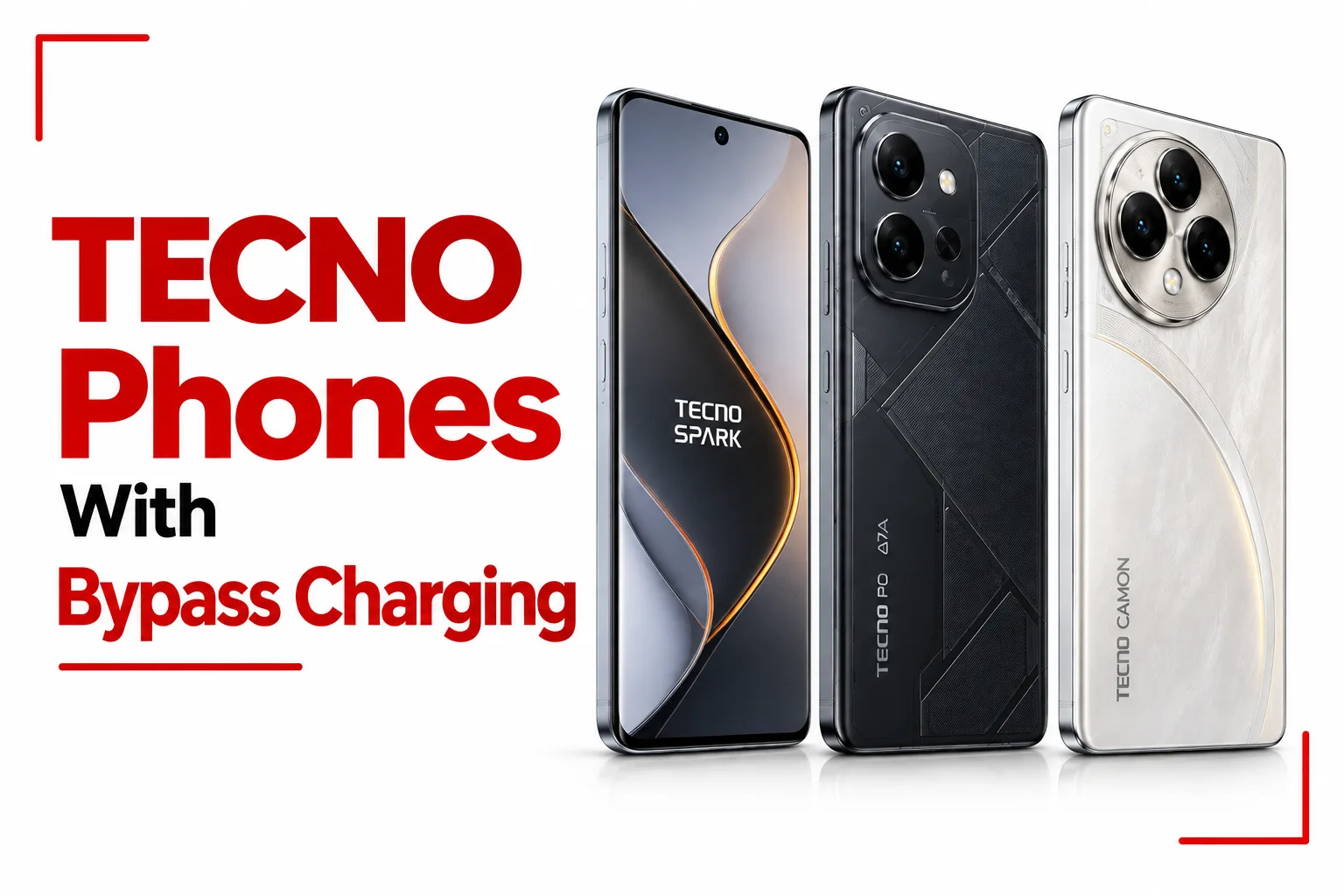

TECNO phones with bypass charging can draw power from the charger and send it directly to the phone’s main hardware during supported use, reducing the need to run that workload through the battery. The feature is especially useful when you are gaming, streaming video, or using the phone heavily while it remains connected to a charger.
That approach can reduce heat around the battery and cut down on unnecessary charging cycles during long plugged in sessions. TECNO has used bypass charging on selected POVA and SPARK models, and newer phones such as the POVA 8 Pro 5G have expanded the feature beyond gaming to activities such as streaming, navigation, and video calls.
The important point is that bypass charging is not available on every TECNO phone. The feature also does not work in exactly the same way across every model, so checking the specific phone and its HiOS version is recommended.
Table of Contents
TECNO Phones with Bypass Charging
Bypass charging is fully supported on these TECNO devices:
TECNO POVA 5 Pro 5G
TECNO POVA 5 Pro 5G combines bypass charging with a 6.78 inch 120Hz display and a MediaTek Dimensity 6080 5G chipset, giving the phone a setup built for gaming and everyday performance. Its 5,000mAh battery and 68W Ultra Charge also support long gaming sessions, while bypass charging helps reduce battery use and heat when you play while connected to a charger.
TECNO POVA 6 Pro 5G
The POVA 6 Pro 5G has bypass charge as part of its super endurance power system. Under supported conditions, the feature can power the motherboard directly while the battery stays dormant during gaming. The phone also packs a 6,000mAh battery, 70W charging, and a cooling system built to handle demanding gaming sessions.
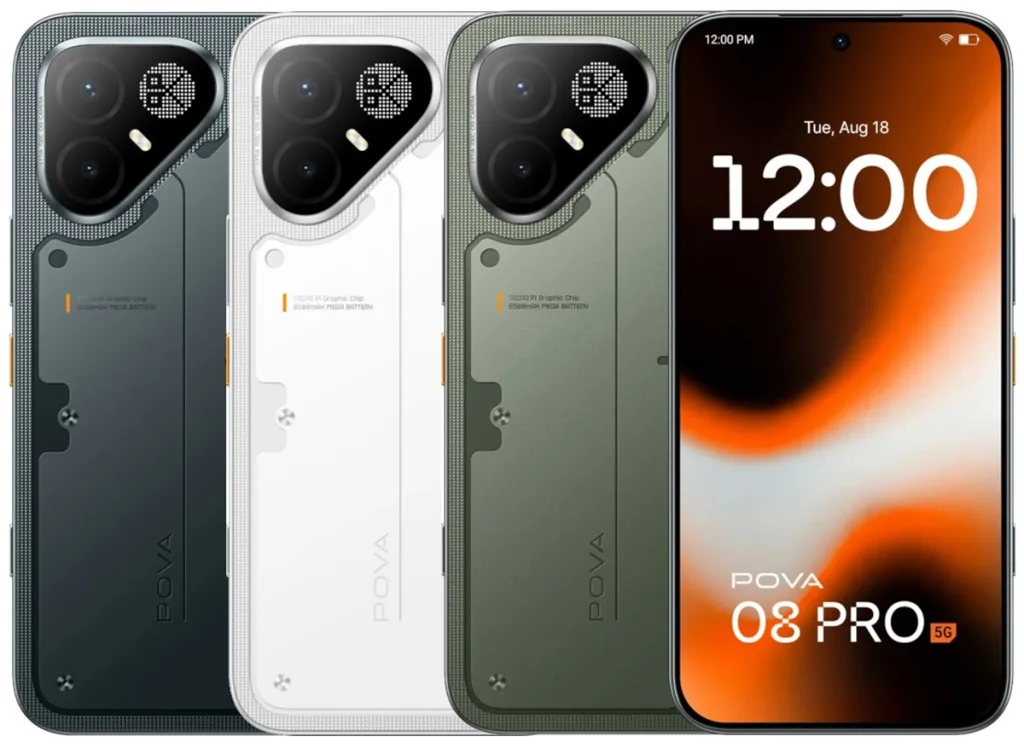
TECNO POVA 8 Pro 5G
The POVA 8 Pro 5G takes bypass charging beyond gaming with all scenario bypass charging. The feature supports activities such as gaming, video streaming, maps, and video calls, allowing the phone to draw power from the charger during more types of everyday use. The exact apps and games supported depend on the phone’s software and can be checked on the device.
Related Article: Tecno Phones With the Best Battery Life
TECNO SPARK 40 Pro
The SPARK 40 Pro combines bypass charging with a 5,200mAh battery and 45W fast charging. Its 6.78 inch AMOLED display with a 144Hz refresh rate delivers smooth visuals for gaming, video playback, and everyday use. Bypass Charging adds another layer of power management when the phone is connected to a charger during supported activities.
TECNO SPARK 50 Pro
The SPARK 50 Pro supports bypass charging, allowing power to go directly to the motherboard during intensive activities such as gaming and video streaming while the phone is plugged in. This reduces unnecessary battery charging cycles and helps limit heat buildup during extended use. The phone also features hyper charging, smart charging, and low temp charging modes for added control over charging speed and temperature.
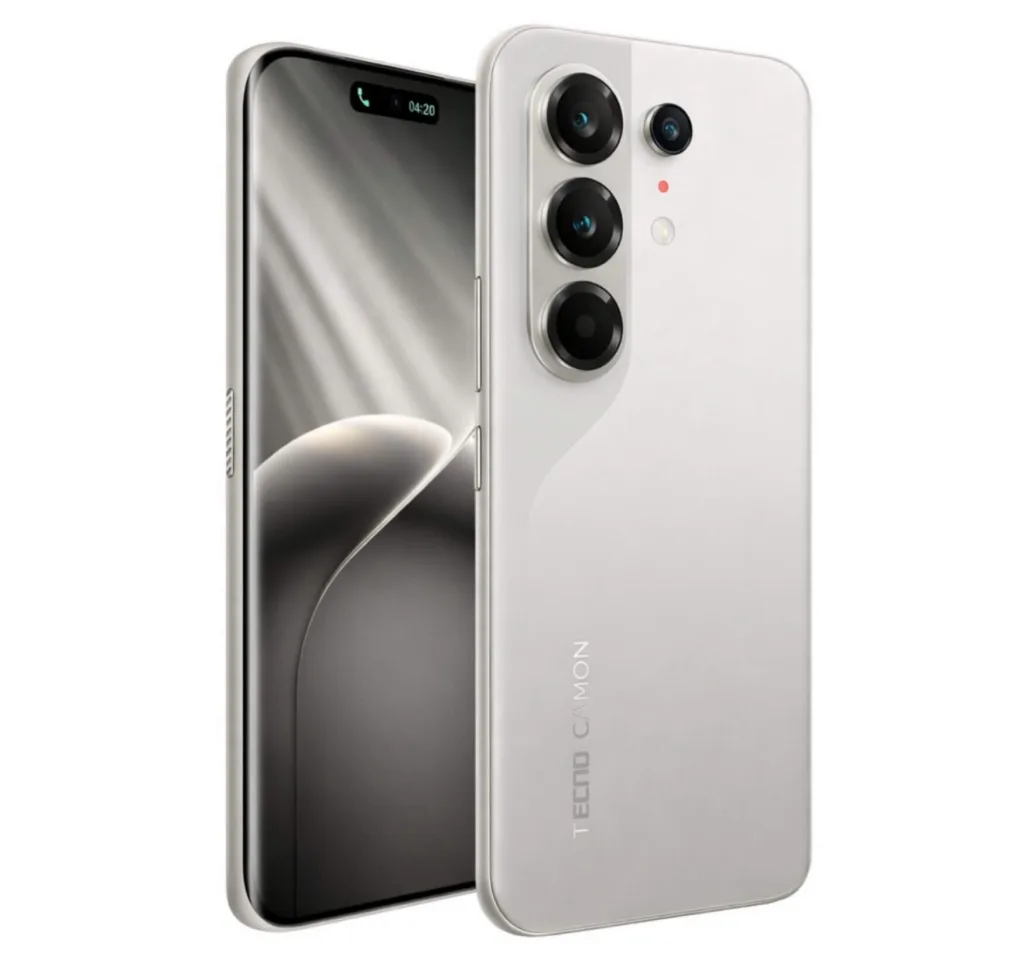
TECNO CAMON 40 Pro 5G
The CAMON 40 Pro 5G combines bypass charging with a 5,200mAh battery and 45W fast charging. It also features a 6.78 inch AMOLED display with a 144Hz refresh rate, a MediaTek Dimensity 7300 Ultimate chipset, and a 50MP main camera with optical image stabilization. With its high refresh rate display, capable processor, and camera setup, the phone offers a well rounded package for gaming, photography, and everyday use.
Related Article: 10 TECNO Phones with On Screen Fingerprint
TECNO CAMON 50 Pro 5G
The CAMON 50 Pro 5G pairs a 6,500mAh battery with 45W fast charging and Bypass Charging. Its 6.78 inch AMOLED display has a 144Hz refresh rate, while the MediaTek Dimensity 7400 Ultimate handles performance. For photography, the phone features a 50MP main camera with OIS, giving the camera setup added stability for handheld shots.
What Bypass Charging Actually Does
Bypass Charging changes how power flows through the phone while it is connected to a charger. Under supported conditions, power from the charger goes directly to the phone’s main hardware, allowing the battery to remain idle while you are gaming or performing other supported tasks. This can reduce battery charging cycles and limit heat buildup during extended use.
Why Bypass Charging Is Useful
Less Battery Heat During Heavy Use
Gaming while charging can make a phone noticeably warmer because the processor is working hard while the battery is also receiving power. Bypass Charging can remove the battery charging workload during supported use, which can help reduce heat around the battery.
Fewer Unnecessary Charge Cycles
A battery cycle refers to the use of an amount of power equal to the battery’s full capacity, not simply plugging the phone into a charger once. When supported bypass mode supplies power directly to the phone’s main hardware, the battery does not have to repeatedly charge and discharge to provide that power. This can reduce some battery wear during long plugged in sessions.
Better Thermal Control During Gaming
High temperatures can affect phone performance. A device may reduce processor activity when temperatures become too high. Bypass Charging does not guarantee that a phone will remain cool, since the processor, display, modem, and other components still produce heat. It can, however, remove battery charging from part of that thermal load.
Related Article: Tecno Phones With 5G: Models, Specs, and Prices Compared
All Scenario Bypass Charging
TECNO’s newer all scenario bypass charging takes the concept beyond gaming. The POVA 8 Pro 5G is officially listed with the feature for gaming, streaming, navigation, and video calls. This means you can benefit from the feature during more everyday situations where the phone stays connected to power for an extended period. Bypass Charging does not work across every app or task. Supported apps and the conditions for using the feature depend on the specific TECNO phone and its software, so the available options can be checked directly on the device.
How to Turn On Bypass Charging on a TECNO Phone
The menu location is not identical across all TECNO phones, so there is no single path that applies to every model.
During Gaming
On supported phones:
- Connect the phone to its charger.
- Open a supported game.
- Open the Game Assistant or Game Tools panel.
- Look for Bypass Charging, Bypass Charge, or a similar option.
- Turn it on.
Through Battery Settings
Some newer TECNO phones place bypass charging inside the battery settings. If you cannot find the option, check your phone’s Battery, Battery Health, Charging, Game Tools, or Game Assistant sections. If none of these areas show a bypass option, your model or current software may not support it.
Does Bypass Charging Work on Every TECNO Phone?
No. Bypass Charging is a model specific feature. The presence of a large battery or fast charging does not automatically mean that a TECNO phone has bypass power delivery. For example, a phone can have 45W or 70W charging without offering bypass charging. This is why it is better to check the exact model’s specifications instead of assuming that every phone in a particular TECNO series has the feature.
Bypass Charging Does Not Mean Zero Heat
Bypass Charging can reduce battery related heat during supported use, but it cannot remove all heat from a phone. The processor, graphics hardware, display, modem, storage, and charging circuitry can still produce heat during gaming and other demanding tasks. A phone can become warm even when bypass charging is active. The benefit is that the battery does not have to carry the same charging workload during supported use.
Bypass Charging gives TECNO phones an extra layer of power management during demanding use. Since the feature is available on selected models and can work under specific conditions, check the charging features and software support on the exact phone you plan to buy.